How to Report a Suspicious Classifieds Listing
Learn how to report a suspicious classifieds listing with clear evidence, platform steps, and scam report tips to help moderators act fast.
On this page
- What Counts as a Suspicious Classifieds Listing?
- Gather the Details Before You Report
- How to Report a Suspicious Classifieds Listing
- How to File a Classifieds Scam Report
- How to Report a Fake Ad to Other Channels
- What to Do If You Already Contacted the Seller
- After You Submit the Report: Follow Up and Monitor
- Quick Checklist for Reporting Safely
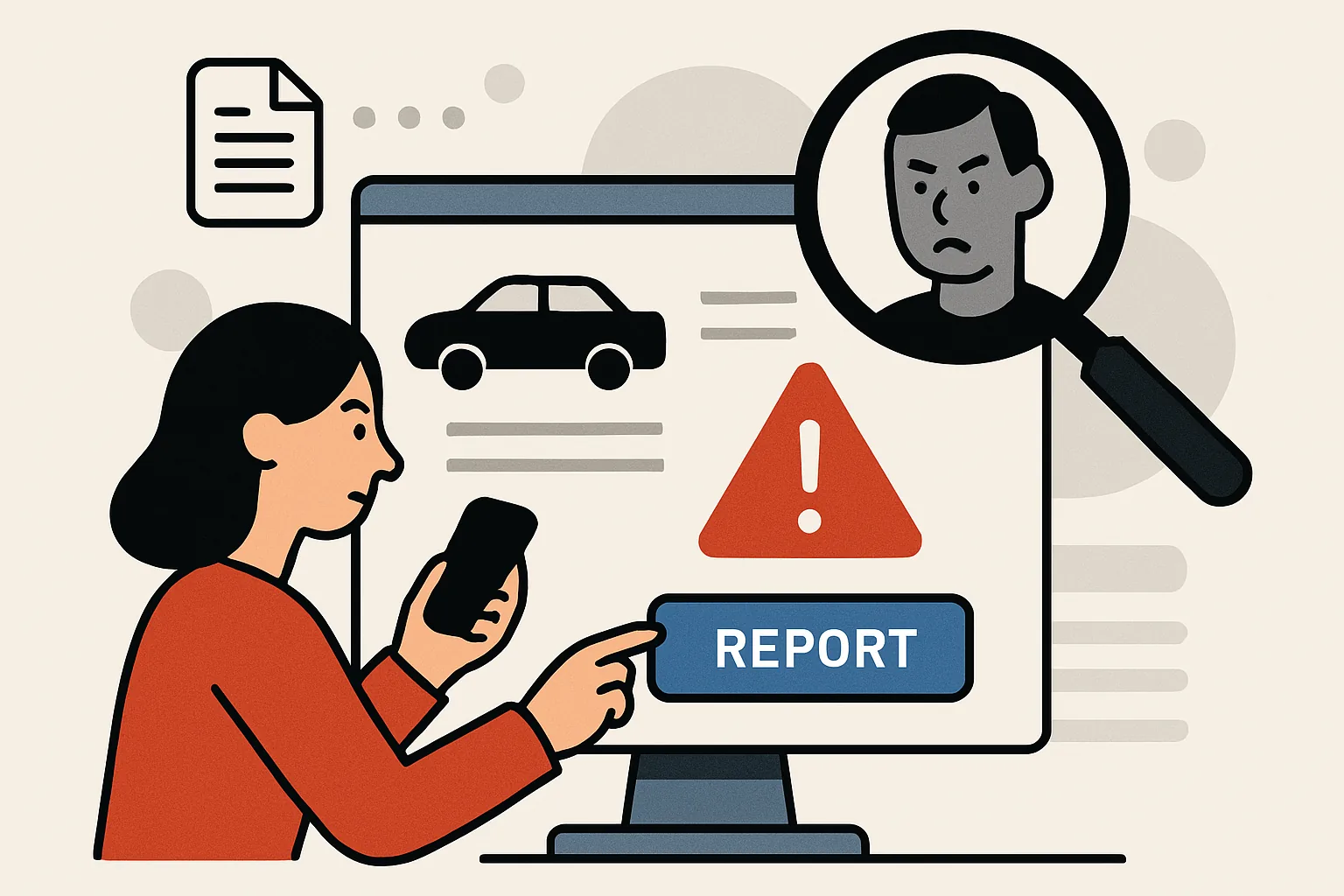
What Counts as a Suspicious Classifieds Listing?
A suspicious classifieds listing is not always an outright scam, but it usually gives you a reason to pause. The signs are often small at first: a price that looks oddly low, vague product details, photos that seem borrowed from somewhere else, or a seller who is strangely eager to move the conversation off-platform. One warning sign on its own may mean nothing. A handful of them together is a different story.
Common red flags include descriptions that don’t match the photos, pressure to pay quickly, requests for unusual payment methods, and messages that avoid direct answers. A seller might claim the item is “already packed” or “in a different city” and insist on a deposit before you can meet. Sometimes the listing is copied nearly word for word from another ad. Other times the account itself looks rushed, with very little profile history or several similar listings posted in a short span of time.
That said, not every awkward listing is malicious. Some people are simply careless. Grammar mistakes, poor lighting, and short descriptions happen all the time. The question is whether the listing is misleading, fake, or part of a larger scam pattern. If the seller’s behavior starts to push you toward a fast decision, that is usually the moment to slow down.
If you’re unsure whether a post is truly suspicious, it can help to review practical scam indicators before acting. Guides such as how to spot fake classifieds listings and how to avoid classifieds payment scams can make the pattern easier to see. The aim is not to become cynical; it’s to become harder to fool.
Gather the Details Before You Report
Before you report anything, collect the evidence while the listing is still live. A deleted ad can vanish quickly, and you may need to rely on your own records later. Think of it as building a clear file, not just “making a complaint.” The stronger your documentation, the easier it is for the platform or another organization to review your report.
- The full ad URL or listing ID
- The seller’s username, profile link, or account name
- Screenshots of the listing, including the title, description, images, and price
- Messages exchanged with the seller
- Contact details used by the seller, such as phone number or email address
- Timestamps showing when the listing was posted or when messages were sent
- Any payment request, invoice, or bank detail the seller shared
- Notes about anything unusual: pressure tactics, contradictions, or refusal to meet in person
If the platform lets you see message history, save that too. A screenshot is useful, but a fuller record can be even better if you need to explain the timeline. For phone-based contact, keep the number exactly as it appeared. If you need help checking whether a number is legitimate or associated with the listing, see Checking a phone number.
Don’t edit your screenshots in a way that removes context. Leave the date, time, and visible username intact where possible. If a message arrived by email, keep the original message instead of copying and pasting it into a note. Small details matter later, especially when you’re trying to show a pattern rather than a single odd moment.
How to Report a Suspicious Classifieds Listing
Most classifieds platforms have a built-in reporting feature, and that should usually be your first stop. The exact layout differs from site to site, but the process is often similar. Open the listing, look for a menu near the ad title, the seller profile, or the message thread, and find an option such as “Report,” “Flag,” “Mark as suspicious,” or “Send feedback.”
Once you open the report form, choose the most accurate category available. If there is a specific option for scams, fraud, fake item, duplicate listing, or misleading content, use it. If the platform asks for a reason and none of the categories fit neatly, choose the one closest to the actual issue and explain the rest in your notes. Accuracy helps moderators triage the report faster.
Write a short, factual summary. Keep it direct. For example:
“The seller requested payment before any inspection, refused to meet in person, and sent a different bank account name than the profile name. The photos also appear to be copied from another listing.”
That is better than a long emotional paragraph. Moderation teams usually need specifics more than frustration. If the platform allows attachments, upload your screenshots and any supporting messages. If there is a free-text box, include the listing link again and briefly explain why you think the post is fake, misleading, or part of a scam.
After submitting, look for a confirmation message or ticket number. Save it. If the site offers a way to follow up on the report, take a note of the channel and the expected response time. Some platforms also let you report the seller profile separately; if the issue seems broader than one ad, that extra step can matter.
How to File a Classifieds Scam Report
A classifieds scam report is a more structured version of the same complaint. Instead of simply flagging a post, you are explaining the behavior, the evidence, and the likely harm. The goal is to make it easy for the platform to see why the listing is not just annoying, but risky.
Start with a clean summary: what the listing advertised, what happened when you engaged with it, and why that behavior looked deceptive. Then organize the proof. A useful report usually includes:
- The listing link and seller profile
- A brief timeline of events
- Exact quotations from the seller if they made suspicious claims
- Screenshots of the ad and messages
- Proof of payment requests or account details
- Any signs that the photos or text were reused from another source
Be precise about what you observed. If the seller changed the pickup location several times, say that. If the item was advertised as new but the image clearly showed wear, mention the mismatch. If the seller pressured you to pay immediately because “other buyers are waiting,” include that too. Those details can be the difference between a general complaint and a solid fraud report.
If the platform contacts you for more information, respond promptly and keep the thread together. Don’t start a fresh conversation in another help channel unless asked to. That can split the record and slow everything down. When you reply, add only what is useful. A tight, readable follow-up is easier to handle than a long, anxious one.
Sometimes the platform will close a report without much explanation. That is frustrating, but it doesn’t always mean your evidence was ignored. Policies differ, and some systems act quietly. If the listing still looks active and risky, you may want to report it through another route as well.
How to Report a Fake Ad to Other Channels
Reporting the listing on the marketplace is important, but it is not the only path. If the fake ad is spreading through email, social messaging, or a payment request outside the platform, you may need to alert other services too. The point is to reduce the seller’s reach and make it harder for the same material to be reused elsewhere.
If the ad came through email, use your email provider’s abuse or phishing reporting tools. Attach the original message if the system allows it. If the seller asked for payment through a processor, card service, or wallet app, report the transaction request or scam claim there as well. Include the exact account details, payment reference, and screenshots of the request.
If the listing appears to use a website that is hosting stolen content or fake contact information, you can also contact the web host or domain registrar. Most providers have an abuse form or contact address for fraud complaints. Keep the message short and focused on the evidence. Hosts usually need the URL, a description of the abuse, and the proof that the content is deceptive.
In some cases, local consumer protection agencies or fraud hotlines may also be appropriate. This is especially true when money has already changed hands or when the same seller appears to be targeting multiple buyers. If you’re unsure where a complaint belongs, the platform’s own help pages are a decent starting point. For general guidance on support channels, see Getting support.
Just keep in mind that different organizations have different thresholds and rules. One report may trigger removal; another may simply be logged. Even so, each report contributes to the paper trail.
What to Do If You Already Contacted the Seller
If you have already messaged the seller, don’t panic. Many people spot the warning signs only after the conversation has started. What matters now is limiting any further risk.
First, stop sending money. Do not “test” the seller with a small payment, and do not move the conversation to a stranger payment app because they asked nicely. Scam setups often rely on that moment of hesitation. If the seller is pressuring you, keep the pressure from shaping your next move.
Second, avoid sharing more personal information. If you’ve already given your name, phone number, or delivery address, that may be enough for the seller. Do not send your ID, banking details, verification codes, or photos of cards. If the seller asks for a code “to confirm you’re real,” treat that as a serious warning sign.
Third, secure your accounts. Change passwords if you used the same one elsewhere, and enable two-factor authentication where possible. If you clicked any suspicious links, run a security check on the device and review recent logins. If the contact happened by phone, be alert for follow-up calls or messages trying to keep the conversation going.
Fourth, check whether anything else was exposed. Did you share your home address, employer name, alternate email, or social profile? If so, consider what the seller could do with that information. Sometimes the risk is limited to unwanted follow-up; sometimes it is enough to justify extra caution for a while. If you need help after an exchange has already gone wrong, Getting support can point you toward the right next step.
After You Submit the Report: Follow Up and Monitor
Once the report is submitted, the job is not quite finished. Keep an eye on the listing in case it stays active, changes details, or reappears under a slightly different title. A scammer who thinks one ad has been removed may simply repost it with new photos or a new username.
Save everything related to the complaint: confirmation emails, ticket numbers, screenshots, and your original notes. If the platform provides a status update page or message thread, check it periodically. If you receive a request for more evidence, answer with the material already in your file. That makes it easier for the reviewer to connect the dots.
If other people seem to be interacting with the same listing, you may want to warn them carefully if the platform allows it. Keep your language factual and avoid guessing about motives unless you have clear evidence. A simple “This listing requested payment upfront and would not allow inspection” is more useful than a heated accusation.
When money, identity details, or repeated targeting are involved, the issue may need escalation. That could mean a stronger complaint to the platform, a payment-service report, or a formal fraud report to a relevant authority. The right route depends on the facts, but the general rule is simple: the more serious the harm, the less you should rely on a single complaint channel.
For readers who want a broader view of platform processes, The 7 Admister services provides useful context on how support and reporting services are organized.
Quick Checklist for Reporting Safely
Before you send a report, use this quick checklist to make sure you have the basics covered.
- Save the ad URL, seller name, and profile link
- Capture screenshots of the listing and all suspicious messages
- Keep timestamps, payment requests, and contact details
- Choose the closest report category on the platform
- Write a short, factual summary of what happened
- Attach clear evidence, not just a description
- Save the confirmation number or support ticket
- Stop contact with the seller if the conversation feels unsafe
- Do not send more money, codes, or identity documents
- Check other reporting channels if the scam moved beyond the platform
After you report, keep monitoring the situation for a while. Save any new messages, and don’t assume a deleted ad means the problem is over. Sometimes it does. Sometimes it just means the same seller is preparing the next version. Either way, you’ve done the right thing by documenting it properly and report fake ad clearly.