How to Safely Buy a Used Camera on Classifieds
Learn how to safely buy a used camera on classifieds with checks for the sensor, mount, autofocus, accessories, and sample files.
On this page
- How to Safely Buy a Used Camera on Classifieds
- Match the body to your lenses and accessories
- Ask for evidence from this camera
- Bring a simple test kit
- Inspect the sensor, mount, and viewfinder
- Test the controls and shooting functions
- Evaluate an included lens separately
- Put shutter-count information in context
How to Safely Buy a Used Camera on Classifieds
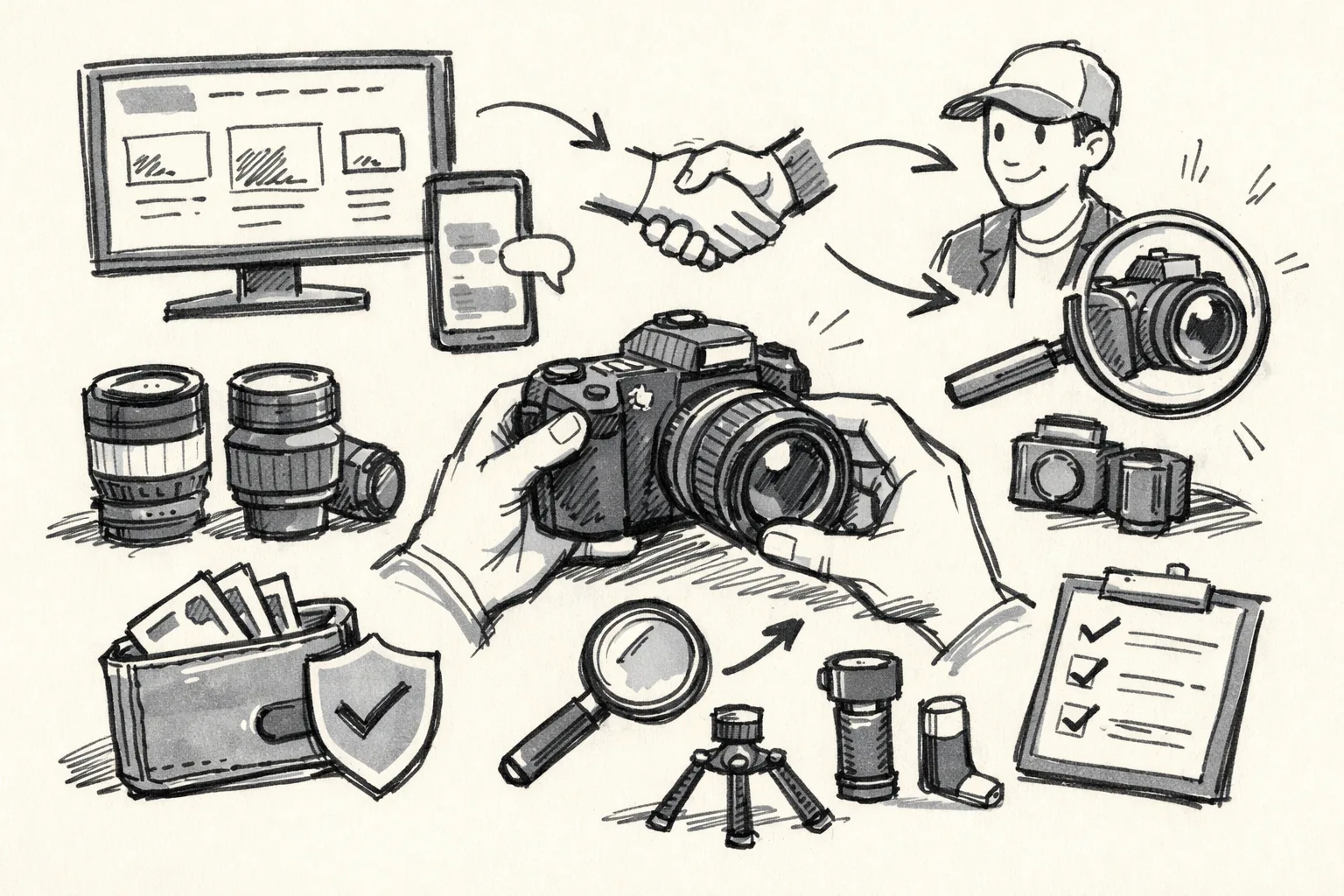
A used interchangeable-lens camera can be a good fit if its mount, sensor, and controls suit the lenses you already own. But a tidy exterior and a convincing listing do not prove that the sensor, autofocus, or card slot works. A focused inspection gives you better evidence before you hand over money.
If you are researching how to safely buy a used camera on classifieds, keep the inspection specific to the camera body and the lens you plan to use. General seller checks still matter, but they cannot tell you whether a particular mount is bent or whether a row of pixels appears in every test image.
Match the body to your lenses and accessories
Before arranging a viewing, identify the exact camera model and lens mount. A lens that fits physically may not support autofocus or electronic aperture control on a different body, and adapters can add limits that matter in everyday use. Check the camera maker’s compatibility information for the body and each lens you intend to bring or buy.
Sensor format matters, too. A lens designed for a smaller sensor may work on a larger-sensor body with a crop or other limitations, depending on the camera and lens. Check the specific combination rather than relying on a label such as “fits the system.” If the lens is central to the purchase, ask the seller to confirm its full model name.
Make a short list of accessories you expect to use:
- Battery type and charger, including whether the charger is included.
- Memory-card type supported by the body, and whether you already own a compatible card.
- Lens mount and any adapter needed for your existing lenses.
- Ports or accessories you rely on, such as a microphone input or remote release.
A battery that powers a different camera in the same product line is not automatically compatible. Check the exact part number before you travel; otherwise, you may arrive with a test kit that cannot turn the camera on.
Ask for evidence from this camera
Request recent, unedited sample files made with the camera being advertised. Ask for a frame taken at a low ISO and another at a higher ISO, plus a photograph of a plain, evenly lit surface. The files can help reveal persistent spots, unusual color lines, or image defects, although compression and editing can hide problems.
Ask for original files rather than screenshots or images saved from a messaging app. If the seller can provide RAW files, they may preserve more useful detail for inspection; a JPEG is still helpful when it is genuinely straight from the camera. Check whether the file’s metadata identifies the camera model and capture settings, but remember that metadata can be changed or removed.
A short video can show the body powering on, displaying a live view, taking a picture, and playing it back. Ask the seller to include the camera’s physical controls in the same clip, rather than showing only a menu screen. That is a useful clue, not proof: a video cannot show how the camera behaves with your lens, card, or battery.
If the seller refuses to provide any current sample or demonstration, ask why before making the trip. A reasonable explanation may be a dead battery or lack of a computer; a claim that the camera “works perfectly” without any evidence does not answer a specific request about focus, playback, or image quality.
Bring a simple test kit
Pack a compatible lens that you know works, a formatted memory card, and a charged battery. Bring a card reader or laptop if you can review files on the spot. A familiar lens helps separate a camera-body fault from a lens fault, while a known-good card helps rule out a bad or incompatible card.
Bring a small flashlight for looking at the mount and viewfinder, but do not shine it directly into the sensor. You do not need specialist tools. A clean cloth is useful for your own equipment, not for rubbing a suspected scratch on the camera or lens.
Keep the test short and organized. Start with the camera’s visible condition, then take and review files before testing extra features. If a seller is rushing you past basic checks, you can pause the deal rather than treating a quick power-on as a full inspection.
Inspect the sensor, mount, and viewfinder
Look at the lens mount with the cap removed. Check for dents, loose screws, bent contacts, or damage around the locking surface. The lens should attach and release without force. Do not twist harder if it catches; a mount that binds may have a mechanical problem.
Take a photograph of a plain, evenly lit surface, such as a bright wall, with the lens focused away from fine detail. Use a small aperture if you know how to set one, then inspect the image on a larger display. Dust on the sensor may show as soft, repeated spots, especially in images of plain subjects; a mark that remains in the same place across several frames deserves closer attention.
Do not mistake every spot for sensor damage. Dust may be removable, while a scratch or persistent mark can require professional service, so ask the seller before assuming either. If the mark appears in the viewfinder but not in the recorded image, it may be in the viewfinder path rather than on the sensor.
Look through the optical or electronic viewfinder for cracks, heavy debris, or a display that flickers. With an electronic viewfinder, compare its image with the rear screen and check whether the display changes when you move between live view and playback. A dirty eyepiece is different from damage inside the finder.
Test the controls and shooting functions
Take photographs at different exposure settings and review each file. Check that the shutter responds, the displayed settings change when you turn the dials, and playback opens without an error. Try autofocus on a nearby object and a more distant one; listen for repeated hunting or watch for a focus indicator that never confirms.
Test the main buttons and dials individually. A control that works only when pressed at an angle can become frustrating during a shoot, even if the camera technically takes pictures. Check menu navigation, exposure compensation, the playback controls, and any custom button you expect to use.
Test built-in flash if the body has one, and record a short video if video is part of your plan. Play the clip back and listen for unusual mechanical noises or interruptions. A camera that takes still images may still have a fault in video recording, audio input, or the screen that tilts for recording.
Check each card slot you expect to use. Insert your own formatted card, take a photo, and confirm that the file appears in playback. If the camera has more than one slot, test them separately; a working first slot does not prove the other one reads or writes correctly.
Inspect ports you need, such as USB, HDMI, or a microphone connection, without forcing a plug into them. Bent connectors or a loose socket can make charging, file transfer, or audio recording unreliable. If you do not have the right cable, ask the seller to demonstrate the port before you agree to pay for that feature.
Evaluate an included lens separately
Do not treat the lens as proven just because the body works. Check the front and rear glass under ordinary light for cracks, haze, fungus-like marks, or deep scratches. A little external dust is not the same as damage inside the lens, but haze or fungus can affect images and may require service.
Turn the focus ring through its range and test autofocus on a clear subject. If the lens has manual and automatic focus switches, try both. Rotate the zoom ring from end to end; it should move without sticking or grinding, and the lens should not collapse or extend unpredictably when handled normally.
Take test images at different apertures and include detail near the center and edges of the frame. Review the files at a useful size for uneven blur, strong softness on one side, or repeated focusing errors. A single missed shot may be user error; a repeated problem with the same lens is a reason to ask for another test or decline the bundle.
Make sure the aperture changes when you take a picture, if the camera lets you confirm that behavior. A lens can look clean yet have a sticking aperture or unreliable electronic contacts. If the seller will not let you test the included lens on the body, value it as untested rather than assuming it is fully functional.
Put shutter-count information in context
A shutter-actuation count can offer one clue about use, but it is not a complete condition report. The method for checking it varies by camera model. Use instructions specific to the exact body, and do not rely on a generic website or a count copied into the listing without checking how it was obtained.
Even a verified count cannot tell you whether the camera was dropped, stored in damp conditions, or used heavily for video. Compare the count with the camera’s visible condition and the results of your own tests. A low figure does not excuse a faulty card slot, and a higher figure alone does not prove that the camera is near failure.
If the camera must be shipped rather than inspected in person, ask for clear photos of the body and lens, agree in writing on what is included, and use a payment and delivery method with traceable records. The guide to shipping precautions for classifieds can help you spot problems before money or equipment changes hands. For a seller’s packing and dispatch steps, see shipping risks when selling through classifieds; apply the same care when agreeing how a camera will be sent.