How to Check if a Used iPhone Is Stolen Before Buying
Learn how to check if a used iPhone is stolen before buying with simple IMEI checks, activation tests, and seller red flags.
On this page
- How to Check if a Used iPhone Is Stolen Before Buying
- 1. What to Check Before You Meet the Seller
- 2. Step-by-Step Used iPhone Check
- Inspect the device physically
- Test the essential functions
- Confirm activation and reset behavior
- 3. How to Do an IMEI Check
- 4. Check Activation Lock, Find My, and Apple ID Status
- 5. Red Flags That Suggest the iPhone May Be Stolen
- 6. Safe Ways to Verify the Seller and the Phone
- 7. What to Do If the iPhone Fails Any Check
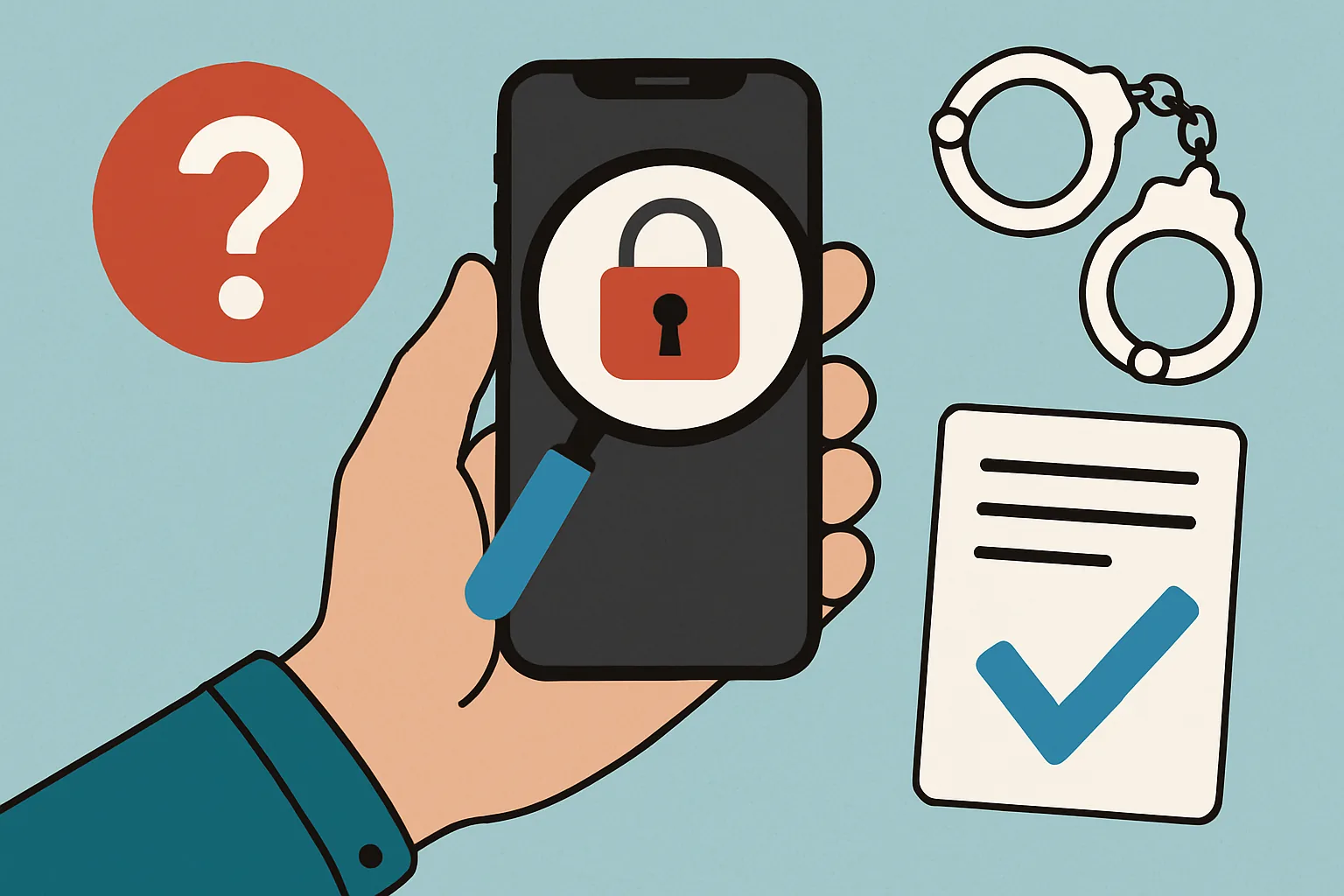
How to Check if a Used iPhone Is Stolen Before Buying
Buying a used iPhone can be a smart way to save money, but it comes with a risk that is easy to underestimate: the phone may be stolen, locked, or otherwise not fit for resale. The trouble is that a convincing listing, a polished case, and a friendly seller can hide a lot, and if you want to avoid headaches later, you need a routine that is quick, practical, and hard to fake.
A proper check does not require specialist tools. It starts before you meet the seller, continues while you inspect the phone, and ends only when you are satisfied that the device can be used, reset, and activated without trouble. The goal is not to turn every purchase into an investigation. It is to spot problems early, before money changes hands and before you are left holding a device that cannot be registered, unlocked, or restored. If you regularly buy and sell online, it also helps to know the platform’s support routes; the Getting support page can be useful when you need to report suspicious activity or ask what to do next.
1. What to Check Before You Meet the Seller
The fastest way to avoid a bad purchase is to screen the phone and the person selling it before arranging a meeting. Ask the seller for proof of purchase if they have it. An original receipt, order confirmation, or carrier paperwork can help show that the phone was bought legitimately. It is not perfect proof on its own, but it gives you something to compare against the story you are being told.
Next, ask for the iPhone’s IMEI and serial number, and if the seller hesitates, that is already a warning sign. The numbers should match across the listing, the settings screen, and the original packaging if the seller still has it. A mismatch does not automatically mean theft, but it does mean you should slow down and ask more questions.
Also check whether the seller seems to own the account they are using to list the device. A profile with no history, no ratings, and a freshly posted listing is not necessarily fraudulent, but it deserves more scrutiny. If the listing language is vague, the price seems unusually low, or the seller pushes for a quick transfer outside normal marketplace methods, treat that as a sign to pause. Scam buyers and sellers often rely on urgency; that is why it helps to understand common marketplace tricks such as those described in how to spot a scam buyer.
A few simple questions can reveal a lot. Why are they selling it? Is it paid off? Is it unlocked? Have they used it with a passcode and Apple ID? Can they meet in person and demonstrate the phone? Honest sellers usually answer directly. Evasive answers, especially about ownership or reset status, should make you cautious.
2. Step-by-Step Used iPhone Check
A reliable used iPhone check works best in a fixed order. You want to see the device, test the basics, and confirm that it can be fully erased and activated again. Do not let the seller rush you. Even a few extra minutes can save you from a costly mistake.
Inspect the device physically
Start with the outside. Look for signs of damage that might suggest the phone has been dropped, opened, or repaired badly, and check the screen for dead spots, discoloration, or unresponsive areas. Look at the frame for bends, gaps, or missing screws. A phone that has been repaired by a third party is not necessarily bad, but it is worth knowing, especially if the seller did not mention it.
Inspect the camera lenses, charging port, speaker grilles, mute switch, buttons, and SIM tray. If the phone has a case and screen protector, remove them. A clean-looking device can still hide cracks or corrosion. Water damage is another issue to watch for, especially if the phone has unstable battery behavior or audio problems.
Test the essential functions
Turn the phone on and make sure it starts normally, and open the camera and test both rear cameras, the front camera, flash, and autofocus. Make a call if possible, or at least test the microphone and speakers by recording a voice memo or playing audio. Check Wi-Fi, Bluetooth, and mobile signal if you have a compatible SIM. If the seller insists on a quick, contactless handoff and refuses to let you test even basic functions, that is not a good sign.
Press every button. Check Face ID or Touch ID if the model supports it. Open the settings and see whether the display is being recognized properly, whether the battery health section is available, and whether the device appears to be running normally. None of this proves lawful ownership, but it does tell you whether the phone is usable and whether there are hidden problems.
Confirm activation and reset behavior
The real test comes when the seller signs out and resets the phone in front of you. A legitimate seller should be willing to erase all content and settings, then let the device restart and reach the activation screen without any Apple ID being requested. If the phone asks for the previous owner’s credentials during setup, stop there. That usually means Activation Lock is still active, and the phone may be unusable to you.
When a seller says, “Don’t worry, I can remove that later,” the answer should be no. Later is too late. You need the phone cleared before payment.
3. How to Do an IMEI Check
An IMEI check is one of the most useful checks you can do, because it helps you compare the seller’s claim with the phone’s identity. The IMEI is a unique identifier used by mobile networks, and if the number has been reported lost, stolen, or blocked, that is a major problem.
You can usually find the IMEI in several places: in the phone’s settings, on the box, and sometimes on the SIM tray or back casing depending on the model. The important thing is that the numbers match. If the box says one thing, the settings say another, and the seller tells you not to worry, you should worry.
Use the IMEI check to look for three things: blacklist status, carrier lock, and theft-related warnings, and a blacklisted phone may not work properly on mobile networks. A carrier-locked phone may be restricted to a specific provider. If the device was reported stolen, there is a decent chance it will eventually become a paperweight, even if it seems to work on Wi-Fi at first.
Do not rely on a screenshot sent in advance. Screenshots are easy to fake, and sellers who know what they are doing can reuse old images. Ask to see the IMEI directly on the device during the meeting, then compare it to the packaging and any original paperwork. If you are buying through a marketplace, it can be worth checking the seller’s account details too. Similar to the way you would verify a platform’s information through Frequently asked questions, do not treat a single answer as enough when the stakes are high.
4. Check Activation Lock, Find My, and Apple ID Status
Activation Lock is one of the most important things to verify on a used iPhone. If it is still tied to the previous owner’s Apple ID, the phone may remain unusable after a reset. That is why the seller must do more than simply say, “I’ll erase it.” You need to see the process happen.
Ask the seller to sign out of iCloud, disable Find My, and remove the device from their Apple account before erasing it, and a proper reset should leave the phone ready for a fresh setup with no request for someone else’s password. If the seller says they forgot their Apple ID password, that is a hard stop. If the phone is truly theirs, they should be able to complete the steps or retrieve the account information.
Watch the reset carefully. The seller should go into settings, sign out of the Apple ID, disable Find My, erase the device, and let it reboot. Then the phone should present the activation screen as if it were ready for a new owner. If any step feels skipped, rushed, or hidden behind “trust me,” do not proceed.
It is also worth checking that the seller does not ask you to complete setup using their account “just for now.” That can create problems later, from app lockouts to remote account access. A proper sale means a clean break. No shared access, no surprise tracking, no lingering Apple ID attachment.
5. Red Flags That Suggest the iPhone May Be Stolen
Some warning signs are obvious. Others are subtle. In practice, stolen devices often come with a mixture of pressure, vagueness, and technical oddities, and if several red flags appear at once, walk away.
- The seller refuses to meet in person or insists on shipping only.
- The price is far below typical market value with no clear explanation.
- The seller will not provide the IMEI, serial number, or proof of purchase.
- The phone is already reset, but the seller cannot explain how it was erased.
- Activation Lock remains active or the seller cannot sign out of Apple ID.
- The seller rushes you to pay immediately.
- The device details in the listing do not match the phone in hand.
- The seller avoids discussing ownership, contract status, or why they are selling.
One especially telling sign is a missing passcode with an active account. If a seller says they never use a passcode, that can happen, but it does not inspire confidence. Most legitimate owners know their basic security settings and can explain them without hesitation. A phone with no passcode, no receipt, no reset history, and no willingness to be tested is not a bargain. It is a problem waiting to happen.
Another concern is emotional pressure. If the seller says they have “ten other buyers,” or that you must decide in the next five minutes, they may be trying to stop you from checking the phone properly. That tactic works because people hate losing a deal, and still, a good deal is not good if the device ends up blocked, locked, or reclaimed by its rightful owner.
6. Safe Ways to Verify the Seller and the Phone
The safest purchases are the ones that leave a clear trail. Start by checking the seller’s profile, payment history, and ratings where the platform allows it. Old accounts with normal activity are generally less suspicious than brand-new profiles with no transaction history. Still, even an established account can be compromised, so treat the profile as one clue, not a guarantee.
When possible, meet in a public place with good visibility, and coffee shops, shopping center entrances, or other busy locations are better than secluded parking lots. Bring someone with you if the situation feels off. And do not hand over cash until the phone has passed the checks you care about.
Ask for a receipt or original proof of purchase. If the seller bought the phone second-hand themselves, ask for the message history or transfer record that shows how they got it. Not every owner keeps perfect paperwork, but a legitimate seller usually has some way to explain the phone’s chain of custody.
Insist on a live factory-reset and setup test. This is one of the best ways to verify that the phone is not tied to another Apple ID and can actually be activated. If you are buying through a platform that offers help content or dispute guidance, it can be useful to review How Admister works so you understand the normal process for account use, listings, and support access.
If you are unsure, do not let politeness override caution, and you are not being rude by asking basic questions. You are protecting yourself from a device that could be unusable the moment you get home.
7. What to Do If the iPhone Fails Any Check
If anything fails, stop the purchase. Do not try to “make it work” by hoping the seller will sort it out later. Do not pay a partial amount as a gesture of good faith. Do not connect the device to your own Apple ID “just to see.” Once you commit, the problem becomes yours.
Tell the seller calmly that you are not proceeding because the phone did not pass verification, and you do not need to argue or accuse them on the spot. If the IMEI is mismatched, Activation Lock remains active, or the seller cannot explain ownership, that is enough reason to walk away.
Document what you saw if the listing appears suspicious: screenshots, chat logs, profile links, item descriptions, and any mismatched numbers. If you bought through a marketplace, report the listing or seller through the platform’s own process. If the situation seems serious, you may also need to contact local authorities or the rightful owner if contact information becomes available.
Above all, avoid activating or paying for a phone that appears stolen. Even a phone that works today may be remotely locked later or flagged during network checks. Once that happens, the money is gone and the device may be useless. A cautious refusal is far cheaper than a bad purchase.
Used iPhone buying should feel boring in the best possible way: the phone matches its details, the seller behaves normally, the reset completes cleanly, and the device activates without drama. If you reach that point, you can buy with far more confidence, and if you do not, trust the warning signs and leave.