Practical Website Fixes That Improve Usability and Security
If you manage an Admister website, the hardest part is usually not “making it look better.” It is keeping it understandable, fast enough, secure, and easy to update when real work starts happening: a
On this page
If you manage an Admister website, the hardest part is usually not “making it look better.” It is keeping it understandable, fast enough, secure, and easy to update when real work starts happening: a new service appears, staff changes, a campaign lands, or customers begin asking questions that the current pages do not answer. A site that was fine at launch can become confusing or fragile within months. This is where a practical web studio can help, but only if it works like a fixer, not a decorator.
What usually goes wrong on a working website
Most website problems are boring, which is exactly why they get ignored. Buttons break after updates. Forms stop sending emails. A page loads slowly on mobile because of oversized images. A security plugin was installed, but nobody knows whether it actually reduced risk or just added maintenance.
For regular readers who also manage content, the real problem is often time. You do not need a full redesign every time something feels off. You need to know what is broken, what is outdated, and what can stay as is. A good first step is to separate cosmetic issues from operational ones. If visitors cannot find key information, if checkout or contact forms fail, or if the admin area feels unsafe, those are business problems, not design preferences.
Web studio Ostohlo fits best when you need that sort of practical cleanup: reviewing the site structure, checking technical weak points, and helping the site match the way your team actually works. On many projects, that includes clarifying the corporate website structure so important information is not buried under pages nobody reads.
When a small fix is enough
Not every website needs a rebuild. In fact, many sites only need a few focused changes to become much easier to manage.
- Improve navigation so visitors can reach services, prices, or contacts in fewer clicks.
- Repair forms, calls to action, or newsletter signups that stopped working after updates.
- Clean up mobile layout problems that confuse real users more than desktop visitors.
- Remove unnecessary plugins, scripts, or widgets that slow the site down.
- Adjust page templates so content editors can publish new material without breaking formatting.
- Check security basics: updates, backups, access roles, and signs of suspicious activity.
If your issue is one of these, the best outcome is usually not “new site.” It is a tighter, safer, simpler version of the current one. That matters because rebuilding too early can waste money and time, while a careful repair can extend the useful life of the site by years.
Where website security becomes part of everyday work
Website security is not only for large stores or portals. Any site with an admin panel, contact forms, user accounts, or regular updates can be targeted. Small business sites are often attacked because they are easier to compromise and less likely to be monitored closely.
Common risks include weak passwords, outdated CMS components, abandoned plugins, reused admin accounts, and backups that exist in theory but cannot be restored quickly. Another common issue is false confidence: people assume a site is protected because it has a security plugin or SSL certificate, while the real problem is an old extension with known vulnerabilities.
Web studio Ostohlo can help here in a practical way by reviewing the site’s technical setup, access structure, update routine, and backup process. That does not mean perfect safety, because no service can promise that. It does mean reducing avoidable risks and making recovery easier if something goes wrong.
For readers managing a live site, this is often the most valuable kind of help. Security is not only about blocking attacks. It is also about being able to restore the site quickly, limit damage, and know who can change what.
How to tell whether your site needs a web studio
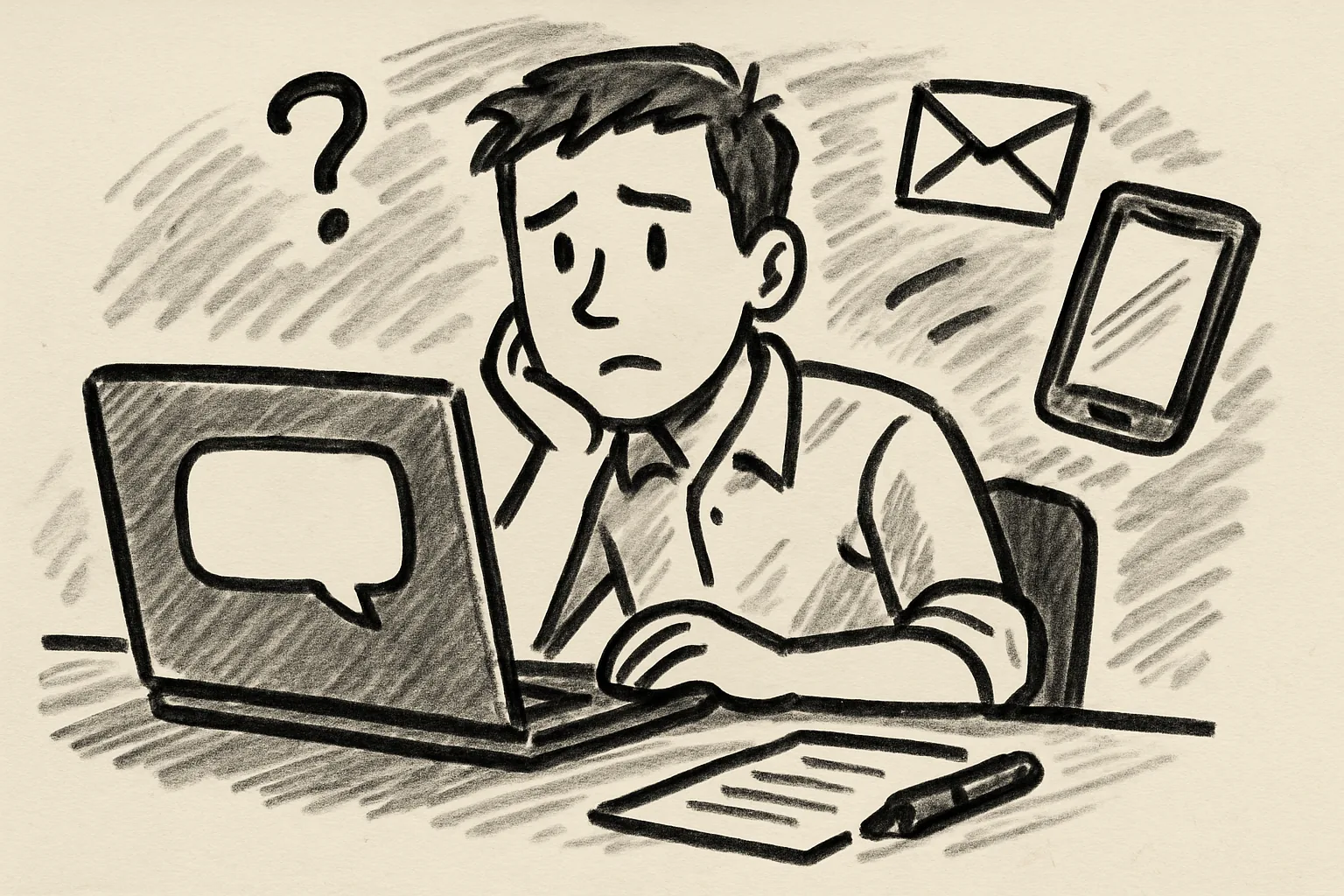
A lot of people wait until the site is visibly broken before asking for help. That is understandable, but it is not always the cheapest approach. A better signal is repeated friction. If you keep solving the same issue over and over, the site probably has a structural problem.
Ask yourself a few practical questions:
Can a new team member update content without asking for help every time? Do visitors reach the important pages without getting lost? Do you know when the last successful backup ran? If the answer is “not really,” then the site is costing you attention even when it seems to work.
This is where a web studio is useful not as a replacement for your team, but as support for the parts that need technical depth. Web studio Ostohlo is a fit when the goal is to stabilize a site, improve maintainability, and make sure the structure supports daily work rather than fighting it.
What to expect from a realistic project
It helps to be clear about what a web studio can and cannot do. It can analyze, repair, restructure, secure, and document. It cannot magically fix weak content, unclear business goals, or a lack of internal ownership. If the people inside the company cannot decide what the site should do, no technical team will solve that alone.
A realistic process usually looks like this:
First, the current site is checked for technical problems and security weaknesses. Then the most painful user and admin issues are prioritized. After that come fixes: layout adjustments, performance cleanup, content structure improvements, and security hardening. Finally, the site should be handed back with enough clarity that your team can keep working without constant support.
That last part matters. A useful web studio does not create dependency. It leaves behind a site that is easier to manage than before.
When a redesign is actually justified
Sometimes the site really is beyond minor repair. That is usually the case when the architecture no longer matches the business, content is scattered across incompatible templates, or the platform itself is too old to maintain safely.
Signs that a redesign may be justified include repeated technical failures, poor mobile usability, unstable integrations, and a content model that forces editors into workarounds. In those cases, fixing one page at a time may only postpone the bigger problem.
Even then, a redesign should be treated carefully. Start with the tasks the site must perform, not with visual trends. What do users need to find? What must the team update often? Which pages matter most for conversion or support? Those questions should shape the build far more than style preferences.
Web studio Ostohlo can be useful in this stage if you need an outside team to translate messy requirements into a maintainable structure, rather than just “making it modern.”
What readers should do next
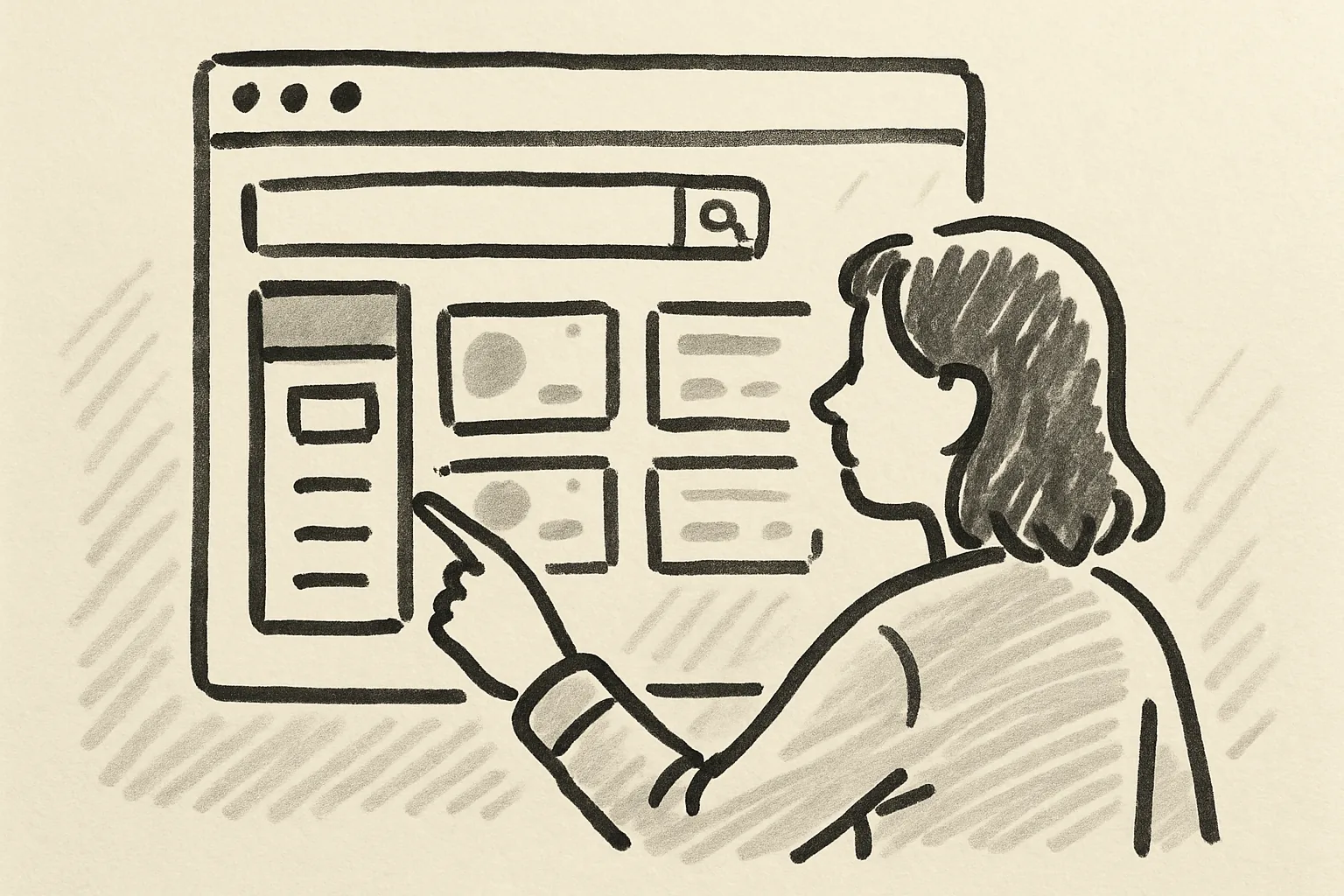
If you are responsible for an Admister site, begin with a simple audit of your own. Check the pages people use most. Test the forms. Log in as an editor. Open the site on a phone. Review update history and backup status. You will usually find at least one issue that affects users or maintenance immediately.
If the list is mostly small issues, prioritize the ones that affect security, content updates, and navigation. If the list keeps growing, that is the moment to bring in outside help. A web studio is most useful when it helps you make smart tradeoffs instead of dramatic promises.
In practice, that means choosing a partner who can handle website security, improve structure, and reduce ongoing friction without turning every task into a full rebuild. That is the role Web studio Ostohlo can fill when your site needs steady, technical care more than a marketing makeover.