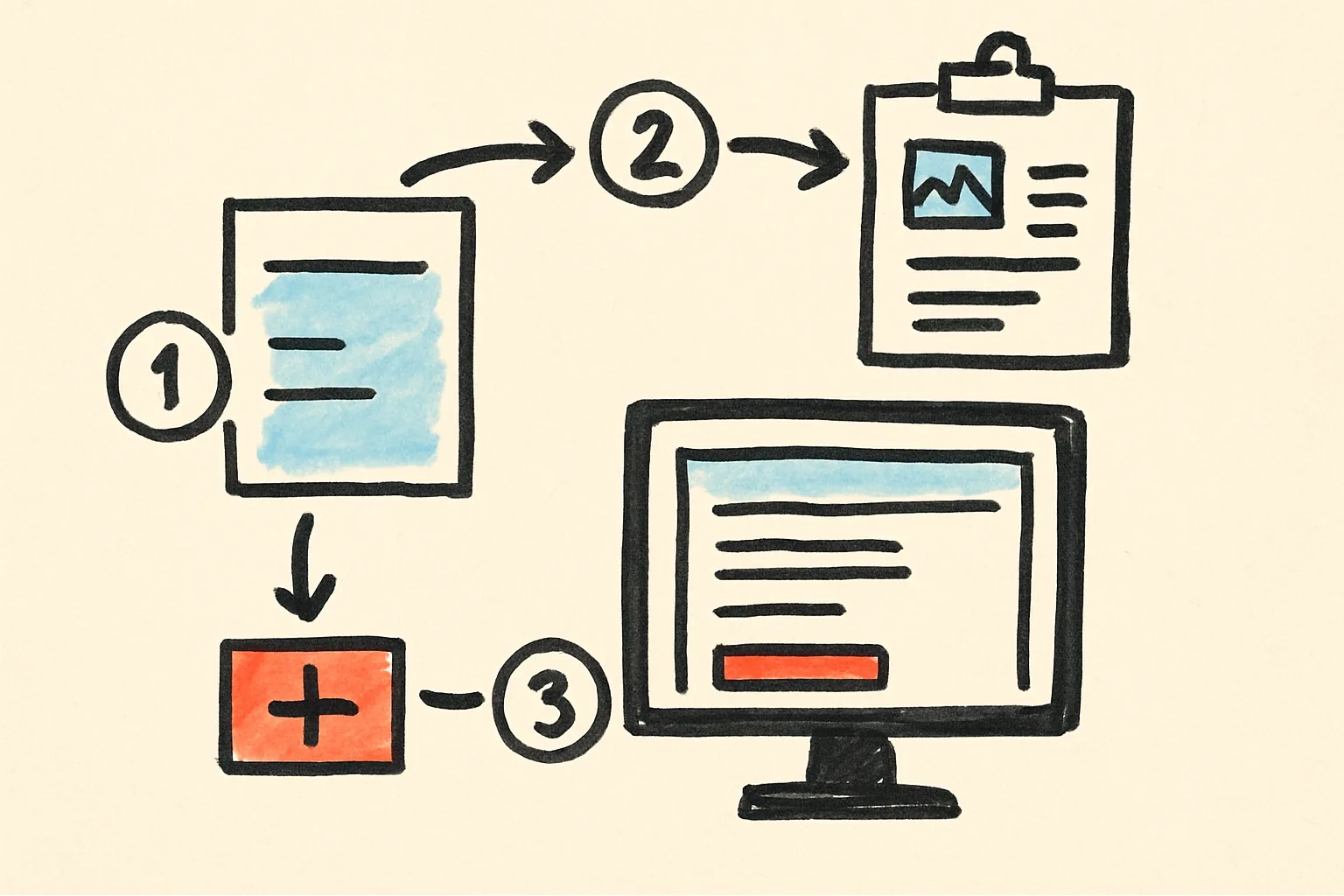
How to Contact a Seller on Admister
Learn how to contact a seller on Admister with clear steps, message tips, and follow-up advice for faster replies.
On this page
- How to Contact a Seller on Admister
- 1. Check whether you can message the seller from the listing
- 2. Decide the right reason for reaching out
- 3. Open the seller’s profile or listing page
- 4. Send a clear first message
- 5. Attach only the details the seller needs
- 6. Follow up if you do not get a reply
- 7. Keep the conversation organized
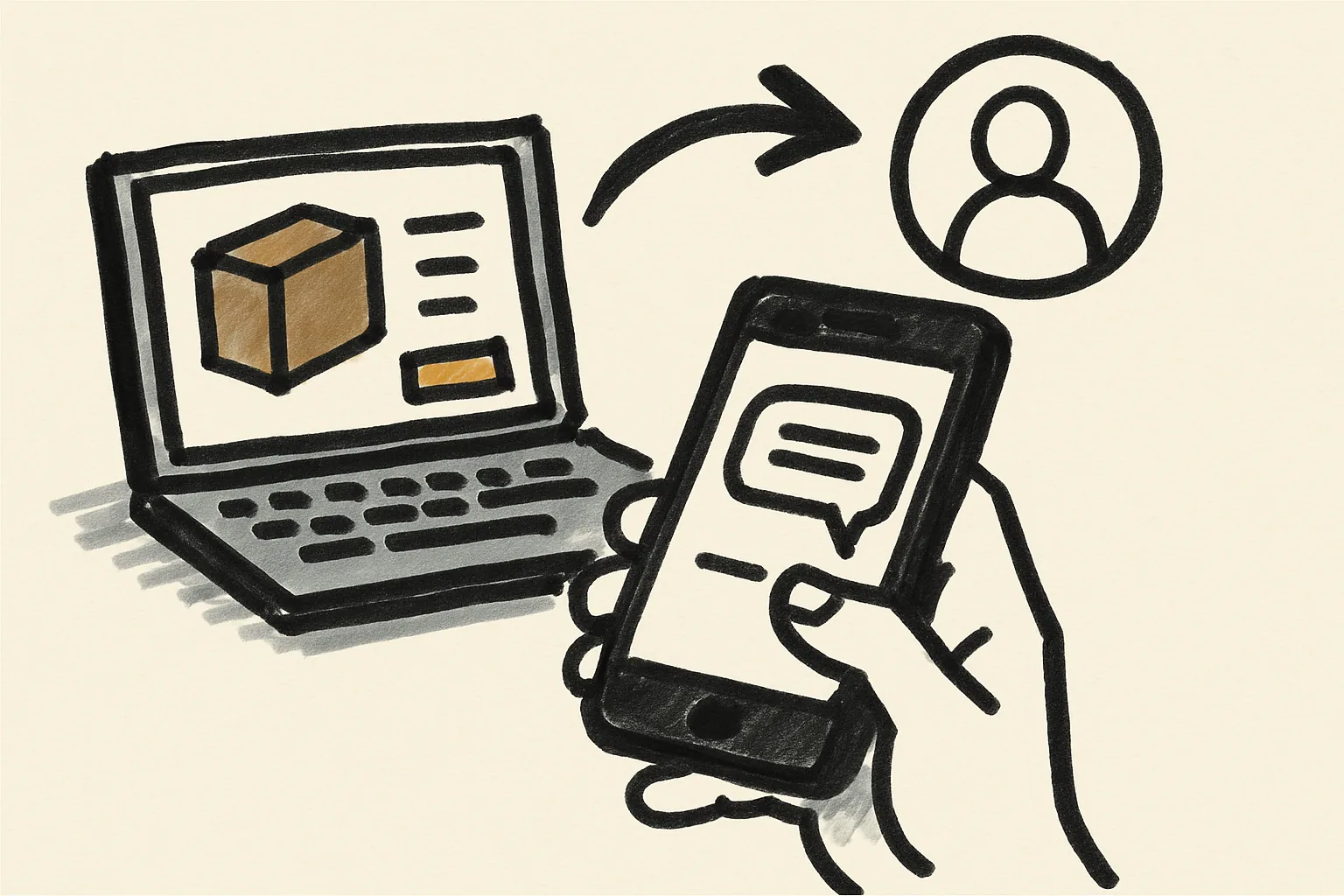
How to Contact a Seller on Admister
Reaching a seller on Admister is usually quick, but the exact path depends on the listing and the seller’s settings. In some cases, you can message from the product page in one click. In others, the seller may only allow contact through an order thread or a limited form.
If you are asking about a price, a size, or a shipping detail, you want the message to stay short. If you are already dealing with an order, the message should name that order first. That small shift saves time for both sides.
One more thing: sellers read messages faster when they can see the point in the first line. No one wants a mystery novel at 9 a.m.
1. Check whether you can message the seller from the listing
Start on the listing page. Look near the seller name, the shop name, or the contact area under the item title. On many product pages, the message option sits close to the purchase button or inside a seller panel.
If you see a contact button, use it first. If you do not, the seller may have hidden direct messaging or limited contact to order-related threads only. That is not unusual. It just means you have fewer doors to open.
Some sellers also choose different contact rules for different items. A handmade item may allow questions before purchase, while a custom item may require a more specific request format. If the listing text mentions a preferred channel, follow that wording exactly.
For basic orientation, it can help to read how admister works and the frequently asked questions before you message anyone. You may save yourself one extra round of back-and-forth.
2. Decide the right reason for reaching out
Before you type, decide why you are writing. The reason should be one of a few concrete categories: availability, shipping, item details, custom requests, or an existing order. If your real question is “Will this arrive by Friday?”, say that. If your question is “Can you change the color?”, say that instead.
That choice matters because the seller can answer faster when the topic is obvious. A message about stock should not wander into packaging details. A message about a shipment should not begin with three paragraphs about why you discovered the item last week.
For a pre-purchase question, ask about the item itself: size, condition, compatibility, or fit. For a custom request, mention the change you want and whether you are willing to wait. For an existing order, include the order reference or the delivery status. The seller does not need your life story.
This is also where "how to contact a seller on Admister" becomes simple in practice: pick one reason, write one message, and avoid stacking three separate problems into the same note. Mixed messages often get slower replies.
3. Open the seller’s profile or listing page
If you are on a listing, click the seller name or shop name near the top or side of the page. That should open the seller profile or shop page, where contact options often sit beside the profile details or item list.
Do not hunt through account settings for this step. You are looking for the seller’s public profile, not your own dashboard. That sounds obvious, yet people still waste time in the wrong corner of the site.
If the listing page shows a contact link, use that. If the profile page shows more than one item, check whether the seller has repeated contact rules in the shop description. Some sellers place response hours or message limits there.
When the page structure feels unclear, the support material under the 7 admister services can help you spot which parts of the site are meant for buying, selling, and seller contact. Short route. Fewer clicks.
4. Send a clear first message
Open with the item name. Then state your question in one sentence. Then add any needed context, such as color, size, variant, order number, or expected delivery date. That is enough for most first messages.
A good opening note looks like this: “Hi, I’m asking about the navy jacket listed today. Is size M still available?” Another example: “Hello, I placed order 1842 and want to confirm the shipping address before dispatch.” Those messages are short, polite, and easy to answer.
Keep the tone calm. Keep the wording direct. You do not need apologies for writing, and you do not need a long greeting chain. If you are asking about an item, ask about the item. If you are asking about a shipment, name the shipment.
A message that starts with “Hello” and nothing else often creates delay. A message that starts with three exclamation marks creates a different kind of delay.
5. Attach only the details the seller needs
Sometimes a seller needs a photo, screenshot, or reference number. If the issue is a defect, attach one clear photo. If the issue is a payment or delivery mismatch, include the order number and, if relevant, one screenshot of the status page. One or two files are usually enough.
Do not attach extra material just to prove you are serious. A seller does not need five photos of the same corner, a full chat history from another app, and a paragraph about a family event. Keep the file set tied to the question.
If you are asking for a custom request, a rough reference image can help. If you are asking about a missing item, a screenshot of the order page can help more than a long description. If you are asking a simple availability question, no attachment is needed at all.
Use the same restraint you would want from the other side. For buyer-side guidance on message safety, staying safe as a buyer explains why sharing only the needed details is usually the better habit.
6. Follow up if you do not get a reply
Wait a reasonable interval before sending a second message. If the seller has stated response hours, follow those hours first. If the seller has not stated a schedule, give the first message enough time to be read before you write again.
Your follow-up should be shorter than the first note. Reference the original message once. Say what you still need. Then stop. A clean example is: “Hi again, I’m following up on my question about size M for the navy jacket.” That is enough.
Do not send the same message repeatedly. Three copies of the same text can look like spam, and spam never helps a seller answer faster. If the issue is urgent, one follow-up plus the order thread is better than five pings.
If the seller still does not reply and your question affects a purchase decision, consider whether you can find the same detail in the listing description, seller profile notes, or the site help pages. Sometimes the answer is already there. Sometimes it is not. Both happen.
7. Keep the conversation organized
Save the thread. Save the reply. If the seller gives a measurement, a shipping date, or a return instruction, keep that text where you can find it later. That matters more once the conversation turns into an order problem.
Use one thread for one issue whenever possible. If you ask about two different items in the same conversation, the answers can get tangled. If the message changes from a pre-purchase question to a shipping dispute, say so clearly in the thread so the seller sees the shift.
If the conversation becomes an order problem, move to the order record or the appropriate support path instead of rebuilding the entire story in chat. That keeps the timeline clean. It also helps if you later need to check what was said, on which date, and by whom.
For deeper help with account and site contact routes, the page at admister can be useful, especially if you are unsure whether a message belongs in chat, in an order thread, or through support. Keep the thread tidy, and keep the next step obvious.
| What you need | Where to look | What to include |
|---|---|---|
| Item question | Listing page | Item name, size, color, one question |
| Shipping question | Order thread or seller contact area | Order number, delivery status, date |
| Custom request | Seller profile or listing contact option | Requested change, timing, reference image if needed |
| Problem after purchase | Order record and message history | Evidence, screenshots, short timeline |
If you are still unsure where the contact button should appear, checking the listing twice is better than guessing once. A seller can only answer a message they can actually see.
And if the message is about payment, delivery, or account access, keep the same rule: one reason, one thread, one clear next step. That is usually the difference between a quick answer and a stalled conversation.