Using Retargeting Pixel Links for Better Ad Tracking
If you run ads, post on social media, or share marketplace listings outside Admister, you know the hard part is often not the first click. The hard part is what happens after someone leaves the page.
On this page
- When a retargeting pixel link is actually useful
- Choose one clean destination before you build anything
- Build the tracking link with the right intent
- What to check before you send traffic
- Use retargeting for the right kind of classifieds task
- Know the limits before you rely on it
- A practical example from a local sale
- How to keep the setup manageable
- Bottom line for sellers and advertisers
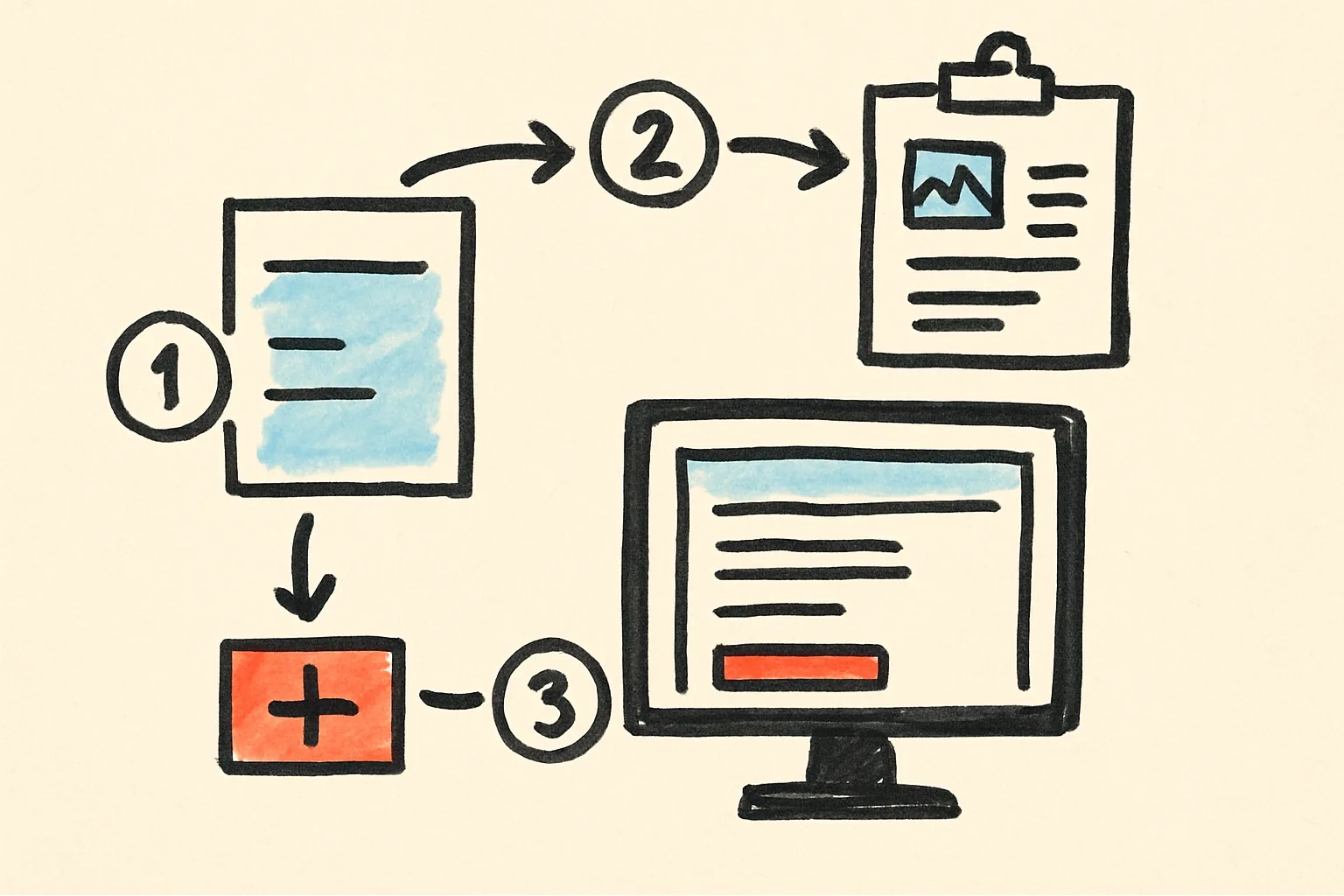
If you run ads, post on social media, or share marketplace listings outside Admister, you know the hard part is often not the first click. The hard part is what happens after someone leaves the page. They browse, compare, get distracted, and maybe come back later. If you want to measure or retarget those visitors, you need a clean way to send people through a tracking link first. That is where Urlik URL shortener can help: it gives you a short, manageable redirect link that can carry a tracking step before sending the person to your final page.
When a retargeting pixel link is actually useful
Use this setup when you want to build an audience from people who clicked a specific promotion, but you do not want to change your main destination every time. For example, you may be promoting a used bike listing, a storage unit clearance, or a batch of tools in a local neighborhood group. You share one tracking link in ads, emails, or posts, and anyone who clicks can be tagged for later follow-up through retargeting pixels links.
This is not about “tracking everything.” It is about a very specific job: making it possible to identify people who showed interest so you can remind them later with a new offer, a price drop, or a similar listing. If you only need a simple share link, you do not need this. If you need audience building for follow-up, it becomes useful.
Choose one clean destination before you build anything
Start with a single landing page or listing page. Do not mix multiple offers into one tracking link unless you are testing something very specific. The cleaner the destination, the easier it is to know what the click meant.
For classifieds, that destination might be a product page with photos and price, a “contact seller” page, or a page that lists several items from the same seller. If the person clicks because they are looking for a sofa, send them to the sofa listing, not a general category page.
This matters because retargeting works best when the audience is meaningful. A click on a specific item tells you far more than a click on a random homepage.
Build the tracking link with the right intent
In Urlik URL shortener, create a short link that points to your chosen destination. The short link is the entry point that you can place in ads, posts, or messages. The idea is that before the user lands on the final page, the redirect can fire your pixel or tracking step.
Keep your naming scheme simple. If you are promoting different items or campaigns, label them by item type, location, and date. That helps later when you compare which links produced useful audiences and which ones did not.
Do not assume every click becomes a future buyer. Retargeting only works if the audience is large enough and if the landing page is relevant enough for people to remember the item.
What to check before you send traffic
- Make sure the final page loads correctly on mobile.
- Check that the redirect happens only once, not in a loop.
- Test the link in a private browser window and on your phone.
- Confirm that the pixel or tracking step triggers before the destination opens.
- Use separate links for separate campaigns so the audience is not mixed.
- Keep your destination page consistent for at least a few days if you want usable data.
Use retargeting for the right kind of classifieds task
On a marketplace like Admister, retargeting makes sense when you are trying to bring back interested browsers. Maybe someone looked at your used laptop listing but did not message. Maybe they clicked a sofa ad but wanted to think about pickup. Maybe they viewed a category page for home appliances and then disappeared.
In those cases, a retargeting setup can help you remind the same audience later, with a lower price, a different photo set, or a better description. You are not chasing strangers. You are following up on people who already showed interest.
That is the useful part: it reduces wasted reminders. You are not retargeting everyone who visited your whole profile. You are building a smaller audience around a specific item or offer.
Know the limits before you rely on it
Retargeting pixels are not magic, and short links do not fix a weak listing. If your photos are unclear, your price is unrealistic, or your item description is thin, a tracking link will not improve conversion by itself. It only helps you bring back people who already had a reason to click.
There are also privacy and browser limitations. Some users block tracking, some platforms restrict pixel behavior, and some campaigns will produce too little traffic to be useful. If only a handful of people click, you may not build a meaningful audience at all.
So treat the link as a measurement and follow-up tool, not as a replacement for a strong listing or ad.
A practical example from a local sale
Imagine you are selling a used mountain bike. You post it on Admister, then promote it in a neighborhood group and a small paid ad. Instead of linking directly to the listing in every place, you use one tracked short link for the campaign.
People who click that link are added to your retargeting audience. A few days later, you lower the price or add a clearer photo of the frame and post a follow-up ad to that audience only. Now your second message reaches people who have already looked once, which is often better than starting from zero.
If the bike sells quickly, you can reuse the same structure for the next item, but give it a fresh link and a fresh audience so old interest does not mix with the new sale.
How to keep the setup manageable
Do not create a separate tracking link for every tiny variation unless you really need that detail. Most people get better results from a small number of clearly labeled links than from a messy pile of almost identical ones.
A simple routine works best:
1. Decide the one item or offer you want to track.
2. Create one short tracked link in Urlik URL shortener.
3. Test it on mobile and desktop.
4. Use it only in the places meant for that campaign.
5. Review whether the audience is large enough to matter before building follow-up ads.
Bottom line for sellers and advertisers
If your task is to turn interest into a later return visit, retargeting pixels links are useful because they let you capture that interest without changing your final destination every time. For classifieds, that is especially helpful when a listing needs a second look before someone messages or buys. Urlik URL shortener fits in as the practical bridge: a short, trackable redirect that helps you organize the click and prepare for the follow-up.
Used carefully, it keeps the process simple. Used carelessly, it adds noise. The difference is whether you build one clear link for one clear job.