How to Migrate from Craigslist to a Classifieds Marketplace
Learn how to migrate from Craigslist to a classifieds marketplace without losing leads, listings, or reply workflows.
On this page
- How to Migrate from Craigslist to a Classifieds Marketplace
- 1. Check what Craigslist-specific workflows you need to replace
- 2. Export or capture the items you cannot afford to lose
- 3. Rebuild your response process for the new marketplace
- 4. Decide what to do with live Craigslist replies during the transition
- 5. Match Craigslist listing categories to the new site’s structure
- 6. Update contact and trust signals for the new platform
- 7. Phase out Craigslist without creating gaps in visibility
How to Migrate from Craigslist to a Classifieds Marketplace
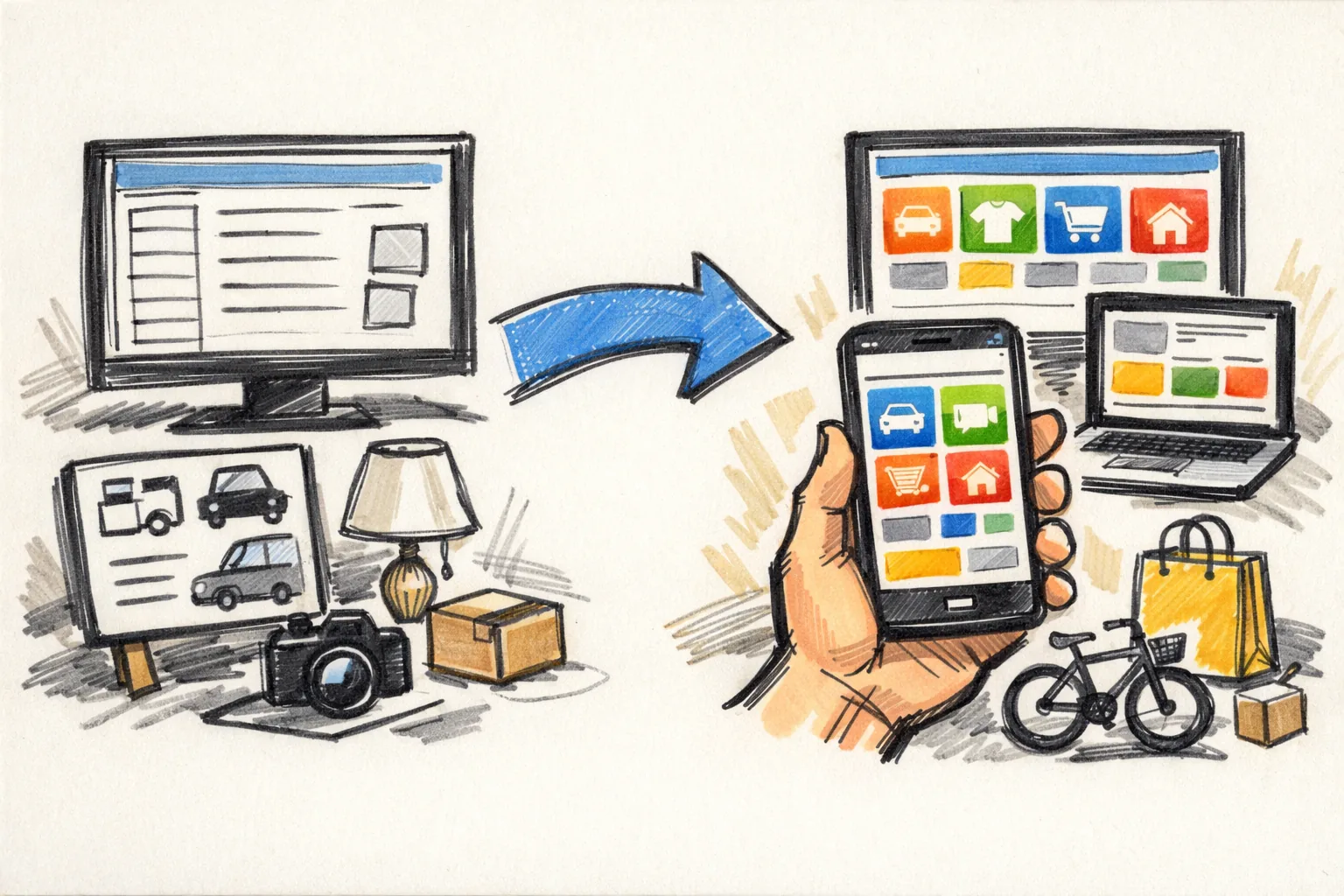
Moving off Craigslist is not just a reposting job. It changes how you answer, how you track leads, and how you keep old conversations from colliding with new ones. If you are figuring out how to migrate from Craigslist to a classifieds marketplace, start with the pieces Craigslist quietly handled for you: posting, replies, renewals, saved searches, and the old habit of watching email relay messages at odd hours.
That habit matters. Craigslist rewards routines that feel tiny on the surface, like checking one inbox twice a day or renewing a post every few days, and those routines do not always map cleanly to a newer classifieds marketplace. If you miss that shift, you will miss replies too.
1. Check what Craigslist-specific workflows you need to replace
List the exact Craigslist functions you use in a normal week. That list usually includes posting, relaying replies through email, renewing ads, deleting sold items, watching saved searches, and reposting after a listing ages out. One seller may do all of this from a phone. Another may keep a spreadsheet open on a second screen.
Do not stop at features. Write down the habits that grew around those features. For example, some people answer only from one email address because Craigslist mail relay makes that easy. Others rely on posting limits to pace inventory and avoid flooding the same category. If your process depends on a daily reminder tied to Craigslist, that reminder has to move too.
A short checklist helps here:
- Which Craigslist categories you post in
- Which inbox receives the replies
- How often you renew listings
- Which saved searches send you leads
- Which parts of the process happen on mobile
Watch for the small traps. A listing renewal that used to happen every 48 hours can vanish into a new platform’s dashboard if you do not know where the button lives. A saved search alert might stop firing if you never recreate it. Small gap, real cost.
2. Export or capture the items you cannot afford to lose
Before you shut down anything, save the material that gives your listings context. Capture the active listing text, the photos, the title, and the contact history tied to each serious inquiry. If Craigslist still shows a listing ID or timestamp, keep that too. Those details help when you need to prove when something was posted or compare versions later.
Screenshots are not glamorous, but they work. A folder with dated images beats memory every time. Save the original text in a plain document so you can copy it into the new marketplace without rebuilding every sentence from scratch. If a buyer later asks, “Was that the same scooter?” you will have the answer in 30 seconds instead of 30 minutes.
For active items, save the following in one place:
| Item title | Original Craigslist wording |
|---|---|
| Photo set | Full-resolution files, not only previews |
| Conversation record | Key messages, dates, and promises made |
| Listing reference | ID, URL, or timestamp |
Keep one backup outside your phone. Phones get replaced. Email threads get buried. A desktop folder plus a cloud copy is plain insurance, and the insurance costs you almost nothing.
3. Rebuild your response process for the new marketplace
Craigslist’s email relay can make replies feel automatic. A classifieds marketplace usually asks for a different rhythm. Set up a simple inbox system first, then turn on notifications only where they help. If every app pings you, none of them matter.
Use three pieces: an inbox for leads, a folder or label for spam, and a saved reply for the first response. That first reply should answer three things: availability, pickup or shipping, and when you can meet. Short. Clear. Human. A long message slows you down, and a slow response loses the lead.
Here is a practical setup:
- Create one email or message hub for the new marketplace.
- Turn on alerts for new inquiries only.
- Save two templates: one for interested buyers, one for common questions.
- Mark obvious spam immediately so it stops cluttering the queue.
- Check the inbox at set times, not all day.
If your new marketplace supports profile notifications, test them before you publish anything important. Send yourself a message if possible. Confirm the alert arrives where you expect it. Then test on mobile. The difference between “on” and “working” is often one missed setting.
For sellers who also ship, review वर्गीकृत विज्ञापनों पर बेचते समय शिपिंग before you start taking payment details in a new place. A new inbox brings a new batch of scam attempts, and the first week is usually the easiest time to catch them.
4. Decide what to do with live Craigslist replies during the transition
The hardest part is not posting. It is the handoff. You may have five or fifteen Craigslist inquiries already in motion, and those threads need a clean ending before the new marketplace takes over. If you reply to the same buyer from two places, confusion follows fast.
Start by sorting every active Craigslist reply into one of three buckets: pending, closed, or moved. Pending means the buyer is still asking questions. Closed means the item sold, the buyer vanished, or the offer was not serious. Moved means you have directed the person to the new listing or the new profile, and the conversation is now living somewhere else.
Use one direct message for the handoff. Something like: “This item is moving to our new classifieds marketplace listing. I am keeping the same price and photos there, and I will answer there going forward.” That message does two jobs. It explains the switch and stops duplicate replies.
Do not leave old threads half-open. A half-open thread becomes a second inbox. If a buyer keeps asking by email, answer once more, then close the item. If the item is already promised, say so plainly. Ambiguity invites more messages.
5. Match Craigslist listing categories to the new site’s structure
Craigslist categories look familiar because they are broad. A classifieds marketplace may split those same items into narrower paths, and that is where many migrations go sideways. A chair may live under furniture, home goods, or office items depending on the site’s taxonomy. A bike may need a subcategory you never used on Craigslist.
Map your current categories first, then map locations. If you sell across two cities, note which Craigslist posting area each item used to sit in. Some marketplaces organize by neighborhood, region, or pickup zone. Put every listing where a local buyer would actually search for it, not where it feels easiest to file.
A simple mapping table helps when you have 20 or more items:
| Old Craigslist category | New marketplace category | Location or posting area |
|---|---|---|
| Furniture | Home and Garden | Local pickup zone A |
| Electronics | Tech and Devices | City center |
| For Sale by Owner | General listings | Regional feed |
One practical rule saves time: if a category name feels vague, open three live listings in it and compare them. Look at titles, photos, and item types. Then place your own listing where it fits best. Guessing can bury a good item on page 4, and page 4 gets lonely.
6. Update contact and trust signals for the new platform
Craigslist often keeps the seller at a distance. That can work for quick local trades, but a newer classifieds marketplace may ask for a fuller profile, a visible name field, or some form of verification. Treat that as part of the move, not a side task. Buyers read profiles fast.
Fill every trustworthy field the new site supports. Add a clear profile photo if the platform allows it. Use the same name format everywhere, and keep your location details consistent. If the marketplace has a verification badge or a phone check, complete it before the first listing goes live.
Trust signals should be practical, not theatrical. A short bio, a response time note, and a line that explains pickup or shipping preferences can do more than a polished headline. Say what you sell, where you meet, and how quickly you usually respond. That saves back-and-forth.
If the platform supports reviews or seller history, build that history with the first few listings. Small, accurate transactions help more than trying to look bigger than you are. People notice consistency. They also notice missing details.
7. Phase out Craigslist without creating gaps in visibility
Cutover should be controlled. Stop renewing Craigslist ads only when the replacement listing is already live and checked on mobile. If you remove the old ad first, buyers lose the trail. If you leave both up too long, you create duplicate leads and awkward “is this still available?” replies in two places.
Set a stop date for renewals. Then edit or close each old Craigslist post in a predictable order: active items first, sold items second, and stale posts last. That order keeps the strongest inventory visible while the transition is happening. It also helps you see which items still need a new home.
There is one narrow risk here: people may keep clicking old links after you move the listing. If your new marketplace allows it, add a brief note to the old post before you retire it, such as “Now listed on our new marketplace profile.” If not, close it cleanly and move on. A clean close beats a messy echo.
Keep checking both places for a few days. Three days is enough to catch most leftover replies if your traffic is normal; if you get heavy volume, stretch that window. During that overlap, watch for buyers who cross-post the same question in both systems. Answer once, point them to the active listing, and stop there.
For sellers who ship, keep a second eye on message safety while the transition is live. The article on वर्गीकृत विज्ञापनों पर बेचते समय शिपिंग is useful here because scam messages often spike right after a new listing goes public and the old Craigslist post starts fading out.
One final detail matters more than it looks: archive the Craigslist records after the cutover, not before it. You may need them to confirm a price, a pickup promise, or a message you made during the switch. Leave the archive alone for at least one full cycle of your new listings, then decide what stays and what gets deleted.