How to use Google Maps for a safe meetup spot
Learn how to use google maps for a safe meetup spot by checking public places, entrances, hours, and sharing the exact pin.
On this page
- Open Google Maps and search with a safety-first mindset
- Read the map details that matter for a meetup
- Compare several nearby options instead of choosing the first result
- Use Street View and photos to check the approach and entrance
- Save and share the exact pin or place link
- Set up a clear arrival plan in Maps
- Recheck the spot right before leaving
Open Google Maps and search with a safety-first mindset
Start with a broad area, not a pin drop. If the exchange is supposed to happen near a station, a shopping strip, or a busy neighborhood, search that area first and then look for public places that are easy to describe in one sentence. A coffee shop on the main road is easier to find than “the corner by the old bakery.”
That first search should answer one question: can both people reach the spot without confusion? If the answer is no, keep moving. For anyone wondering how to use google maps for a safe meetup spot, the best habit is simple: choose a place with a clear name, a public entrance, and a surrounding area that does not force either person to wander around for 10 minutes.
There is a reason to avoid private addresses. One meetup is enough to learn that a parking lot, lobby, or storefront is easier to manage than a vague residential block. If the item is small, the spot should be small too.
Look for a place that fits two people, not a crowd. A quiet public lobby can work. So can a chain café, a pharmacy entrance, or a library plaza if the rules allow it.
Read the map details that matter for a meetup
Google Maps gives more than directions, and those extra details matter. Check the place type first: restaurant, store, library, gas station, or transit hub. A location that is technically public but hard to enter after 8 p.m. is not much help if your meetup is at 7:45.
Hours matter. A place with “open now” is better than a place that closes in 12 minutes, because a late arrival can turn a simple meetup into a locked-door problem. Ratings can help too, but do not treat them like a security badge. A 4.3 rating says people liked the place; it does not say anything about crowd flow, door visibility, or whether the entrance is obvious from the curb.
Check parking and transit access next. If one person is arriving by car and the other by train, the location should work for both without a long walk through empty back streets. A station café near the exit may be better than a trendy spot two blocks away.
Street View and photos can reveal the kind of detail that maps alone miss. A wide front door, a well-lit entrance, and a visible sign save time. A narrow alley entrance does not. Keep the standard practical: can you explain the route in 15 words or less?
| Map detail | What to check | Why it matters |
|---|---|---|
| Place type | Business, lobby, plaza, station, or other public spot | Shows whether the meetup is in a public setting |
| Hours | Open time and closing time | Prevents arriving after the place shuts down |
| Street View | Entrance, signage, and nearby curb access | Makes the meetup easier to find |
| Parking | Nearby lots, street parking, or pickup zones | Reduces confusion at arrival |
| Transit access | Station exits, bus stops, or walkable approach | Helps both people arrive by the same route |
Compare several nearby options instead of choosing the first result
The first result is not always the best one. Search the same area for 3 to 5 candidate spots and compare them side by side. A café, a pharmacy, and a supermarket may all be within 400 meters, but one may have a clearer entrance and less traffic at the door.
This step saves trouble because different places work better for different meetups. A small item exchange may fit beside a busy counter. A larger handoff might need a wider parking area. If the first location has a confusing side entrance, keep looking.
Make your shortlist with one question in mind: which place is simplest to reach and simplest to identify on arrival? That is the standard. Not the fanciest spot. Not the one with the nicest photos. The simplest one.
Compare the candidate locations using the same 4 checks each time: hours, entrance visibility, parking, and ease of explanation. If one place wins on all 4, stop there. If not, choose the one with the least room for mix-ups.
Use Street View and photos to check the approach and entrance
Street View is where Google Maps becomes useful in a very direct way. Open the street image and trace the approach from the road or parking lot to the door. If you cannot identify the entrance in 20 seconds, the meetup spot may be too vague.
Look for signage first. A clear sign facing the street helps both people arrive on time. Then check lighting. A bright entrance is easier to spot after dusk, while a dim side door can disappear into the background.
Photos can show whether the meetup point is obvious from the street or hidden behind planters, delivery bays, or temporary barriers. If the location has multiple doors, pick the one with the clearest name and the fewest detours. The goal is not mystery.
Walk the route mentally once. Starting from the parking lot, the bus stop, or the station exit, can you point to the entrance in one move? If not, choose another place.
Save and share the exact pin or place link
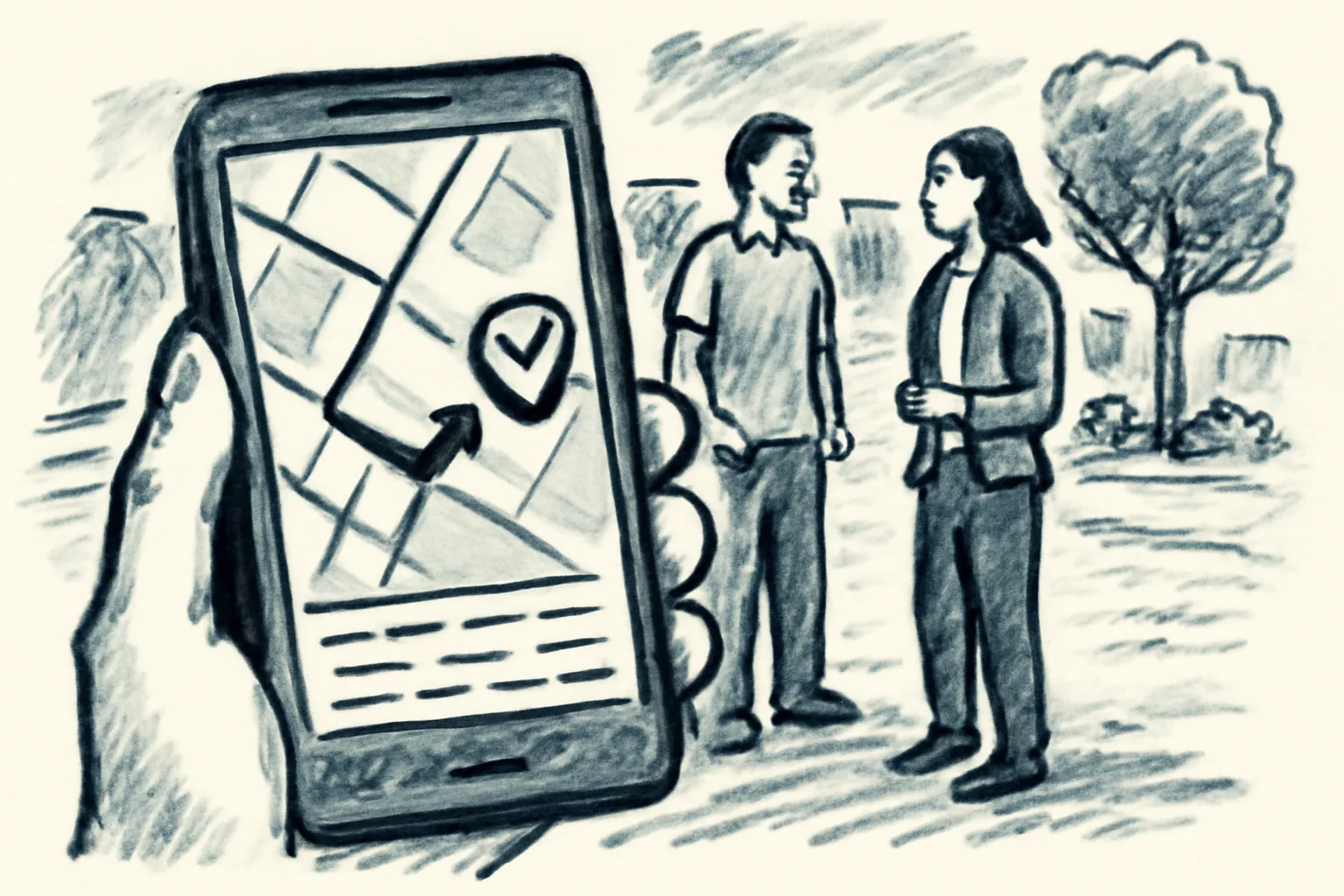
Sending the business name alone is how people end up at the wrong door. Share the exact Google Maps place link, pin, or Plus Code so both people navigate to the same spot. A chain store can have 2 entrances and 3 lots; the pin removes guesswork.
Use one message, not a thread of hints. “Meet at the north entrance of the library” can still fail if the north entrance faces a service road. The place link gives the other person the same map view you are looking at.
If you are arranging the meetup through a platform, this is also the point to review staying safe as a buyer or, if the exchange involves a broader transaction flow, buying on admister. Clear location details help the same way: both sides should have the same information, not two versions of the plan.
One more small detail helps: send the pin with a short note about the entrance. “Use the front door by the blue sign” is better than “See you there.” Short is good. Exact is better.
Set up a clear arrival plan in Maps
Directions in Google Maps are not just for driving. They also help you agree on where to park, where to walk in, and where to wait if one person arrives first. If the lot has 2 entrances, say which one to use. If there is a train station exit closest to the meetup, name that exit.
ETA matters because it sets expectations. If one person is 8 minutes early and the other is 6 minutes late, the meetup still works if both know where to stand. A shared live location can help in some cases, but only if both people are comfortable with it.
Give the meetup a concrete fallback. If the front door is crowded, wait by the side bench. If the parking lot is packed, meet near the nearest visible sign. If the place has a customer service desk, decide in advance whether that desk is the backup point.
It also helps to keep the route simple for the item itself. If someone is carrying a boxed lamp or a bag of books, a long walk from the far lot is a nuisance. Short walk. Clear door. One meeting point.
If you want a broader reminder about account safety before a meeting, the page on keeping your account secure covers the basics that pair well with a careful meetup plan.
Recheck the spot right before leaving
Check the listing again before you leave. A business can change hours, rename itself, or close early on a holiday, and Google Maps may take time to catch up. The last thing you want is to drive across town to a place that has a sign on the door saying “closed for maintenance.”
Confirm 3 things: the business is open, the map listing still matches, and the meetup point still makes sense. That quick recheck is especially useful if the exchange is after work hours or on a weekend. One minute of checking can save a missed meetup.
Look at the current crowd level too. A packed entrance is not automatically unsafe, but it can make identification difficult. If the door is blocked by delivery carts or a line of customers, choose the backup point you already agreed on.
For sellers and buyers who want extra detail on platform steps, how admister works and the frequently asked questions pages can answer setup questions before the meetup even begins.
If the location now looks wrong, change it. No argument needed. Pick the next best place on the list, send the updated pin, and keep the plan moving. A good Google Maps meetup is the one both people can find on the first try.