How to Check a Used Phone for Carrier Lock
Learn how to check a used phone for carrier lock with settings checks, SIM swaps, and IMEI verification before you buy.
On this page
- What “carrier lock” means on a used phone
- Confirm the phone’s exact model and region
- Check the lock status in the phone’s settings
- Test the phone with a SIM card from a different carrier
- Verify carrier lock directly with the original carrier
- Watch for signs of an unpaid balance, installment plan, or blacklist
- Ask the seller for proof of unlock before paying
- What to do if the phone is locked
What “carrier lock” means on a used phone
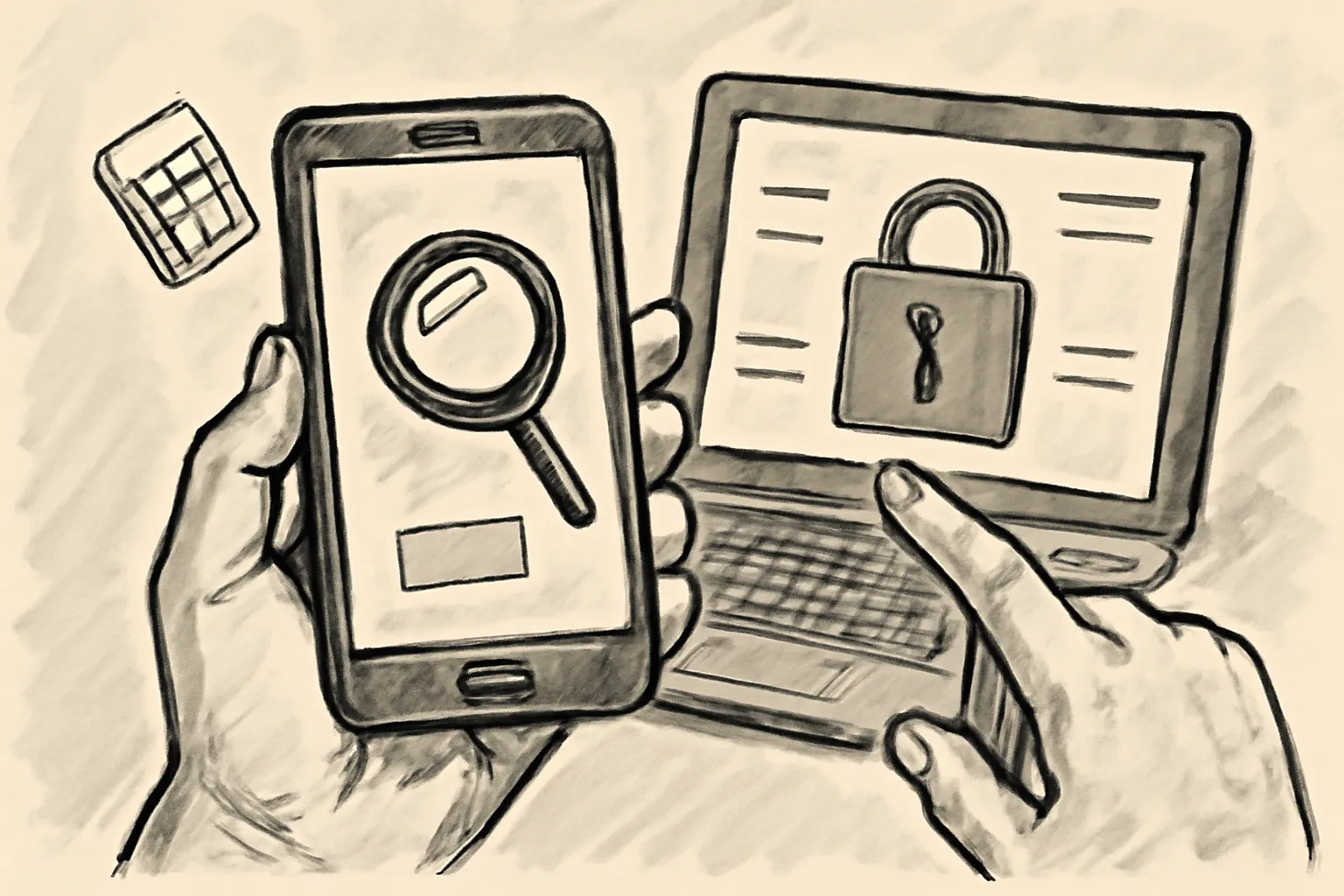
A carrier-locked phone is tied to one network. A SIM from another carrier may not work at all, or the phone may block calls and data until it is unlocked. That difference matters on day one, not later.
An unlocked phone should accept compatible SIM cards from more than one carrier, while a SIM-restricted phone may only accept certain plans or certain countries. Buyers often hear “it works fine” and assume that means freedom to switch networks. It does not.
If you are buying for travel, a second line, or a cheaper monthly plan, carrier lock changes the value fast. A phone that is perfect for one buyer can be nearly useless for another. Small detail. Big consequence.
Before you hand over cash, treat carrier lock as a separate check from screen condition or battery health. A clean display can hide a network problem. A scratched phone can still be fully usable.
Confirm the phone’s exact model and region
The same phone name can hide several versions. A model sold in the United States may behave differently from the same model sold in Europe or Asia, and the carrier lock rules can depend on that market version.
On iPhone, open Settings, then General, then About. Look for the model number, not just the marketing name. On many Android phones, the path is Settings, About phone, then Model number or Device information. Write it down exactly.
That number matters because the label “Galaxy S23” or “iPhone 14” is too broad. A seller may know the retail name and still miss the regional variant, which changes network support, SIM type, and sometimes carrier restrictions. One letter can matter.
Ask where the phone was first sold and whether it was bought from a carrier store, a retail shop, or online. If the seller says “I think it was from Verizon,” ask for the purchase record. Guessing is not enough.
If the model number and region do not match the seller’s story, pause. You are not being picky. You are checking whether the phone can actually work where you live.
Check the lock status in the phone’s settings
The phone itself may show a status clue. On iPhone, go to Settings, then General, then About, and look for Carrier Lock or a similar field. On recent models, you may see “No SIM restrictions” when the phone is unlocked.
On Android, the wording changes by maker. Some phones show Network lock, SIM status, or an item under About phone. Others hide it deeper in Settings, Connections, or Mobile networks.
Do not stop after one screen. Scroll through the device’s settings slowly and read every line connected to SIM or network status. Some phones show a clean “unlocked” status in one place and still have a regional limitation in another.
If the phone is already active with a working SIM, that is encouraging, but it is not final proof. A phone can accept one SIM and reject another carrier later. That is why the exact menu path matters.
Use the phrase how to check a used phone for carrier lock as a reminder that this is a settings check, a SIM test, and a carrier check together. One screen rarely tells the whole story.
Test the phone with a SIM card from a different carrier
The fastest real-world test uses a SIM from a carrier other than the seller’s current network. Ask the seller to power off the phone, swap in your SIM, and wait for the phone to register. Five minutes is usually enough to learn something useful.
If the phone shows signal bars, lets you place a call, and connects data, that is a strong sign it is unlocked for your carrier. If it shows “SIM not supported,” “invalid SIM,” or asks for an unlock code, stop and ask questions. Those messages are not random.
Carry a SIM that is active and known to work. A dead SIM wastes time and creates confusion. Better still, bring two cards if you can: one for voice and one from a different network.
Watch the phone after the first connection. Some devices register briefly, then drop service or disable data settings. That delay can happen when the phone is not fully compatible with the second carrier or when the seller has removed only part of the lock.
A quick test is not rude. It is standard. If the seller resists a 3-minute SIM swap, that tells you something useful all by itself.
Verify carrier lock directly with the original carrier
The cleanest confirmation often comes from the carrier that sold the phone. Ask the seller for the IMEI, then contact the carrier by phone or through its online checker. Many carriers can tell you whether the device is still locked, whether it can be unlocked, or whether it has already been released.
Do not accept an IMEI photo alone. A photo proves nothing unless you verify the number with the carrier or with a trusted checker. Numbers can be copied from another device in seconds.
Some carriers require the original account holder to request unlock status, while others will answer only limited questions. That is normal. What you want is a direct yes-or-no answer about the device’s lock state, not a sales pitch.
If the seller refuses to share the IMEI before payment, that is a warning sign. A legitimate seller usually understands why you need it. The request is standard, not suspicious.
You can also compare the IMEI with the phone’s display in Settings, on the box, and on the tray if the model includes one. Matching numbers reduce the chance of swapping tricks. Mismatched numbers end the deal.
Watch for signs of an unpaid balance, installment plan, or blacklist
Carrier lock is only one problem. A phone can be unlocked today and still fail tomorrow if it is tied to an unpaid installment plan, reported lost, or added to a blacklist. Those issues are common enough to check.
Ask whether the phone was bought on financing. If the seller says yes, ask whether the balance is fully paid. An unpaid balance can lead to service suspension later, even if the phone currently accepts your SIM.
Blacklisted phones may still power on and look normal. The screen works. The battery works. The network may vanish later. That makes this check worth the extra 10 minutes.
Use a carrier or IMEI status tool to look for reported loss or theft flags where available. Some systems reveal only partial data, so a clear result does not always mean the phone is safe. Still, partial information is better than none.
If the seller says “I never had an issue,” ask for proof of purchase and a recent payment confirmation when financing is involved. A story is not a receipt. A receipt is not a guarantee. But it is better than a guess.
Ask the seller for proof of unlock before paying
Good proof comes in more than one form. Ask for a screenshot of the lock status screen, the carrier’s written confirmation, or a live test using your own SIM. One proof is helpful; two are better.
If the seller has already unlocked the phone, ask them to show the settings page again in front of you. On iPhone, that means opening Settings, General, and About. On Android, it means the device details or network page where the lock status appears.
Written confirmation from a carrier beats a verbal promise. A text message from support can help too, especially if it includes the IMEI and the unlock result. Keep it on the screen until the sale is done.
Photos of the box are weaker proof. Boxes can be swapped. Numbers can be copied. A live test with your SIM is harder to fake.
If you need a broader buying checklist, the buying on admister guide and the staying safe as a buyer page cover safer payment habits too. Those pages help when a seller is trying to hurry you.
What to do if the phone is locked
If the phone is locked to another carrier, first ask whether the seller can unlock it before the sale closes. Some carriers require the account to be paid off, active for a set period, or in the original owner’s name. That may take time.
If the seller cannot unlock it quickly, negotiate. A carrier-locked phone should cost less because it limits who can use it. The discount depends on your market and your carrier, so do not invent a number. Ask what similar locked models sell for.
If the seller refuses to lower the price, walk away. A locked phone is only a good deal if you can actually use it. A bargain that never connects is not a bargain.
There is one more practical step: confirm whether your own carrier supports the device model and region before you agree to buy. A phone can be unlocked and still fail because of band support or regional restrictions. That problem is separate, and it is expensive to discover too late.
Keep the conversation short and specific. Ask for the unlock, ask for the IMEI, ask for the carrier result, then decide. No drama. No guessing. The right answer is the one that lets the phone work on your network on the first day.