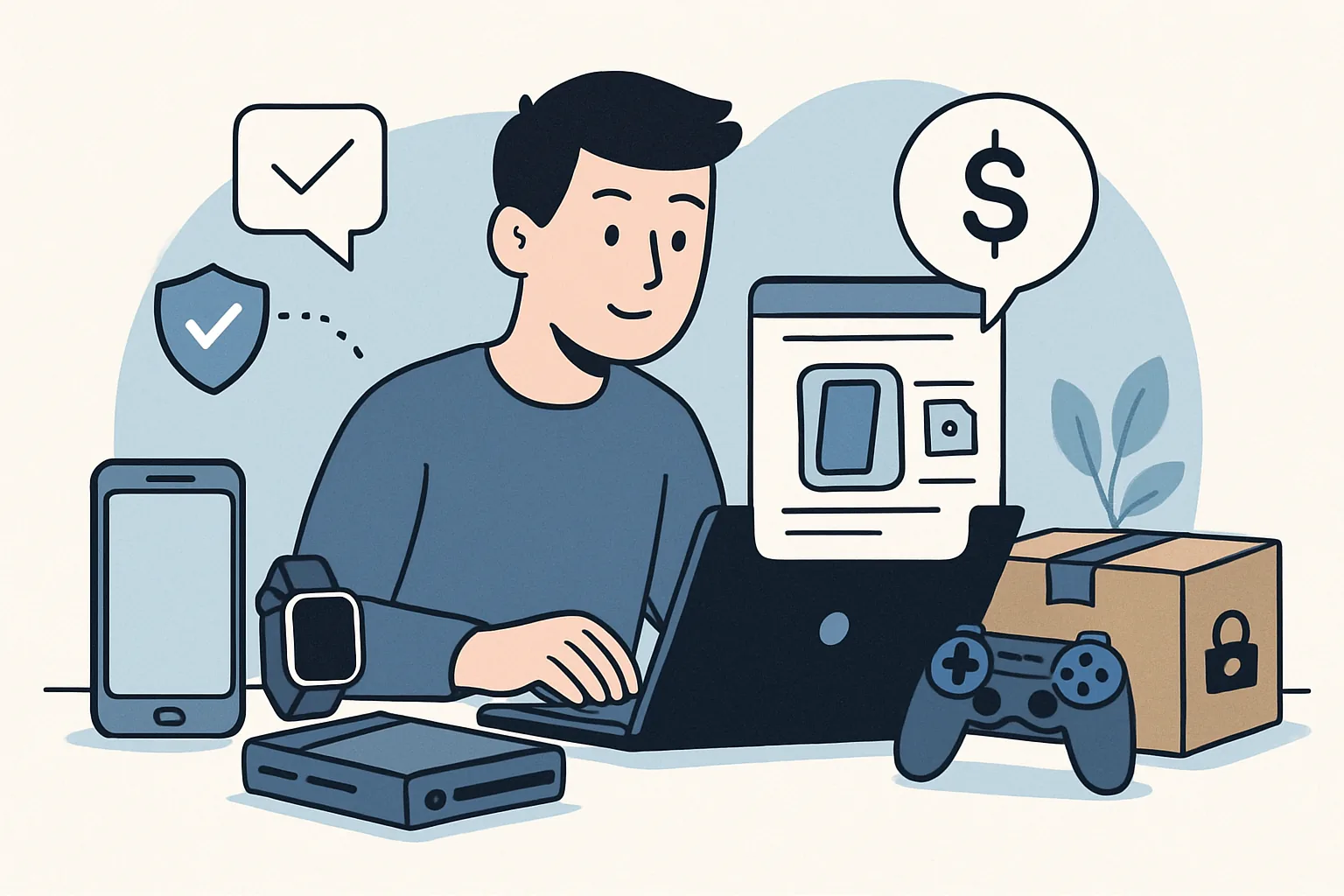
How to Sell Used Electronics Online Safely
Selling used electronics online can be a tidy way to clear out a drawer, recover some value from gear you no longer use, and keep one more device out of the landfill. But it also asks for a little care. Phones, tablets, laptops, smartwatches, cameras, headphones, game consoles — they all carry traces of your accounts, your photos, and your habits unless you prepare them properly. The safest sales are the ones that look boring from the outside: clear listing, honest condition notes, sensible payment, and a buyer who knows exactly what they are getting.
If you are new to how online marketplace selling works, the process is easier when you break it into steps. First, decide what is worth selling. Then make the device ready. After that comes the listing, the platform, the buyer, and the handoff. Each stage has its own small risks, and each stage also gives you a chance to reduce them.
1. Check What You Can Sell and How to Price It
Not every old gadget is worth listing. A device with a dead battery, missing charger, or heavy screen damage may still sell, but only if the final price reflects the condition. Start by checking whether the item powers on, charges normally, and connects to Wi-Fi, Bluetooth, or mobile service if those features matter. Look for wear in the places buyers notice first: screen scratches, cracked corners, keys that stick, hinge looseness, or battery swelling. If the battery looks swollen, do not keep using it casually; safety comes before resale.
Gather everything that originally belonged with the item, especially chargers, cables, stands, cases, boxes, styluses, controllers, or warranty paperwork. Accessories do not just improve the price; they also make the listing feel complete and trustworthy. A laptop sold with its original charger and a clean sleeve will usually attract more interest than the same machine sold bare, even if the hardware is identical.
For pricing, look at comparable listings for the same model, storage size, colour, and condition. Pay attention to the ones that are actually selling, not just the hopeful listings that have been sitting for months. Set your asking price with room to negotiate, but not so much room that you look unrealistic. A common mistake is pricing sentimental value into the listing. Buyers do not pay extra because you loved the device during a long train commute.
If you are unsure, use the simplest test: what would make this item feel like a fair purchase to you if you were the buyer? A realistic price, backed by clear photos and honest condition notes, is often the fastest route to a sale.
2. Prepare the Device for Sale
Before you list anything, back up your data. For phones, tablets, and laptops, save photos, contacts, documents, notes, and any app data you want to keep. If the device contains work files, messaging logs, or two-factor authentication apps, move those first. It is easy to forget that a “spare” device may still be tied to important accounts.
Next, sign out of everything. That includes email, cloud storage, streaming apps, app stores, and any “find my device” service that could lock the next owner out. If you are selling a phone, remove the SIM card and any microSD card. If the item has removable storage, take it out and keep it. It is not a small detail; it is the difference between a clean transfer and an avoidable privacy mess.
After that, factory reset the device using the official method for that model. Do not just delete a few photos and call it done. A proper reset wipes the personal data, disconnects accounts, and gives the buyer a fresh start. For laptops and desktops, check that the operating system is reinstalled and that the device boots to a setup screen rather than your desktop.
Then clean the item. A microfiber cloth, a little patience, and attention to corners and ports go a long way. Remove dust from vents, fingerprints from screens, and sticky residue from cases. Clean devices photograph better and suggest that the owner cared for them, which helps with trust. If the item still has cosmetic flaws, do not hide them. A scratch photographed honestly is less of a problem than a scratch discovered after the sale.
For extra peace of mind, consult frequently asked questions if you are unsure whether a reset or account removal step applies to your device type. Different brands love their own little quirks.
3. Create a Strong Listing for Online Marketplaces
A good listing does not need hype. It needs clarity. Start with an accurate title that names the brand, model, storage or size, and a key condition point if relevant. Buyers search fast, and vague titles tend to vanish into the background. “Used laptop” is weak. “Dell XPS 13, 512GB, good condition, charger included” is useful.
In the description, give the facts in a tidy order. Mention what the item is, how long you used it, what works, what does not, and what comes with it. If the battery holds a charge well, say so. If the camera lens has a faint scratch that does not affect photos, say that too. If one speaker is quieter than the other, do not wait for the buyer to discover it. Straightforward wording tends to attract serious buyers and fewer awkward messages.
Good photos matter more than glossy language. Use bright natural light if possible, place the item on a plain surface, and take shots from several angles. Show the front, back, sides, ports, serial-number area if appropriate, and close-ups of any flaws. For electronics, buyers want evidence. They are not offended by a small scratch; they are offended by surprise.
There are a few practical online marketplace selling tips that consistently help. Keep the background uncluttered. Avoid heavy filters. Photograph accessories separately so buyers can see what is included. If the device powers on, show it powered on. If it has a battery or screen-health issue, document it clearly. Transparency reduces back-and-forth and makes your listing easier to trust.
Also, be careful with model names and specs. Mistyping storage size or processor details can create disputes later. If the model number is hidden somewhere on the device, check it before posting rather than guessing from memory. Guessing is a surprisingly expensive hobby.
4. Choose the Right Platform to Sell Used Electronics
Different platforms suit different kinds of sales. Some are best for local pickup and quick turnover; others work better for higher-value devices that benefit from buyer protection and shipping tools. Before you post, compare the platform’s audience, fee structure, messaging system, and dispute process.
Local marketplaces are often useful for larger items such as monitors, printers, game consoles, or desktop accessories. They save you from shipping costs and packaging headaches. The downside is that you need to manage meetups and payment carefully. Platforms with buyer protection can be better for phones, tablets, or laptops, where the risk of fraud or item-switching is higher. If you are selling something expensive, buyer verification and platform support matter more than a slightly faster sale.
Think about the item itself. Small accessories may move quickly on a local listing site. A high-end camera might do better where enthusiasts search by exact model. Older devices with limited resale value often make more sense as local pickup items because shipping could eat the margin. If you are unsure, list on the platform where your likely buyer already spends time. A niche audience can be worth more than a giant marketplace with too much noise.
For buyers and sellers who want more guidance on safe marketplace habits, the 7 Admister services page can help you find the right support topic if the sale process itself becomes confusing. A little orientation can save a lot of trial and error.
5. Protect Yourself From Scams and Unsafe Buyers
Scams in electronics sales are often subtle. The message may sound polite. The profile may look normal. The problem usually appears later, when someone pushes for speed, secrecy, or a payment method that leaves you exposed. Common red flags include urgency, refusal to answer simple questions, requests to move the conversation off-platform immediately, and offers that are strangely generous for no clear reason.
Keep messaging inside the marketplace whenever possible. That creates a record if something goes wrong and makes it easier to report suspicious behaviour. Be wary of buyers who want to pay by an unusual method, send a fake payment confirmation, or overpay and ask for a refund of the “extra” amount. That pattern is classic scam territory.
If the sale involves a phone number, take a moment to verify it before you meet or ship. A quick check can reveal whether the number appears suspicious or disconnected, especially when a buyer pushes hard for instant contact. If you need a refresher on that process, see checking a phone number. It is a small step that can save a large headache.
Also pay attention to communication style. Serious buyers usually ask practical questions: Does the charger work? Are there any dead pixels? Can you provide the model number? Scammers often skip the details and jump to payment. That is not always a guarantee of bad intent, but it is enough to slow down and ask for more information.
If something feels off, trust that instinct. You are not required to sell to the first person who sends a message. A safer buyer is better than a slightly faster sale.
6. Set Safe Payment, Shipping, and Pickup Methods
The safest payment method is the one that gives you a clear record and, where possible, protection against reversal or fraud. For local sales, in-person cash can still be sensible in some places, but you should meet in daylight and in a public location. For shipped sales, use the marketplace’s supported payment tools or another method that leaves a trace and can be verified. Avoid being rushed into an outside arrangement that removes platform support.
If you are shipping the item, pack it like it might be dropped, bumped, or stacked under heavier boxes. Use a sturdy box, padding around the device, and extra protection for screens or lenses. Remove any loose accessories and pack them so they cannot scratch the item. For laptops and tablets, make sure corners and hinges are cushioned. For phones, keep the device from moving inside the package.
Tracking is not optional. Nor is insurance for higher-value electronics, if the carrier offers it. Signature confirmation can be useful for expensive items. Keep the shipping receipt and tracking number until the sale is fully closed.
For local pickup, choose a public place with foot traffic, such as a café, store entrance, or another well-lit area. Bring a friend if possible. Let the buyer inspect the item, but set boundaries: they can test basic functions, not keep the device long enough to disappear with it. If you are selling a phone or laptop, it helps to restore it to the setup screen in advance so the buyer sees it ready to use.
Do not hand over the device before you can confirm payment has cleared. A screenshot is not proof. A promise is not proof either. If a buyer is in a hurry, that is their problem, not yours.
7. Complete the Sale and Keep Records
Once the buyer has paid and the device is handed over or shipped, save everything. Keep screenshots of the listing, the conversation, the payment confirmation, the shipping label, the tracking number, and any order details. If the buyer asked about a flaw or accessory, keep that message too. Good records are useful if a dispute appears later or if a platform asks for evidence.
If the platform allows it, provide a simple receipt or order summary. It does not need to be elaborate. The important part is that both sides know what was sold, for how much, and in what condition. This is especially helpful for electronics, where minor differences in storage, battery condition, or included accessories can change the value significantly.
Document the item’s condition before handoff or shipment. A few clear photos taken on the day of sale can be enough to show that the screen was intact, the ports were functional, or the casing had a known scratch. If a dispute arises, those photos often matter more than a long explanation typed under pressure.
If you use a support process for the marketplace itself and need help with a dispute or account issue, getting support can be the next sensible step. The faster you can assemble your records, the easier that conversation becomes.
8. After the Sale: Remove Remaining Data and Close the Loop
Even after the item is gone, take a final pass through your own privacy and account settings. If you used a “find my” service, confirm the device is removed from your account. If you shared access through a family plan, check that the device no longer appears there. If the sale included any cloud-linked accessories, unlink them too. The goal is to make sure the device is fully out of your digital life, not just out of your house.
Follow up on shipping until delivery is complete, or, for pickup, until both sides have confirmed the handoff. If the buyer messages with a normal question about setup, answer briefly and politely. You do not need to become their technical support desk, but a short helpful reply can prevent confusion and good faith complaints.
Then review what worked. Which photos got the best response? Which details seemed to matter most? Did your price invite quick interest or endless negotiation? Those notes become your own set of online marketplace selling tips for the next device. Maybe next time you will photograph the charger first, or mention battery health in the title, or choose a different platform for a niche item. Small improvements add up.
Selling used electronics safely is mostly a matter of discipline. Be honest about condition, careful with data, cautious with buyers, and organised with records. Do those things well, and the process becomes less stressful than people expect. Better still, it gets easier each time.
