How to Sell as a Non-Technical Owner on a Classifieds Site
Learn how to sell as a non-technical owner on a classifieds site with simple workflows, photos, and listing templates.
On this page
- Set Up the Smallest Possible Selling Workflow
- Turn Your Item Into a One-Sentence Offer
- Gather the Few Details Buyers Actually Ask For
- Use a Repeatable Photo Routine Without Special Skills
- Publish a Simple Listing Template You Can Reuse
- Handle Messages Without Getting Pulled Into Chaos
- Arrange the Sale Using the Least Complicated Method
- Close the Sale and Keep a Basic Record

Set Up the Smallest Possible Selling Workflow
If you want how to sell as a non-technical owner on a classifieds site, start with three things only: one email inbox, one notes app, and one checklist. That is enough. A phone, a charger, and a table will do the rest.
Keep the email inbox for buyer messages only. Use the notes app for item details, photo reminders, and one-line status updates such as “posted,” “replied,” or “sold.” If a listing gets buried under regular mail, the whole system slips, and you end up searching for a message from “Anna” while standing by the door with a bag packed.
Your checklist can be plain. Step 1: check the item. Step 2: take photos. Step 3: write the title. Step 4: post. Step 5: reply. Step 6: meet, ship, or hand over. Six steps sound almost too simple, but simple is the point.
Some sellers try to build a spreadsheet before they list a single lamp. Don’t. A numbered list in Notes is faster, cheaper, and easier to keep open while you are taking photos or reading messages. If you need a reference for the platform basics, see how admister works.
Turn Your Item Into a One-Sentence Offer
A classifieds listing does not need a speech. It needs one clear sentence that says what the item is, what condition it is in, and what makes it ready to buy. “Black IKEA desk, used for 2 years, stable and clean” is enough to start.
This matters because a long description can stall you. If you are tired, you will keep editing instead of posting. One sentence reduces the pressure. It also gives buyers a quick answer, which is what they want before they scroll to the next item.
Try this formula: item name + brand or model + condition + one useful detail. For example: “Samsung microwave, fully working, includes glass plate.” Or: “Wooden chair, good condition, minor scratches on one leg.” The sentence should sound like a person wrote it, not a brochure.
Avoid clever wording. Do not write “perfect for any home” unless you can point to a specific reason, such as size, color, or included parts. Buyers on classifieds sites usually care about one thing: does it fit their need right now? Answer that. Fast.
Gather the Few Details Buyers Actually Ask For
Before you post, collect the details buyers ask about most often: brand, model, condition, age, included accessories, pickup location, and any limitations. That list is short on purpose. It saves you from back-and-forth later.
Brand and model matter because they let a buyer compare your item with another listing in seconds. Condition matters because “good” can mean five different things. Age helps with electronics, furniture, and children’s items. If you know the purchase year, write it down. If you do not, say “approximate age” and be honest.
Accessories deserve a line of their own. A laptop without a charger is not the same sale as a laptop with a charger and original box. A bike without lights is different from one with lights and a lock. One missing cable can change the first question you get.
Limitations should be specific. “Pickup only on weekdays after 6 pm” is useful. “Some issues” is not. “Small scratch on the side” is useful. “Used condition” alone is vague. Buyers forgive flaws when they know the flaw is small and named.
If you want a place to check common buying and safety topics later, the site’s frequently asked questions can help with the basics.
Use a Repeatable Photo Routine Without Special Skills
Good photos do not need special gear. A phone camera, daylight, and a clean wall can do more than a fancy setup with poor timing. Shoot near a window in the morning or afternoon. Turn on the room light if the scene looks dark.
Take at least 4 photos: one full view, one close-up of the front, one close-up of any flaw, and one photo of accessories. Four is enough for many items. For a chair, show the front, the back, the legs, and the scratch. For a phone, show the screen, the back, the ports, and the box if you have it.
Do not hide damage. A blurry photo of a stain becomes a complaint later. A sharp close-up of the stain gives the buyer a fair look and saves you time. It also makes you look honest, which helps with messages and offers.
Keep the background simple. A bed covered in clothes, a sink full of dishes, or a car seat with random bags can make buyers wonder what else is wrong. One clean surface is enough. A plain floor works fine. So does a table.
Angle matters, but not in a tricky way. Shoot straight on for size, then slightly from the side for depth. If the item has a label, include one clear photo of the label. That single frame can answer a model question before it is asked.
Publish a Simple Listing Template You Can Reuse
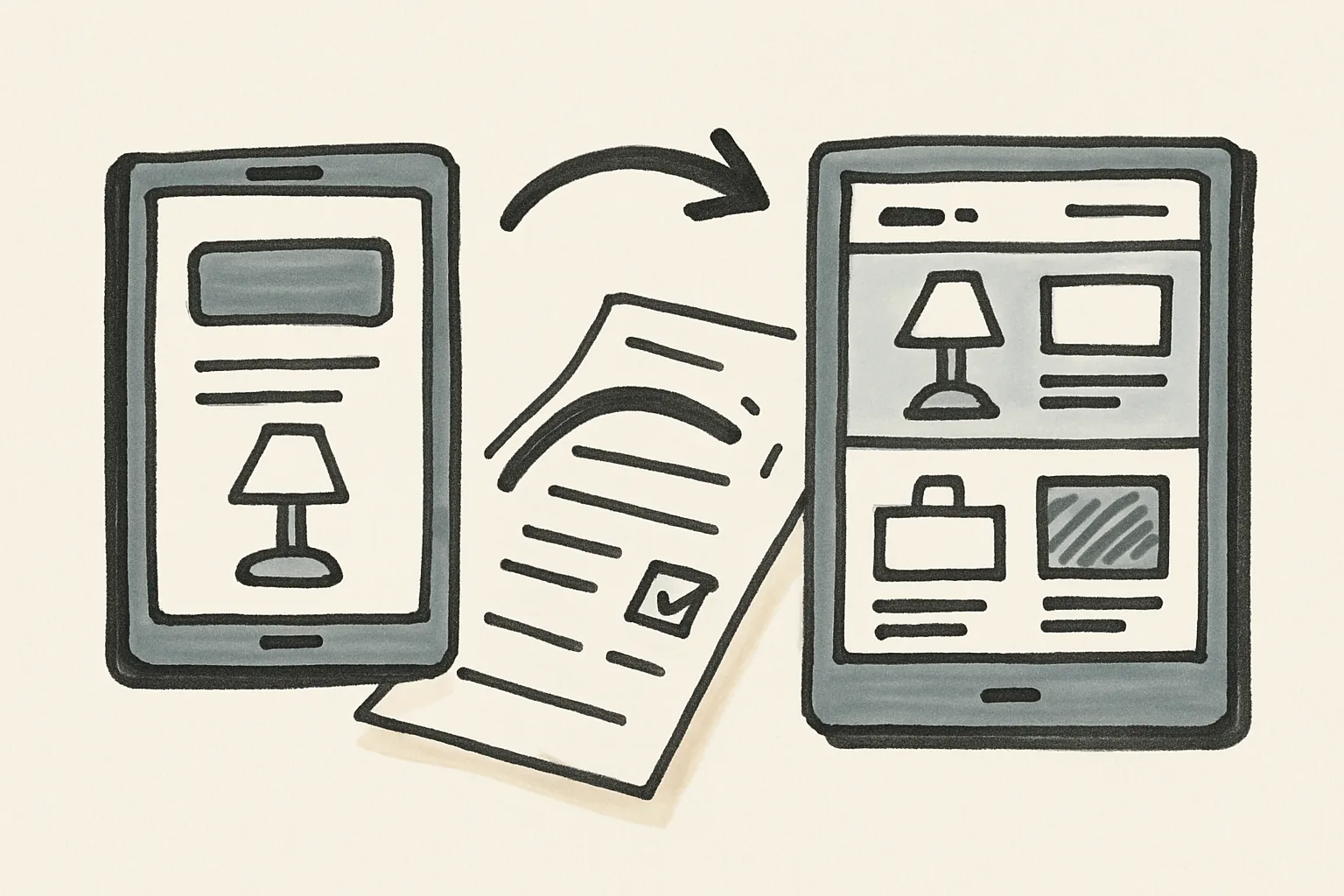
A reusable template keeps you from writing from scratch every time. Use the same order for each listing: title, one-line summary, details, flaws, pickup or delivery, and price. When the structure never changes, the work gets easier after the first 2 or 3 items.
For the title, start with the item name and one fact that helps search. “Office chair, adjustable height” is better than “Great chair.” “Canon printer, working” is clearer than “Printer for sale.” Put the brand first if the model is known. Put the key feature first if the brand is not.
The description can stay brief. Example: “Used for 18 months. Works well. Includes charger. One small mark on the corner. Pickup in central area after 5 pm.” That is readable, honest, and fast to post. It also answers 4 things buyers usually want before they message you.
Keep a blank template in Notes and copy it each time. If you sell multiple items, change only the item name, the condition, and the pickup line. The rest can stay the same. This is one of the easiest parts of how to sell as a non-technical owner on a classifieds site, because repetition saves attention.
Long titles can look messy on a classifieds site. Short titles are better when they still identify the item. If the site allows categories, choose the closest match, not the broadest one. A sofa belongs in furniture, not “other.”
Handle Messages Without Getting Pulled Into Chaos
Messages can eat your day if you let them. The fix is a small script. Answer the main question in the first reply, then ask one direct question back. For example: “Yes, it is available. Pickup is near the station. Would Friday at 7 work?”
Buyers usually ask 3 things: is it available, what is the final price, and where can I collect it? If you answer those 3 quickly, the thread stays short. If the buyer starts bargaining without reading the listing, point back to the price or the pickup rule and do not write a paragraph.
Use one message thread per buyer. Do not switch between chat apps unless you have to. If you are waiting for someone to confirm a time, put their name and the time in your notes. A line like “Marta, Saturday 11:00” is enough.
Time-wasters are usually obvious after 2 messages. They ask for details already posted, suggest impossible meeting times, or vanish after saying “still interested.” A polite “If you want it, send a time that works” is often enough. If not, move on. You do not need to win every chat.
Short replies help. So does silence, sometimes. If the buyer asks a question that is already answered in the listing, answer once and keep the tone neutral. That keeps the conversation from turning into a back-and-forth that lasts 12 messages and ends nowhere.
For account questions or platform issues, the admister page is the better place to start than guessing in chat.
Arrange the Sale Using the Least Complicated Method
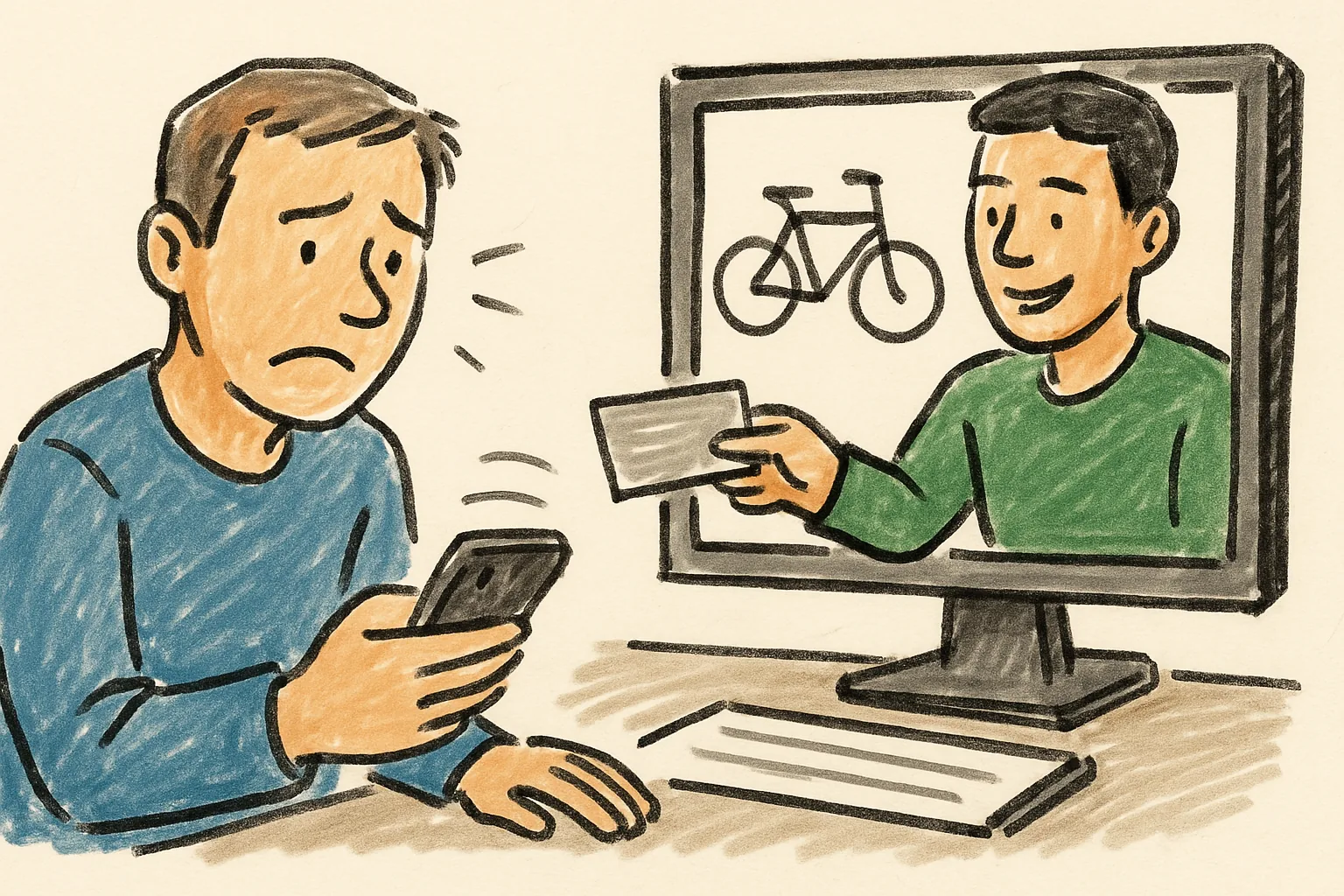
Pick the easiest method that still fits the item. For a small chair, pickup may be simplest. For a book or cable, delivery can work if the platform supports it. For a large item, meeting in public near your building or a station may be less awkward than inviting a stranger inside.
Choose one method and state it clearly. “Pickup only” is clear. “Delivery possible for an extra fee” is clear if you actually mean it. “Can meet anywhere” is not clear, because it invites long negotiations over distance and time.
Safety matters, but the setup can stay simple. Meet in daylight if you can. Bring the item packed and ready. Keep the exchange short. If the buyer wants to inspect the item, let them do that, then finish the handoff without hanging around for 20 more minutes of chatter.
If payment happens in person, count it once and confirm it once. If the platform offers other payment methods, read the rules first. That protects both sides and avoids awkward arguments after the item is gone. If you are unsure about account handling, see keeping your account secure.
One practical rule: do not make the sale harder than the item is worth. A 15-minute pickup is fine. A 2-hour cross-town trip for a low-value item is not. The simplest method is often the one that gets the item out of your home without a second round of planning.
Close the Sale and Keep a Basic Record
Once the handoff is done, mark the item sold. Do it the same day if possible. A sold listing left open attracts more messages, and then you have to repeat “already sold” to people who never saw the update.
Keep a basic record in Notes with 4 items: buyer name, date, price, and method of handoff. You do not need a formal file. A single line per sale is enough. Example: “Desk — sold to Pavel — 12 May — 80 — pickup.” That small habit helps if a buyer contacts you later about a missing part or if you need to check how long items usually take to sell.
Save one message or screenshot that confirms the sale. If the platform has a status button, use it. If the item was picked up, note whether cash, bank transfer, or platform payment was used. Three details can prevent one future dispute.
Keep the photos for a short while after the sale. A week is often enough, but if the item had a flaw or missing part, keep the folder longer. That way, if a buyer claims the scratch was not visible, you have the original photo ready.
Finish the record before you clear the listing from your phone. A simple archive folder called “Sold” works. One name. One date. One line. That is enough for a non-technical owner who wants the next sale to be easier than the last one.