What secure online transactions mean
Learn how secure online transactions work, common risks, and practical steps to protect payments, accounts, and customer data.
On this page
- What secure online transactions mean
- Common risks in online transactions
- Core technologies that help protect transactions
- How to tell if a website is safe to pay on
- Best practices for consumers
- Best practices for businesses and website owners
- What to do if a transaction looks suspicious
- Building long-term trust in online payments
What secure online transactions mean
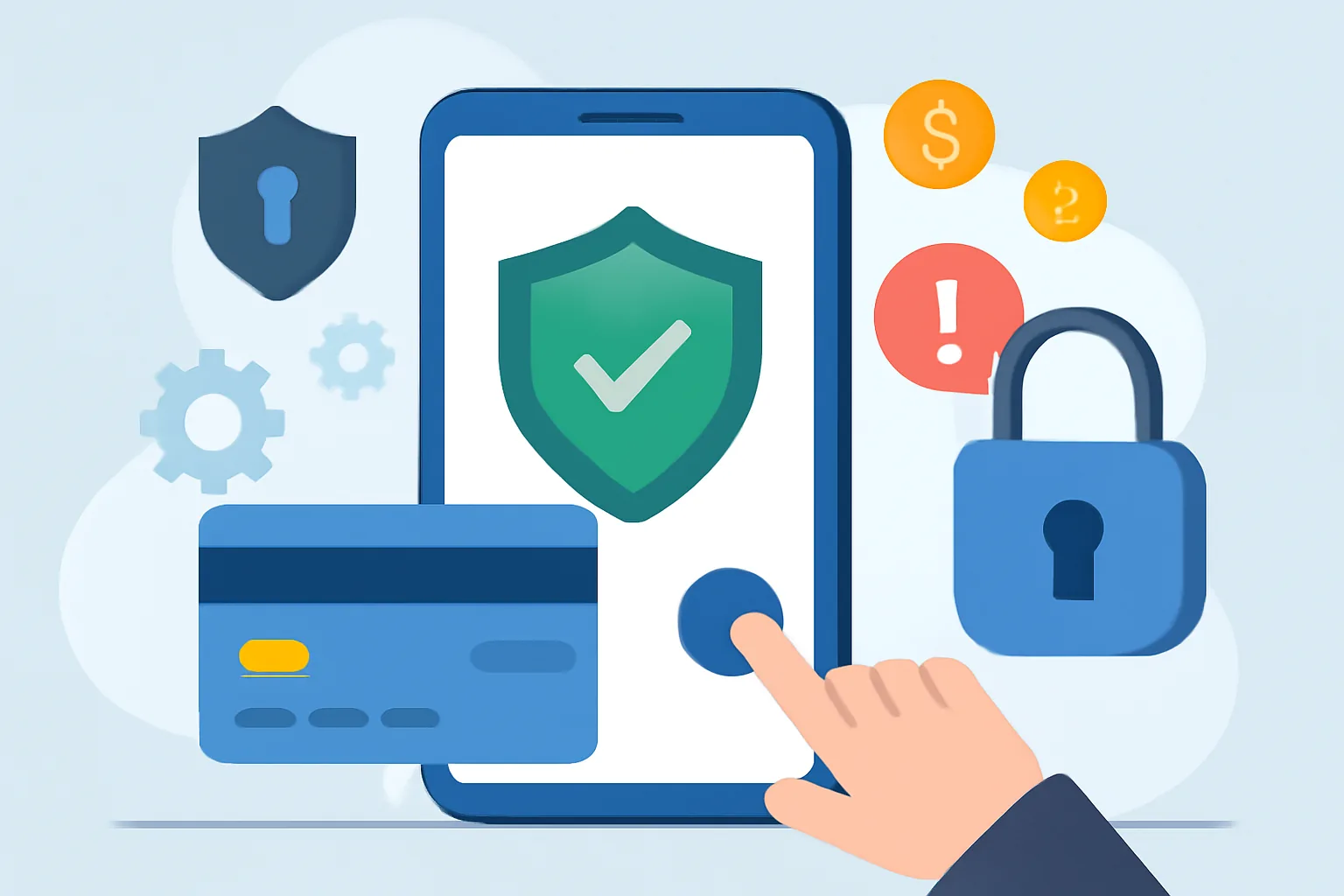
Secure online transactions are payments and data exchanges that are protected from theft, tampering, and fake requests. The goal is simple: the right person pays the right merchant, and both sides can trust what happens next. A browser tab alone does not make that happen. A login page, a checkout form, and a payment request all need separate protection.
That difference matters because standard web browsing only shows content. A secure transaction also carries money, identity data, and sometimes delivery details, which means a mistake can cost more than a bad click. Think of a checkout page where a customer enters a card number and a delivery address; that page is not just “a page,” it is a live financial handoff.
One useful way to think about secure online transactions is to ask three questions. Is the connection encrypted? Is the payment destination genuine? Can the customer verify what they are approving? Those checks sound plain, but they stop a lot of damage.
People sometimes treat security as a banner at the bottom of a site. That is too narrow. A secure payment needs the whole chain to hold: device, browser, network, website, payment processor, and account access. If one link weakens, the payment can be exposed.
Common risks in online transactions
Phishing is still one of the easiest traps. A customer gets an email that looks like a bank notice, clicks a link, and lands on a fake checkout page built to harvest card details or passwords. The fake page may copy a logo, a color, and even a support phone number.
Card theft does not always look dramatic. Sometimes the stolen data is reused for small test purchases first, then for larger ones later. That delay is part of the trick. A stolen card can sit in a fraudster’s hands for days before the cardholder notices anything wrong.
Man-in-the-middle attacks happen when an attacker sits between the customer and the website, quietly reading or changing traffic. Public Wi‑Fi in a café or airport can make this easier if the connection is weak or the user ignores warnings. One intercepted login is enough to expose a payment account.
Account takeover is the messiest outcome because it uses the real owner’s identity. A reused password, a leaked email address, or a guessed security question can give an attacker access to stored cards, shipping addresses, and order history. Then the fraud looks “normal” in the system.
Fake checkout pages are especially dangerous because they often look polished. A shopper sees the product, sees the cart total, and assumes the site is real. The checkout page may even accept payment and send a receipt, while the merchant never receives the order. That consequence is simple and ugly: the money is gone.
Core technologies that help protect transactions
HTTPS and TLS protect data while it moves between a browser and a site. They encrypt the connection so outsiders cannot easily read passwords, card numbers, or form fields in transit. Without that layer, the checkout is exposed on the network.
Encryption also helps after data reaches a system. Stored payment details, account records, and message logs may be encrypted so stolen files are harder to use. Encryption is not magic. It is one barrier among several, and it only works if the keys are managed carefully.
Tokenization reduces the value of stolen payment data. Instead of storing the actual card number, a system stores a token that maps back to the card through a payment processor. If an attacker steals the token, that token alone should not buy a laptop or place a new order.
Secure payment gateways matter because they keep sensitive card processing away from the merchant’s main website. That limits exposure. A business that never handles card numbers directly lowers its risk surface and simplifies compliance work, which is one reason many online stores choose gateways instead of building payment flows from scratch.
Multi-factor authentication adds a second check for logins and payment approvals. A password alone can be stolen; a password plus a one-time code, device prompt, or hardware key is harder to fake. The extra step can feel annoying for a buyer. It also stops a lot of account takeovers.
How to tell if a website is safe to pay on
Start with the browser address bar. A padlock icon is not enough on its own, but the site should also use HTTPS and a valid certificate issued to the right domain. If the address looks odd, has extra words, or uses a strange spelling, stop there. One wrong letter is enough.
Trusted domains matter because fake sites often imitate familiar brands with tiny changes. A store called “example-pay” may not be connected to the real brand at all. Check the full domain, not just the logo. A good rule: if the domain feels rushed, the checkout may be rushed too.
Clear policies are another sign of a site that expects real customers. Look for shipping terms, refund rules, contact details, and a privacy notice that actually names the company. A merchant that hides all of this during checkout is asking for trust without giving any back.
Recognized payment methods help too. Credit cards, major wallets, and known payment gateways usually provide buyer protections that odd bank-transfer-only requests do not. If a site insists on a direct transfer for a normal consumer purchase, that should raise a hard question before you pay.
It also helps to read one support page before checkout. If a site has a working help section, such as Frequently asked questions — Admister, you can see whether the business explains common payment issues in plain language. That does not prove safety, but it gives you a better signal than a glossy homepage alone.
Best practices for consumers
Use strong passwords for shopping accounts and never recycle the same one across three or four sites. A password manager can help, but the main habit is simple: each account gets its own login. One stolen password should not open your email, bank, and checkout profile at once.
Avoid public Wi‑Fi for payments if you can. A coffee shop network may be fine for reading news, but it is a poor place to enter card details or approve a bank login. If the payment must happen on the move, switch to mobile data or wait until you are on a trusted network.
Review statements regularly. A small unauthorized charge can be a test, not the final loss. Many banks allow alerts for every card use, and that helps you catch a bad transaction within minutes instead of days. Speed matters here because card disputes are easier when the evidence is fresh.
Enable alerts for logins, withdrawals, and new payees. These notices turn silent account changes into visible events. If you get a message about a password reset you did not request, act immediately. Waiting turns a warning into a breach.
Check your device before paying. An outdated browser, a missing security update, or a malicious extension can weaken secure online transactions even when the website itself is fine. A shopper who keeps a phone locked, updated, and free of random add-ons is already ahead of the usual fraud path.
Best practices for businesses and website owners
Design the checkout with fewer surprises. Show the total early, identify the merchant name clearly, and avoid last-second fees that force customers to second-guess the page. Confusion helps fraudsters because people stop reading when they feel rushed. A clean checkout reduces those mistakes.
PCI DSS awareness is important for businesses that handle card payments. The exact obligations depend on the setup, but merchants still need to understand where card data touches their systems and who can access it. If staff do not know where payment data lives, security gaps appear fast.
Access controls should be tight. Not every employee needs access to payment records, refund tools, or customer identity data. Give permissions by job function, review them regularly, and remove access when roles change. One wrong admin account can expose thousands of orders.
Fraud monitoring should look for patterns, not just single bad orders. Repeated small purchases, mismatched billing and shipping data, and many failed login attempts can all point to trouble. A business that watches only completed payments often notices fraud after the chargebacks arrive.
Staff training matters because people answer tickets, approve refunds, and spot suspicious messages first. A support agent who knows how to verify a customer request can block social engineering before it reaches finance. If the team needs a starting point for site help structure, the page How Admister works — Admister shows how clear guidance can lower confusion at the exact moment a user is deciding what to do next.
Businesses should also train staff to recognize fake vendor emails, urgent password-reset claims, and payment disputes that try to bypass normal checks. A five-minute pause can save a five-figure loss.
What to do if a transaction looks suspicious
Contact the bank or card issuer first. Call the number on the back of the card or use the banking app’s official support route, not a phone number from a suspicious email. If the card can be frozen, freeze it. If a payment is still pending, ask whether it can be stopped.
Change passwords next, starting with email. Email often controls resets for shopping accounts, banks, and wallets, so a compromised inbox can reopen the problem even after the first card is canceled. Use a new password that has never been used anywhere else.
Preserve evidence before deleting anything. Keep emails, screenshots, order numbers, transaction IDs, and the time of the event. Those details help the bank, the merchant, and support staff decide whether the transaction was fraud, a billing mistake, or a delivery issue. A clean record beats a vague story.
If the fraud came through a store account, review saved addresses, stored cards, and recent logins. A thief may add a new address or a backup card before making purchases. Removing that access quickly can stop a second loss on the same day.
Report the issue to the merchant’s support team as well. A serious business will want the order number and the exact time so it can check logs and block repeat abuse. If you need help finding support channels, Getting support — Admister is a useful model of what a clear help path should look like.
Building long-term trust in online payments
Trust grows from the same three things every month: security, transparency, and support. Security keeps payment data from leaking. Transparency tells the buyer what will happen with the order. Support gives customers a place to ask for help when a charge looks wrong or a delivery stalls.
A site that explains its payment methods, posts its policies plainly, and responds quickly to disputes earns fewer chargebacks and more repeat orders. That is not theory. Customers remember one bad payment experience for a long time, especially if their bank has to reverse it later.
Businesses that explain how payment data is handled also reduce fear. A short note about encryption, fraud checks, and refund steps can help a hesitant buyer finish the purchase. For some customers, the final trust signal is not a badge; it is a calm support page and a merchant name they can verify later.
Admistter-style service clarity also helps after the sale. A shopper who can check order help, read payment guidance, and contact support without hunting through six pages is less likely to abandon a transaction or assume the worst. That is where secure online transactions become more than a technical term: they become a repeatable habit at the point of payment.