How to Protect Personal Information While Selling Online
Learn how to protect personal information while selling online with privacy tips for listings, chats, and phone number safety.
On this page
- How to Protect Personal Information While Selling Online
- 1. Identify what personal data you should never publish
- 2. Build a “minimum necessary info” listing
- 3. Use privacy tips for messaging, profiles, and buyer screening
- 4. Apply phone number safety before and during the sale
- 5. Keep payment, shipping, and pickup details compartmentalized
- 6. Remove hidden information from photos, files, and device settings
- 7. Handle post-sale cleanup and ongoing privacy protection
How to Protect Personal Information While Selling Online
Selling online can feel simple until a buyer asks for “just a few more details.” That is often where privacy slips. If you want to know how to protect personal information while selling online, start with one rule: share only what the transaction needs, and nothing more. A couch sale does not need your birthday. A bicycle listing does not need your employer.
1. Identify what personal data you should never publish
Public listing details are the facts that help someone decide whether to buy: item condition, size, color, model, price, and pickup area. Sensitive information is different. Your full name, home address, workplace, ID numbers, bank details, and exact routine or location clues should stay out of the listing from the first draft. A buyer may need “downtown” or “north side.” They do not need “apartment 4B beside the pharmacy.”
One common mistake is treating every field as harmless. It is not. A photo of a shipping box can expose a surname. A casually mentioned commute can reveal your schedule. A note like “I work nights at the hospital” sounds friendly, yet it also tells strangers when you are usually away from home. Keep the story short. Keep the facts sharp.
Some sellers also forget that a workplace can be a home address in disguise. If you run a small business from home, do not list your studio name, mailbox number, or neighborhood if the item can be sold without that detail. The same logic applies to ID numbers, tax numbers, and bank details: none of them belong in a public post, and most do not belong in chat either.
2. Build a “minimum necessary info” listing
A good listing answers the buyer’s basic questions in 3 lines: what it is, what condition it is in, and how the handoff will work. That is enough for most sales. If the item is a lamp, say “metal floor lamp, works, pick up near central station.” Do not add where you bought it, who gave it to you, or why you are moving. Buyers rarely need the backstory.
Approximate location is usually better than a precise one. A city district, a transit stop, or a general neighborhood can help buyers judge distance without pointing them to your door. Exact location details create a trail. So does a pickup note like “ring the blue doorbell next to the second garage.” Shorter is safer.
Photos matter as much as the text. Neutral photos should show the item from 2 or 3 angles, with no documents, mail, car plates, house numbers, medication labels, or whiteboards in the frame. If you are photographing a desk, clear off the bills first. If you are photographing a bookshelf, remove anything with your name on it. Small objects count.
One practical habit helps here: take the listing photos in one plain spot, then reuse that spot every time. A blank wall works. A bare floor works. A messy kitchen counter does not. The point is not artistry. The point is to avoid leaving clues in the background that link the item to your home, your job, or your family.
3. Use privacy tips for messaging, profiles, and buyer screening
Good privacy tips start with the chat window. Keep the conversation inside the platform as long as possible, especially during the first exchange. If a buyer asks for your email, home address, alternate account, or another photo “for verification” before they have made a real offer, pause. The request itself is data-hungry.
Answer only the question asked. If a buyer wants to know whether the chair folds, say yes or no. If they ask where you live, give the general pickup area already in the listing, not a street name. If they push for extra details, repeat the step: “I can share the pickup point after we confirm the sale.” That sentence is plain, and it is enough.
Your profile can also reveal too much. A profile photo with a child’s school in the background, a username based on your full name, or a bio that lists your employer all make it easier to connect the dots. Even response habits matter. If you always reply within 2 minutes and never at night, strangers can learn your routine. That may sound minor. It is not.
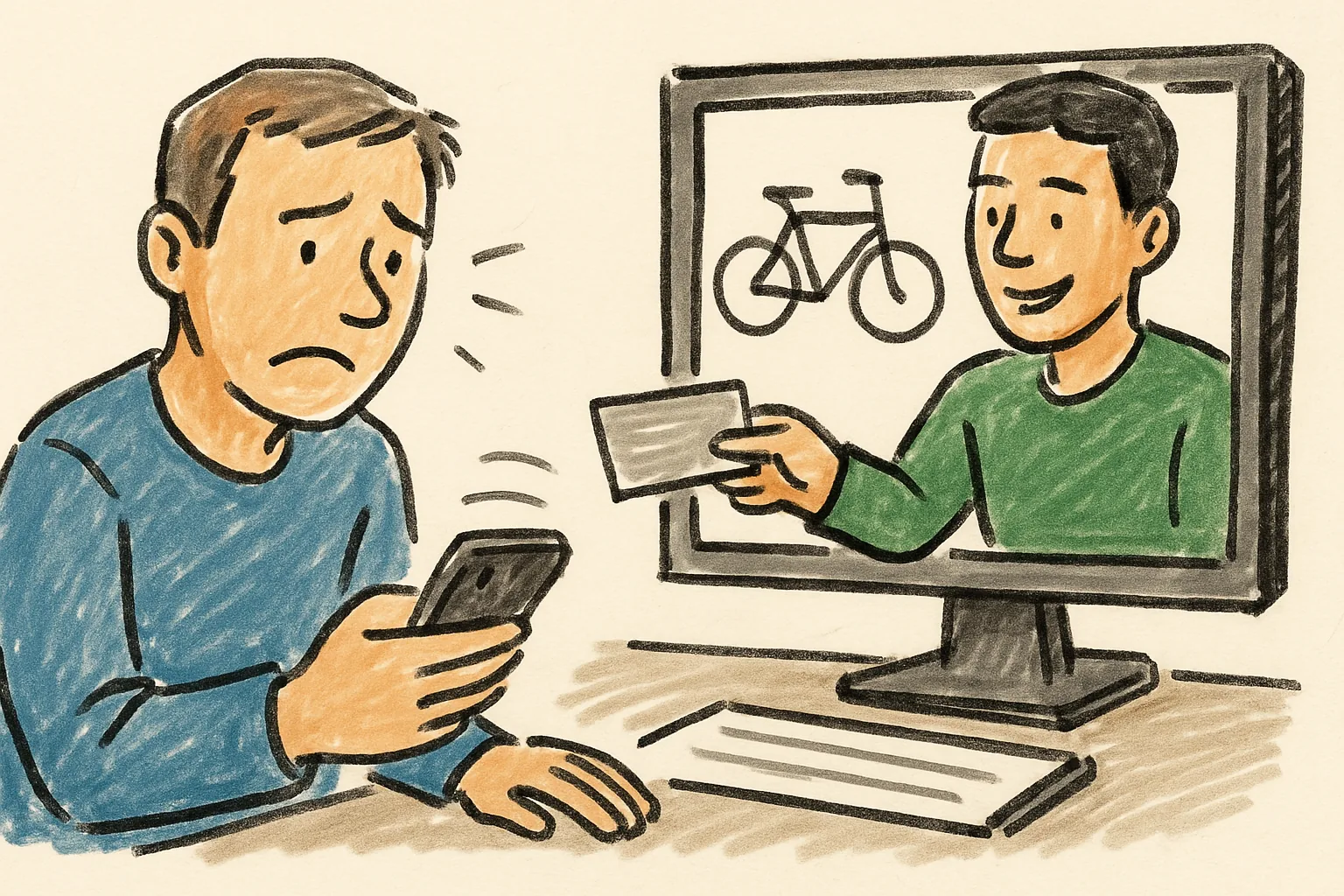
Buyer screening is partly about tone. A normal buyer asks about condition, dimensions, and availability. A suspicious buyer asks for “your exact address,” “a copy of the receipt,” or “your personal number because the app is broken.” That last one often is a test. Do not treat every unusual request as hostile, but do treat repeated pressure as a warning sign.
For more practical help with account controls and message safety, see keeping your account secure. The details there matter when you use the same account for several listings, because weak settings in one place can expose a lot more than one item.
4. Apply phone number safety before and during the sale
Phone number safety starts with a simple question: do you need to share a personal number at all? In many sales, the answer is no. In-app chat can handle questions, photos, timing, and final confirmation. A buyer who insists on moving to SMS “right away” is asking for a way around the platform’s records, and that is worth noticing.
If you must share a number, consider whether a masked or temporary number may be safer. That can help separate one sale from your main identity, especially for local pickup or shipping coordination. The exact method depends on the platform and the country, so check the rules before you rely on it. A temporary number is not magic. It is a boundary.
Unknown calls and texts deserve caution. Do not call back from your personal line if a missed call looks odd. Let the message sit. Read the wording. A scammer often creates urgency: “I’m outside now,” “I sent payment twice,” or “Text me your code.” None of those phrases should make you move faster. Codes stay private. Always.
Phone number safety also means reducing fallout after a sale. If you used your main number once, expect some follow-up spam or impersonation attempts. Block the sender if the messages turn strange. Save screenshots if the buyer begins asking for codes, refunds, or extra verification. That small archive can matter later if support needs to review the exchange.
A second number can help, but it is not the only tool. Silence unknown callers. Turn off contact syncing for apps that do not need it. And never share a number in a public comment thread, where it can be scraped and reused by anyone watching.
5. Keep payment, shipping, and pickup details compartmentalized
Payment details should travel separately from pickup details. A buyer who pays by bank transfer needs payment instructions, not your home address. A courier needs a shipping label, not your full chat history. A local pickup buyer needs a meeting time and place, not your work schedule. Split those steps, and you reduce the amount of personal data exposed at each one.
When sharing payment confirmation, send only the proof required by the platform or the buyer. A receipt number may be enough. A full bank statement is almost never needed. If someone asks for extra proof, ask why. That question is fair. One line can save you from sending account details that do not belong in a sale.
Shipping is especially easy to overexpose. A label can reveal your name and return address, but you may not need to send the buyer the label image if the platform already marks the order as shipped. If you do need to share it, crop out extra paperwork, and avoid sending a screenshot of your entire parcel table with your address visible in the background. Tiny oversights become permanent records.
Pickup should be handled with the same discipline. Give a pickup window, not your full daily plan. “Saturday between 2 and 4” is better than “after I finish the school run and before I leave for dinner.” If you need to use an office lobby or a public place, say so directly. The point is to make the handoff easy without handing out your routine.
For sellers who want a broader overview of marketplace habits, buying & selling guides can help you compare what belongs in a listing, what belongs in a message, and what should stay private until the last possible step.
6. Remove hidden information from photos, files, and device settings
Photos often hide more than people expect. Metadata can include a date, time, and sometimes location data. A file name can reveal your camera roll habits. A screenshot can capture battery alerts, app names, or the top edge of a message thread. Before posting, open the file and check it as if you were a stranger. If anything points back to your home or device, replace it.
Document scans need extra care. A receipt, invoice, or warranty card may carry your name, address, order number, or payment reference. If the buyer needs proof of authenticity, share only the relevant portion. Crop the rest. Better yet, photograph the item with the serial number visible and nothing else. That gives the buyer what they need without a full paper trail.
Background clues matter too. A mirror can reflect a room layout. A parked car can show a plate. A whiteboard can expose a phone number scribbled for another task. Even a tiny sticky note on a fridge can be enough to identify a home. One seller may overlook this because the note looks harmless. A stranger does not need much.
Device settings can work against you if you post casually. Automatic cloud syncing may upload drafts, location tags, or extra copies of the same photo. Location sharing can attach a map coordinate to an image or social post. Turn those features off before you upload item photos, especially if the sale involves your home or a private workspace. The less the device remembers, the less it can reveal.
7. Handle post-sale cleanup and ongoing privacy protection
After the deal closes, clean up the records you do not need. Delete or archive the message thread, especially if it contains a phone number, address, or delivery note. If the platform keeps a sales history, review what is visible to other users. A completed sale should not keep advertising your contact habits. That includes old comments and public replies.
Update forwarding settings if you used a temporary number, masked email, or alternate inbox during the sale. Make sure those routes do not keep pointing to your main account longer than needed. If you set a text-forwarding rule, remove it. If you used email aliases, retire the one tied to that item. A forgotten redirect can keep leaking messages weeks later.
Watch for follow-up scams. A buyer may return with a “missing parcel” story, a request for a refund through a strange link, or a claim that payment failed after delivery. Do not react quickly because the person sounds polite. Check the original transaction record. If the claim does not match the record, do not hand over new information just to be helpful. Helpful is not the same as safe.
One last habit helps the next sale. Review the listing you just posted and note 2 things: what you shared too early, and what you could have left out completely. Maybe it was a location clue. Maybe it was a phone number. Maybe it was a photo that showed a mailbox. That review takes 5 minutes and makes the next listing cleaner, calmer, and harder to abuse.
Some sellers keep a simple rule card beside the keyboard: 3 things to share, 3 things to hide, and 1 place to stop and check before sending a message. That small pause is often what separates a normal sale from a privacy mistake.