How to migrate from marketplace apps to a classifieds site
Learn how to migrate from marketplace apps to a classifieds site by auditing listings, rewriting for inquiries, and organizing inventory.
On this page
- Confirm the migration scope and what “classifieds” means for your inventory
- Audit only the listing elements that survive the move
- Reframe each listing for inquiry-based buyer behavior
- Organize your inventory by publishability, not just by product type
- Rebuild media and formatting for classifieds presentation
- Set up inquiry handling before you switch traffic
- Redirect existing marketplace visibility without breaking current sales
- Decommission the marketplace app in stages
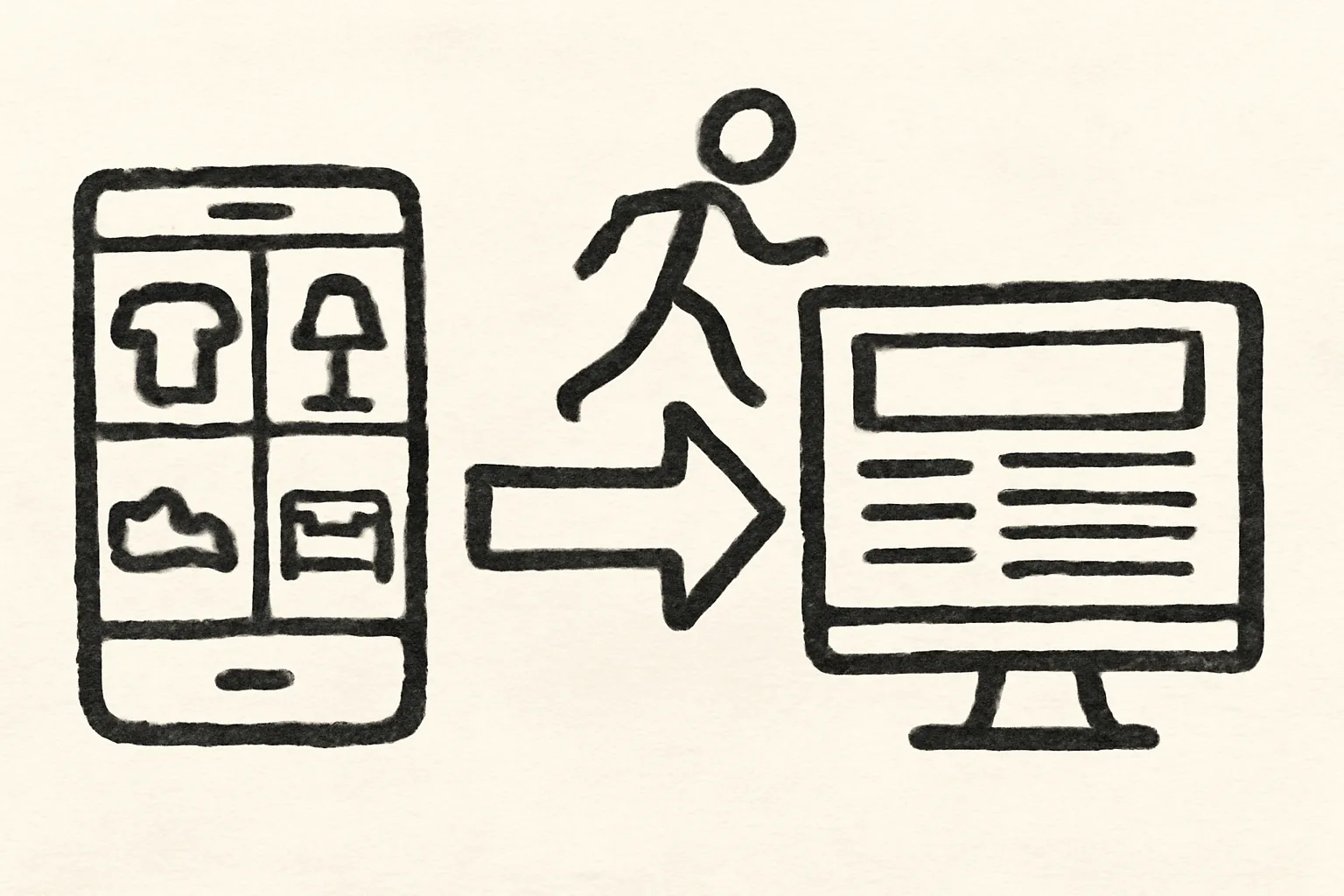
Confirm the migration scope and what “classifieds” means for your inventory
Before you move anything, decide what kind of move this is. A classifieds site is not just “another place to list items.” In most cases, it changes the goal from checkout-first selling to lead generation, direct inquiries, or local handoff. That difference matters on day 1.
If your marketplace app is built around instant purchase, the classifieds site will feel slower, but that is not a defect. It simply means your listings need to invite questions, not force a cart. A used sofa, a tradesperson’s spare tool, or a neighborhood car listing can do very well here because buyers often want to inspect, compare, or negotiate first.
Keep the scope narrow. If you are moving 18 items, do not treat all 18 the same. Some will fit the classifieds site cleanly, some will need edits, and some should stay where they are until they sell. That is normal.
The cleanest rule is this: migrate the inventory that benefits from conversation. If a buyer needs to ask about condition, pickup time, measurements, or local availability, the classifieds site is usually the better home. If the item depends on instant payment and shipping labels, pause and think twice.
Audit only the listing elements that survive the move
Start with the parts of each listing that can move across without much work. Title, basic description, category, item condition, brand, model, dimensions, and location often survive. Price may survive too, but only if the classifieds site supports it in the same way. Check that before you copy it blindly.
Then separate what needs rewriting from what needs removal. Marketplace-only language like “buy now,” “ships today,” or “instant checkout” does not help much on a classifieds site. Neither do fulfillment notes that only matter inside an app’s payment system. Those lines can confuse buyers who are expecting a direct inquiry.
Use a simple three-column audit. Column one: reuse as-is. Column two: rewrite. Column three: drop. A kitchen cabinet listing, for example, might reuse its dimensions and condition notes, rewrite its opening line and pickup instructions, and drop references to shipping insurance or app-based returns. That keeps the work controlled.
| Listing element | What to do | Example |
|---|---|---|
| Brand and model | Reuse | “IKEA Kallax 4x4” |
| Condition notes | Rewrite if needed | “Light wear on two shelves” |
| Checkout prompts | Drop | “Tap buy now” |
| Pickup location | Add or expand | “West side near Oak Street” |
One useful check is whether the listing still makes sense after removing payment language. If it does, you are close. If not, the listing was doing marketplace work, not classifieds work. That distinction saves time later.
Reframe each listing for inquiry-based buyer behavior
Marketplace buyers often behave like shoppers in a fast lane. Classifieds buyers behave more like callers at a service desk. They want the facts, the condition, the location, and a quick route to ask follow-up questions. Your listing should answer those questions before they are asked.
Write the first sentence around the item and its condition. Then add one concrete invitation to inquire. A good example is “Solid oak desk, 120 cm wide, with one shallow scratch on the right side. Message for pickup details and weekday availability.” That does more work than a generic sales line.
Use direct contact expectations. Say whether you reply by message, phone, or form. Say when replies usually happen. If you only answer between 9 a.m. and 6 p.m., write that. Buyers hate guessing. So do sellers, after the 20th unread message.
Location matters more on a classifieds site than it often does in an app feed. Add neighborhood, city area, or meeting zone if that is relevant. A buyer looking for a bicycle in a specific district may skip a listing that hides location entirely.
Condition notes should become more specific, not more dramatic. “Used, good condition” is weak. “Used for 2 years, stored indoors, tires replaced in March” is better. That kind of detail gives buyers a reason to contact you and keeps the conversation shorter.
Organize your inventory by publishability, not just by product type
Product type is useful, but publishability is better. On a classifieds site, an item can be ready, partly ready, or not ready at all. That is a different filter from “electronics,” “furniture,” or “clothing.” It helps you avoid dumping half-finished ads into the new site.
Create four groups: publish now, rewrite and publish, combine with another item, and archive. Two nearly identical dining chairs might become one ad. Three small spare parts might fit better together than separately. A single lamp with missing photos might sit in rewrite until you can finish it.
This is where the phrase how to migrate from marketplace apps to a classifieds site becomes practical, not theoretical. The move is not just export-and-post. It is a sorting exercise. You are deciding which items deserve the new traffic pattern, which items need more detail, and which items should not move yet.
Rebuild media and formatting for classifieds presentation
Images behave differently on a classifieds site. In an app feed, the first photo often does most of the selling because the scroll is fast. In classifieds search results, buyers may compare five similar listings at once, so image order and clarity matter more than cleverness.
Use the first image for the item at full view. Then show the angle that answers the most common question. For a chair, that might be the seat and frame. For a camera, it might be the screen, lens mount, and battery compartment. One detail can prevent five messages.
Resize or crop images so they stay readable on smaller screens. A blurry close-up of serial numbers is not helpful. Neither is a wide room shot that hides the actual item. Aim for 3 to 6 photos if the site allows it, and make each one carry a different fact.
Captions can do quiet work. “Front view,” “minor scuff on back leg,” and “included accessories shown here” are all concrete. Avoid vague notes like “nice pic” or “see photo.” Buyers on classifieds sites often scan quickly, and they will not guess what matters.
Titles need to work in search and browsing, not inside an app feed. Put the item type first, then the brand, then one distinguishing fact. “Office chair, Herman Miller, adjustable height” is stronger than “Great chair available.” The first version gives a search engine and a human reader something to hold onto.
Set up inquiry handling before you switch traffic
Do this before you publish the first ad. If the classifieds site sends messages, calls, or form submissions, you need a process on day one. A missed inquiry on a Saturday afternoon can cost the sale and the buyer’s trust.
Decide who answers, how fast, and from which account. If one person handles lead intake, write that down. If three people share it, assign the order. Even a simple rule like “first reply within 2 hours during business hours” is better than chaos.
Keep templates ready. You need at least 3: an availability reply, a condition reply, and a location reply. That sounds small. It is not. Those three answers cover a surprising number of first messages. A buyer asking “Is this still available?” should get a faster response than the one asking about measurements, but both need a path.
If your classified site supports forms, phone calls, or chat, test all 3. One bad button can block real leads. If you want more help with account setup and message handling, the site’s how admister works page is a practical place to start, and the frequently asked questions page may answer a few basic setup issues before they become delays.
Track lead handling for the first 7 days. Note response time, missed messages, and common questions. That gives you a short feedback loop. Without it, you may not notice that buyers keep asking the same thing because the listing never answered it.
Redirect existing marketplace visibility without breaking current sales
Your old marketplace app still has traffic, and some of that traffic can be guided to the new classifieds presence. The trick is to redirect people without making the old listings look abandoned. You want a controlled overlap, not a hard cut.
Update profile bios, pinned posts, featured items, and outgoing links where the platform allows it. A short line like “New listings now live on our classifieds site” is enough. Do not write a paragraph. Buyers are not reading a press release.
If you use auto-replies, add one sentence that points people to the new place. If a current listing is still active, keep its core details intact until it sells or expires. That avoids the ugly moment where someone asks about an item you removed three hours earlier.
For many sellers, this is the most delicate part of how to migrate from marketplace apps to a classifieds site. Old traffic keeps arriving for a while. New traffic starts to appear. If your redirect is too aggressive, you may lose the remaining app-based sales. If it is too soft, buyers never learn where you moved.
Keep the old link visible for a short period, then reduce it. One week may be enough for fast-moving inventory; slower categories often need longer. The exact window depends on your item type and how often buyers return to older posts.
Decommission the marketplace app in stages
Do not switch everything off at once. A staged shutdown is safer. First, stop creating new marketplace posts. Second, export the records you need to keep. Third, retire stale listings. Fourth, confirm the classifieds site is now the primary source of truth.
Back up item names, photos, message threads, and transaction notes if the app allows it. You may need those details later for taxes, warranty questions, or simple memory failure. “I think it sold in April” is not a record.
Pause any auto-posting tools before they send duplicate listings. That one mistake can create confusion fast. If an old listing and a new classifieds ad both go live on the same day, buyers may message both and expect different pickup rules. That wastes time.
Then remove stale listings in batches. Start with the oldest, the sold items, and the duplicates. Leave anything live until you are sure it has no active buyer conversation. A messy ending can cause more work than the migration itself.
Finally, verify that the new site is the only place buyers should act. Check your profile, contact buttons, and any shared links one last time. If someone finds the old app first, they should still be able to reach the new classifieds site without guessing where to click. If you also need help with account upkeep during the switch, keeping your account secure is worth a look before you hand the process over to a team member.