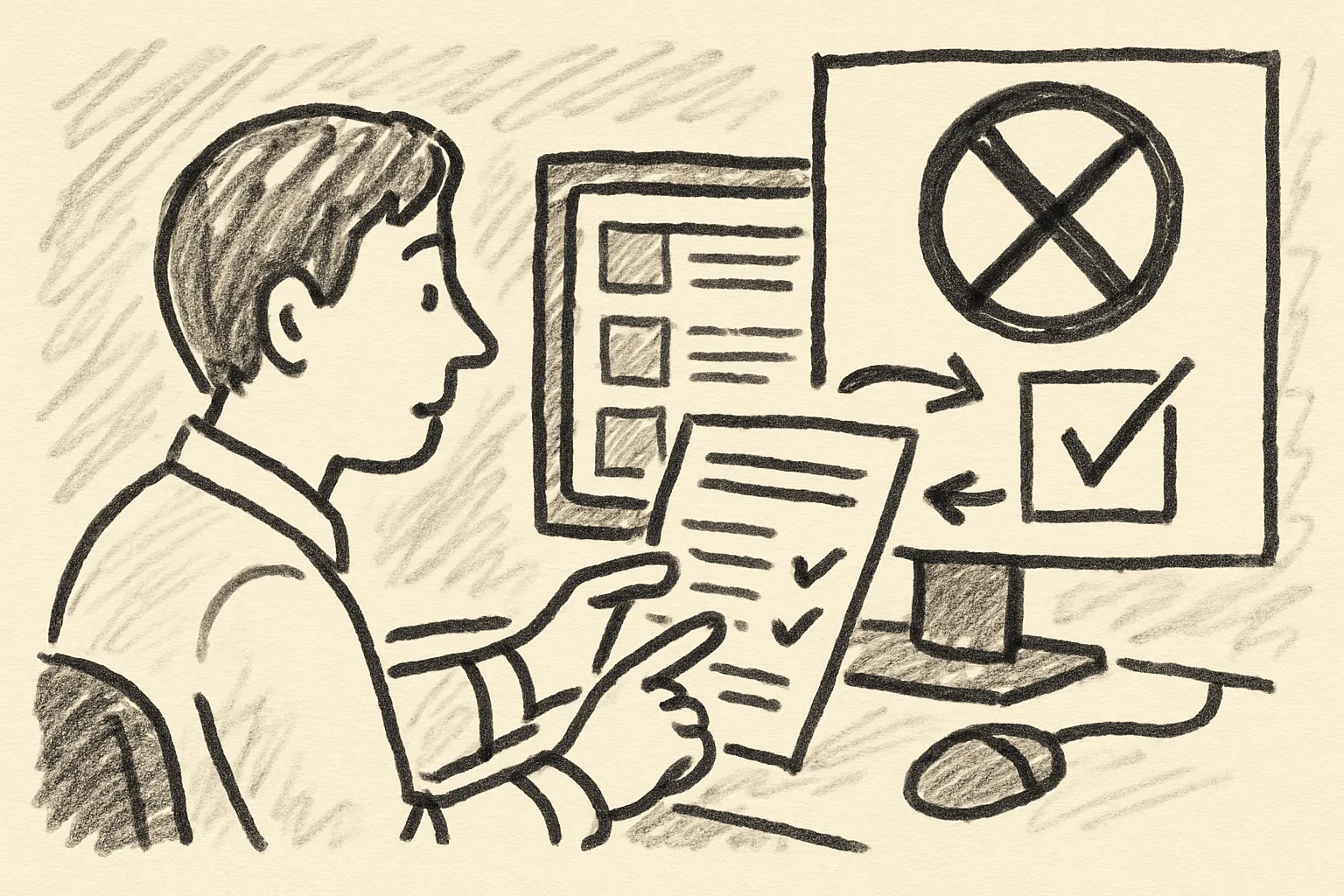
How to Use WhatsApp to Manage Buyer Communication in Classifieds
Learn how to use WhatsApp to manage buyer communication in classifieds with clear intake, templates, and deal confirmation.
On this page
- When WhatsApp Is the Right Channel for Classifieds Buyer Chats
- Set Up a Separate WhatsApp Number for Buyer Enquiries
- Create a Contact Intake Routine Before You Reply
- Use Short Templates for Common Buyer Questions
- Move the Conversation from Chat to a Confirmed Deal
- Protect Your Privacy While Chatting on WhatsApp
- Track Active Leads and Follow Up Without Losing Messages
- Know When to End a Chat or Move the Buyer Back to the Listing

When WhatsApp Is the Right Channel for Classifieds Buyer Chats
WhatsApp works best in classifieds when the buyer already wants a quick answer. A person asking, “Is it still available?” usually expects a fast back-and-forth, not a formal email thread. That is the sweet spot.
For meetup details, it works even better. A buyer may need a street name, a time window, or a landmark near the station, and those details change faster than a listing page. One short chat can settle it in 3 messages.
WhatsApp also helps with follow-up questions that would clutter the listing. A buyer might ask about a scratch on a chair, whether the charger is included, or if pickup must happen today. Those are simple yes-or-no points, and they fit chat neatly.
It should not replace the listing itself. The listing still carries the price, condition, and main photos, because the listing is public and WhatsApp is private. If the buyer keeps asking basics already shown in the ad, send them back to the listing once, not five times.
If you want a broader selling workflow for marketplaces, see वर्गीकृत विज्ञापनों पर बेचते समय शिपिंग for a related caution on shipping conversations. The same habit applies here: keep the chat focused on the deal, not on endless side topics.
Set Up a Separate WhatsApp Number for Buyer Enquiries
A separate number makes classifieds easier to manage on day 1. It keeps buyer messages away from family chats, school groups, and the random message about dinner plans that always arrives while you are negotiating a table.
Use a dedicated profile name that matches your classifieds identity. If your ad is posted under “Maya,” then “Maya Listings” or “Maya Sales” is easier for buyers to recognize than a nickname that looks personal. Trust rises when the chat name and the ad name line up.
Add a plain business photo, not a holiday selfie. A logo, a shop sign, or even a clean image of the item category works better than a blurry portrait. One clear image can make the number feel organized in 2 seconds.
Set a status that tells buyers what to expect. “Replies between 9:00 and 18:00” is better than silence. A buyer who sees that line knows not to wait for an instant answer at midnight.
This is also the point where the phrase how to use WhatsApp to manage buyer communication in classifieds becomes practical, not theoretical. A separate number, a matching profile, and a clear status turn one noisy inbox into a manageable work channel.
Create a Contact Intake Routine Before You Reply
A good intake routine saves time on every chat. Instead of answering vague “hi” messages with a full paragraph, ask buyers to send 3 details first: the item name, their preferred pickup day, and their area or neighborhood.
That one habit filters out lazy enquiries fast. A serious buyer will answer. A casual browser often disappears after the second request, which is useful information.
You can also ask for one exact question at the start. For example: “Please send the item name and your pickup time, and I’ll confirm availability.” This keeps the chat tidy and reduces the back-and-forth that eats an afternoon.
Do not ask for too much. A 5-field form inside chat feels like homework, and buyers leave. Three points is enough in most classifieds chats.
If a buyer still writes only “details?”, send them the listing link once and then repeat the intake request. The goal is not to be difficult; the goal is to avoid ten replies that say nothing new.
Use Short Templates for Common Buyer Questions
Templates are useful because the same questions appear again and again. “Is it still available?” arrives first, then condition, then pickup, then payment. If you type each reply from scratch, the day goes quickly.
Keep the templates short enough to send in one screen. A good answer is often 1 or 2 sentences. Long explanations make even a simple chair sound complicated.
Try a few basic snippets:
- Availability: “Yes, it is still available. If you want it, send your preferred pickup time.”
- Condition: “The item has the marks shown in the photos. Everything else is as listed.”
- Location: “Pickup is near Central Station. I’ll share the exact meeting point after we confirm a time.”
- Payment: “Cash on pickup is fine. If you prefer transfer, send proof before we meet.”
- Timing: “I can meet today after 16:00 or tomorrow morning.”
Templates also reduce mistakes. If you have already written the exact pickup time once, you are less likely to forget it the second time. That matters when 4 buyers ask about the same sofa.
Keep the tone human. A template does not need to sound stiff. “Yes, still here” is perfectly fine if the rest of the message gives the buyer what they need.
For related safety habits, the article on वर्गीकृत विज्ञापनों पर बेचते समय शिपिंग is a useful reminder that short replies are not the same as careless replies. A short reply can still be careful.
Move the Conversation from Chat to a Confirmed Deal
Once the buyer seems serious, confirm the 4 basics in writing: the item, the price, the meeting method, and the next step. If one of those items is missing, the deal is still soft.
A clear confirmation message might say: “Confirmed: the blue desk for 80, pickup near Park Road at 17:30, cash on arrival, and I’ll send the exact pin when you are on the way.” That one sentence reduces confusion later, which is exactly what you want before meeting a stranger.
Do not reserve an item on vague interest. “I’m thinking about it” is not a hold. If you hold too early, another buyer may disappear while the first buyer is still deciding between today and tomorrow.
Ask the buyer to reply with a simple yes, not a paragraph. A direct “Yes, confirmed” creates a record in chat that is easy to find later. That matters if the meeting time changes by 30 minutes.
When a deal gets close, keep the conversation on one track. Price changes, item questions, and location details can all live in the same thread. Splitting them across 2 apps is how people miss the one message that mattered.
Protect Your Privacy While Chatting on WhatsApp
Do not hand out personal details too early. A buyer does not need your home address, your second phone number, or your travel plan for Thursday. They need the meeting point and the item condition.
Use a public meetup place when possible. A station, café, or building lobby is easier to manage than a private address, especially during the first exchange. If the item is large, choose a daylight pickup and share only the final details after confirmation.
Turn off features that reveal too much about your activity if you want less exposure. Last seen, profile photo visibility, and read receipts can all affect how much a stranger learns from one chat. Small settings, real consequence.
Be careful with voice notes too. A voice note can reveal accent, background noise, or household details that text would not. Text keeps the record clean.
Never send payment links or photos of identity documents unless the deal truly requires it. Most classifieds sales do not. If a buyer asks for extra proof that feels off, slow down and verify the request before replying.
Track Active Leads and Follow Up Without Losing Messages
Active leads are easy to lose when 8 chats arrive in one morning. A simple tracking routine helps: mark serious buyers, archive old threads, and keep a note of the last promised step. Even a paper list works.
You can use a basic three-part system: hot, waiting, and closed. Hot means a buyer has confirmed timing. Waiting means you sent a reply and expect one back. Closed means the item sold or the buyer vanished.
Write the item name next to each lead. “Desk - Tue 17:30,” “Lamp - waiting on photo,” and “Chair - closed” are enough. The goal is not perfect recordkeeping; the goal is remembering who said what.
Follow up once, not endlessly. A message like “Checking if you still want the bike” is fair. Three messages with no answer usually means the buyer moved on. That is a consequence worth accepting.
If you need a safer approach to exchange details, keep one eye on वर्गीकृत विज्ञापनों पर बेचते समय शिपिंग because the same discipline helps you spot strange requests before they waste your time. A seller who tracks chats well also spots odd behavior sooner.
Know When to End a Chat or Move the Buyer Back to the Listing
Some chats never become deals. A buyer may keep asking the same question, ignore the confirmed time, or vanish after saying “later.” At that point, end the chat politely and move on.
A simple closing line works: “No problem, I’ll keep the listing active if you want to revisit it.” That message leaves the door open without promising anything. It also stops the chat from dragging into another 12 messages.
If the buyer says the item details are unclear, send them back to the listing instead of retyping the whole description. The listing should answer the basics. A chat should handle the exceptions.
No-shows need a firm line. “I waited until 18:00, so I’ve reopened the item for others” is clear and fair. It protects your time and prevents a second wasted trip to the meetup point.
If the buyer comes back after disappearing, ask them to reconfirm the 4 basics again. People forget, plans change, and the chat history may be buried under 20 other messages. One fresh confirmation is better than guessing.
There is a point where ending the chat is the cleanest move. That is not rude. It is part of managing classifieds properly, and it keeps WhatsApp from turning into an all-day waiting room.