What Changed Recently in Classifieds Moderation Rules and What Should I Do Now
Learn what changed recently in classifieds moderation rules and what should I do now, from policy updates to listing fixes.
On this page
- What Changed Recently in Classifieds Moderation Rules and What Should I Do Now
- 1. Quick sense check: is this a moderation-rule change or a listing issue?
- 2. What to review first in the updated rules
- 3. New moderation signals that can affect a live listing
- 4. What to edit, remove, or re-submit now
- 5. How to respond if a post was approved before but fails now
- 6. Safe next steps for sellers with multiple active listings
- 7. When to ask support, and what to include
What Changed Recently in Classifieds Moderation Rules and What Should I Do Now
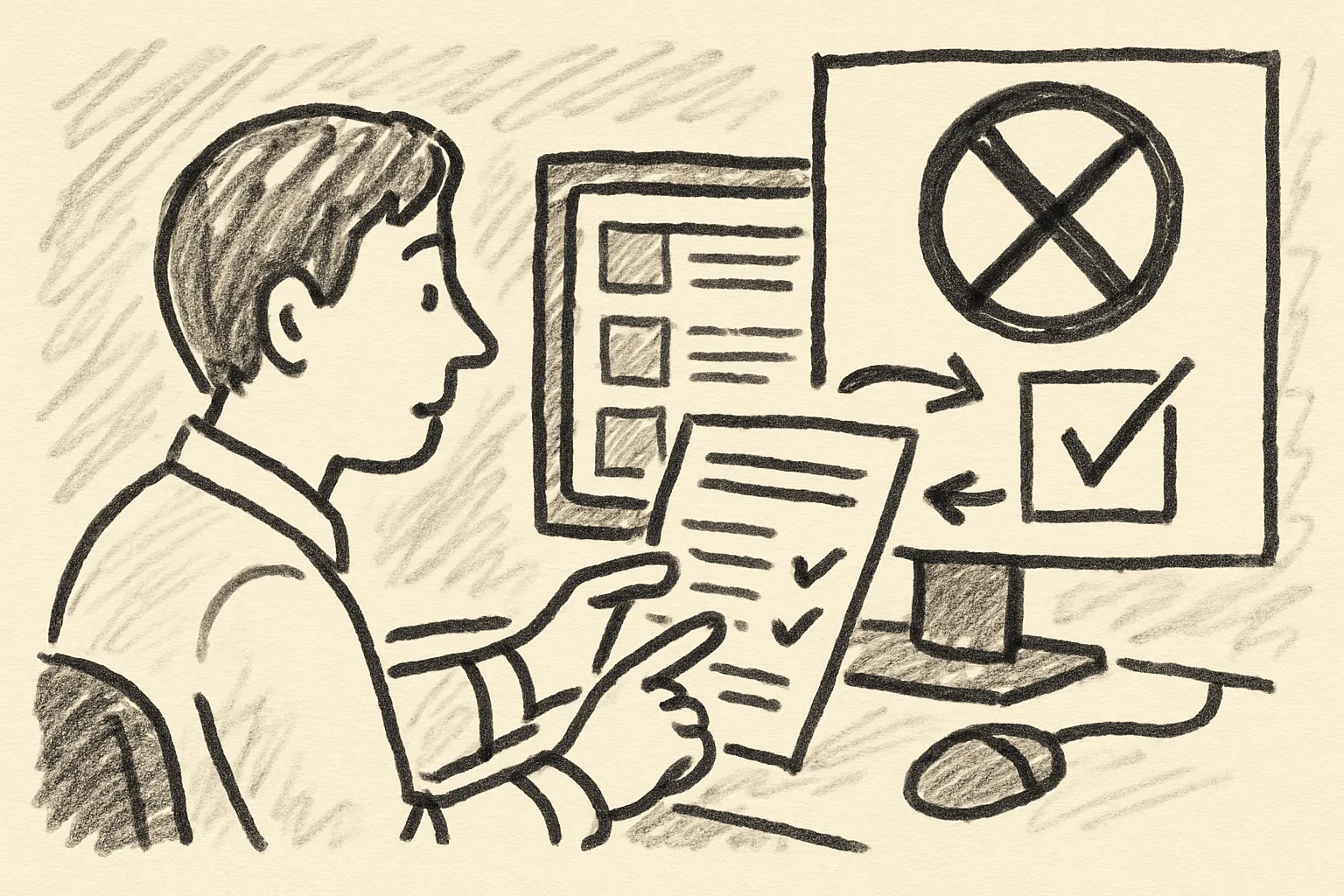
If you are staring at a removed post and asking what changed recently in classifieds moderation rules and what should I do now, start with one simple question: was this a policy changes update, a one-off listing takedown, or routine listing moderation? The answer matters because each one points to a different fix, and guessing wrong can cost you a second review that fails for the same reason.
A listing moderation action can feel random. It often is not. A post can be reviewed because of wording, images, category mismatch, or an account pattern that the platform now treats more strictly, and the message you receive may be short enough to be annoying rather than helpful.
One seller sees “pending review.” Another sees “removed.” A third sees nothing at all, only lower visibility and fewer replies. Those are not the same outcome, even if they arrive on the same day.
1. Quick sense check: is this a moderation-rule change or a listing issue?
Look at the timing first. If several posts changed status after a platform notice, banner, or help-center update, that points toward policy changes. If only one listing was flagged, the issue is more likely tied to that post’s content, photo set, category choice, or contact details.
Check whether the listing was edited before the flag. A tiny change, such as swapping a photo or adding a phone number, can trigger new listing moderation even when the post was fine yesterday. That happens more than sellers expect.
Sometimes the platform is not saying your item is banned. It is saying the post now needs a closer look. That is a different problem.
Also compare the current message with the old approval record. If the post once passed and now fails, the cause may be a rule update, but it may also be a fresh content scan applied to older inventory. The result looks the same from the outside, which is annoying and very common.
2. What to review first in the updated rules
Start with the platform notices. A small banner can point to recent policy changes, and that notice often appears before the help center article is updated. If you skip it, you may miss the one rule that explains the flag.
Then open the help center and search the exact category name. A furniture rule and an electronics rule are rarely written the same way, and that detail matters when the moderation system classifies the listing. Search terms beat broad browsing here.
Your seller dashboard is next. Many platforms place review notes, edit requests, or status changes there before they send a fuller email. One line in the dashboard can save twenty minutes of guessing.
After that, check email alerts and in-app banners on the same day. A rule update sent on Tuesday might not affect a listing until Friday, which is why the timing matters. I once saw a seller miss the clue because the message landed in promotions, not inbox.
- Platform notices for policy changes
- Help center pages for your exact category
- Seller dashboard review notes
- Email alerts with timestamps
- In-app banners shown after login
If you are also selling across borders, read the shipping guidance too. A post that looks harmless can be flagged once delivery language is added, especially if the buyer flow suggests off-platform payment or unclear fulfillment terms. For that kind of issue, वर्गीकृत विज्ञापनों पर बेचते समय शिपिंग can help you spot the parts that often trigger review.
3. New moderation signals that can affect a live listing
The first signal is auto-review. Your post may still be visible, but the platform can place it in a queue before full approval. That is not a rejection. It is a pause.
Limited visibility is another common sign. A listing can remain active yet receive fewer impressions, fewer saves, and fewer replies. Sellers often notice this only after three or four days, which is why the dashboard matters.
Then there is the edit request. The platform may ask you to remove a phrase, replace an image, or adjust a category before the listing can stay up. That is usually faster than a takedown, but it still means something in the post crossed a line.
Delayed approval can also show up on older listings that get rechecked after a small change. A title update, a new photo, or a contact field can send the item back into review.
Watch for short messages that name the problem indirectly. “Needs review.” “Not eligible.” “Content under evaluation.” Those phrases are not the same, and each one points to a different step. That distinction saves time.
For sellers who use external delivery, one bad pattern can spread. A post that promises shipping but does not explain who pays, when dispatch happens, or how tracking works can trigger extra checks. If that is part of your listing, the shipping article above is worth a look before you repost.
4. What to edit, remove, or re-submit now
Begin with the title. Remove words that sound promotional, absolute, or misleading, and keep the title literal. A title that says “best,” “guaranteed,” or “official” can cause trouble even when the item itself is ordinary.
Next, inspect the images. If a photo has watermarks, contact details, screenshots of conversations, or text overlays that change the item’s meaning, replace it. One photo can sink the whole listing.
Then check the category. Misfiled posts are a fast path to moderation. A sofa listed under office equipment, or a phone posted as accessories, may be read as an attempt to bypass rules rather than a simple mistake.
Review the contact details. If your number, handle, or email appears in the image or the description in a way the platform no longer allows, remove it and repost cleanly.
Scan the wording for prohibited phrases before you re-submit. Avoid claims about condition, authenticity, or availability that you cannot prove. If the item is used, say it plainly. If there is a defect, name it. Short sentences help.
- Edit the title to match the item exactly.
- Replace any image with text overlays or contact info.
- Confirm the category fits the item.
- Remove contact details from body text if required.
- Delete any prohibited wording before reposting.
One practical aside: do not rewrite the listing in a rush at midnight. That is how sellers leave the old problem in place and add a new one on top of it. Take five minutes, then read it as a buyer would.
5. How to respond if a post was approved before but fails now
Start by comparing the old version and the current version side by side. If the approved post now fails, something changed: the text, the photos, the category, the account history, or the platform rules since first approval. The fastest answer is usually in that comparison.
If the post is unchanged, the platform may have changed its moderation model. That happens. A listing that passed in March may get a new review in April because a category was added to a stricter filter or a scam pattern became more common.
Account-level changes matter too. A new phone number, a second login device, repeated edits, or a cluster of similar posts can all trigger fresh review. None of those factors prove wrongdoing. They simply change the risk profile.
Think in terms of evidence, not emotion. Keep the original approval email, the current moderation message, and the exact time each event happened. That is much more useful than a long explanation that starts with “I did nothing wrong.”
If the listing was approved before and later fails after a price drop, changed images, or a new shipping promise, treat it as a new listing version. The platform may see it that way too. A small edit can reset the whole process.
One seller I spoke with had a ten-line description approved in January and removed in February after adding a single sentence about delivery. That one sentence changed the review result. Small edits matter.
6. Safe next steps for sellers with multiple active listings
Do a bulk audit first. Open every active listing in the same category and compare the title, image style, category, and contact fields. If one post caused trouble, the others may carry the same issue in different clothes.
Prioritize the high-risk listings. Items that are expensive, high-demand, easily copied, or commonly used in scams deserve the first review. That includes electronics, branded goods, tickets, and anything with shipping attached.
Then look for repeated wording. If you copied the same phrase across 12 drafts, and that phrase is now a problem, all 12 drafts are at risk. Fix the pattern, not just the one post that got caught.
Create one clean template and one risky-template list. The clean template holds the parts that passed review. The risky list holds words, images, and category choices that led to flags. That split saves time later.
For sellers who post often, a weekly check is enough. Ten minutes can catch a problem before the platform does. If you wait for the takedown, you lose sales and you also lose momentum.
Watch shipping language closely if your market allows delivery. A misleading promise about postage, tracking, or buyer protection can make several listings look like one pattern. For that reason, the shipping guidance linked above is worth using before bulk reposting.
- Review all active listings in the same category
- Fix repeated wording across drafts
- Separate clean and risky template text
- Check shipping language on every post
- Repost only after the common issue is removed
7. When to ask support, and what to include
Ask support when the moderation message is vague, when an appeal was denied without detail, or when the same listing fails twice after you already edited it. Support cannot help much with “please check my post,” but they can work with specifics.
Include the listing ID first. Then add timestamps, screenshots, and the exact moderation message word for word. If the platform referenced a rule, quote the rule number or help-center section. That saves a full round of back-and-forth.
Also attach the version history if the platform shows it. A reviewer can see whether the problem came from a title edit, an image swap, or a category change. Without that record, you are asking them to search blind.
Keep the tone calm and short. State what happened, what you changed, and what you want next: review, reinstatement, or a rule explanation. Three sentences are enough.
If the post was removed after a recent update, mention the date of the notice and the date of the takedown. That timeline helps support connect your case to policy changes. If you can also point to a previous approval, include that too.
One last detail: do not send five tickets for one listing. One clean message with the listing ID, screenshots, and the exact moderation text gives you a much better chance than five separate notes sent in frustration.