How to report a suspicious listing on Admister
Learn how to report a suspicious listing on Admister with the right account, the in-listing report tool, and a clear factual note.
On this page
- When This Guide Applies
- Check Whether You Are Logged Into the Right Admister Account
- Open the Listing and Use the In-Listing Report Option
- Choose the Most Accurate Reason for the Report
- Add a Short, Factual Note About What You Saw
- Submit the Report and Confirm It Went Through
- What to Do If the Listing Is Still Visible Later
- When to Use a Different Admister Help Path
When This Guide Applies
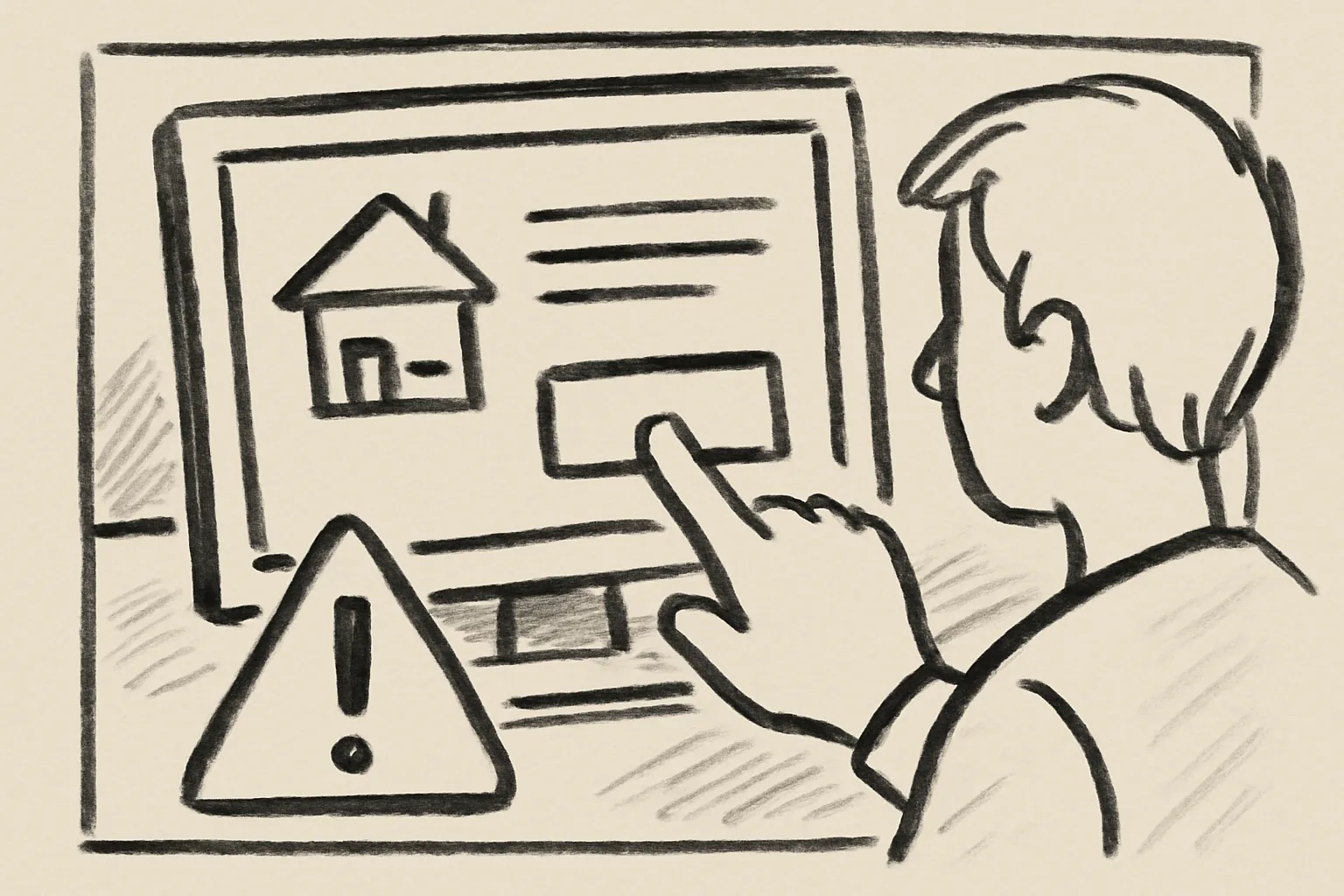
This guide is for one narrow situation: you see a suspicious listing on Admister, but you are not the buyer and you are not the seller. You are just the person who noticed it. Maybe you found it while browsing, maybe a friend sent it to you, or maybe it showed up in search and looked wrong at first glance.
The safe move is usually the fastest one. Open the listing, use the report control inside that listing, and avoid starting a long back-and-forth with the poster. That keeps the issue tied to the actual item page, which helps moderators look at the same details you saw. If you want a broader overview of the site, the page on how admister works gives the basic layout without turning this into a support maze.
One quick warning: do not treat a suspicious listing like a puzzle. You do not need to prove fraud. You need to flag what you saw. That is enough.
If the listing involves a phone number, payment prompt, or odd contact detail, keep your distance and do not copy it into chats or external notes unless you need it for the report itself. A short record is better than a messy one.
Check Whether You Are Logged Into the Right Admister Account
Before you report anything, check which Admister account is active. A shared laptop can log you into the wrong profile, and that can create avoidable confusion later. If the site shows your name, avatar, or saved settings, pause for 10 seconds and confirm they match the account you meant to use.
If you share a phone or public device, sign out first if there is any doubt. Then sign in with the account you actually use on Admister. Do not submit a report from someone else’s account just because it is already open. That is a small mistake, but it can make later follow-up awkward.
Sometimes the right choice is to do nothing until you are on a private device. That is not drama. It is caution.
If you think your own account has been accessed by someone else, stop and review keeping your account secure before you report the listing. A compromised account can create false reports, missed alerts, or strange activity in your name.
Open the Listing and Use the In-Listing Report Option
Go straight to the listing page. The report or flag option should be attached to that listing, usually near the title, seller details, or action menu. Use that control instead of trying to send a general complaint from somewhere else on the site. The listing itself is the place that matters.
Click the report option only after you have opened the full listing. That matters because the listing page usually shows the item title, images, description, and poster information in one place. If the listing has multiple photos or a long description, look at them first. One photo can be misleading; three photos can tell a different story.
A simple report path is best here. You are looking for how to report a suspicious listing on Admister, not how to build a case file. Short, direct, and inside the listing page. That is the point.
If you are unsure where the control sits, the help page for frequently asked questions may answer the basic interface question before you keep clicking around.
Choose the Most Accurate Reason for the Report
Pick the closest available reason, even if none of the labels sounds perfect. Report tools usually give a short list such as scam, misleading item, prohibited content, duplicate listing, or suspicious behavior. Choose the one that matches the problem best. Do not force a reason that sounds dramatic but does not fit the page.
If the listing seems fake, do not overthink the category. If it looks like an impossible bargain, a copied ad, or a post that conflicts with the images, choose the nearest option the form offers. If the listing is about a controlled item, a banned service, or something that appears to break site rules, select the reason that is closest to that rule breach. One click now is better than five guesses later.
Here, accuracy matters more than rhetoric. The moderators can read the listing; they need your report to point them in the right direction. A vague choice sends them on a longer walk.
If the listing is also tied to a broader buying issue, you can compare it with the guidance in staying safe as a buyer, but keep the report itself tied to the listing page.
Add a Short, Factual Note About What You Saw
Use the note field, if one appears, to describe only what you observed. Keep it short. Two or three sentences are enough. For example: “Photos show the same item used in several other posts. The price is far below similar listings. The description includes a phone number that does not match the account.”
Do not guess at motive. Do not write “this is definitely a scam” unless the form requires a plain label and nothing else. Write what you can see: repeated photos, mismatched details, broken grammar if it is relevant, or a contact request that pushes you off-platform. Facts travel better than suspicion.
One useful rule: if you cannot point to it on the page, leave it out. That means no stories about what “must be happening” behind the scenes. The report note is not a courtroom statement. It is a short description of the listing you opened five minutes ago.
Use numbers if they are real. Mention “3 identical photos” if there are 3 identical photos. Mention a “24-hour response demand” only if that exact demand appears. Small details help because they are concrete, and concrete details are easier to check.
Submit the Report and Confirm It Went Through
After you pick the reason and add the note, press the final submit button. Wait for the on-screen confirmation. It may show a message, a ticket number, or a simple success state. Save that confirmation if the site gives you one. A screenshot is fine.
Do not close the page too quickly. Some forms refresh after submission, and it is easy to miss the confirmation line. If you see a reference code, keep it with the date and the listing link. That gives you one clean record if you need to refer to the report later.
There is no reward for submitting twice in a row. One clear report is usually enough. If the site accepts the report and shows confirmation, stop there.
If you need help with another account-related step later, the support page for admister explains where the team expects questions to go, which can save time if your report raises a separate issue.
What to Do If the Listing Is Still Visible Later
Check the listing again after some time if you want to see whether it remains live. A listing staying visible does not mean nothing happened. Moderation can take a while, and the page may remain up while it is being checked.
If the same suspicious listing is still there and the details have changed, you can report it again through the listing page. Use the updated version only if there is actually something new to note, such as a new image, a different price, or a revised description. Do not send the same report five times because you are impatient. That creates noise.
Avoid contacting the poster just to ask why the listing is still up. You are a bystander, not an investigator. Reaching out can expose your account to unnecessary replies or pushback. Silence is usually the cleaner option.
If the listing disappears, that is the end of your part. No celebration needed. Just move on.
When to Use a Different Admister Help Path
Some cases do not belong in the in-listing report form. If you think an account has been taken over, if someone is in immediate danger, or if several listings appear to come from the same bad actor, use a different help route. The listing report is good for one page at a time. It is not built for every problem.
Account compromise is one example. If a seller profile suddenly posts strange items, odd contact details, or messages that do not sound like the usual owner, that can point to a security problem. In that case, start with account-related support and document the strange activity carefully. One compromised account can create many broken listings.
Urgent safety risk is another case. If the content suggests violence, exploitation, or a live threat, do not wait around for the normal flow. Use the fastest appropriate safety channel on the site and follow local emergency guidance if the situation is immediate. Do not rely on a listing report alone when there is real-world danger.
Multiple suspicious listings from the same source can also require a broader review. If the pattern is obvious across 4 or 5 posts, the issue may be bigger than one item page. Keep the listing report for the specific post, then raise the larger pattern through the proper support path. That gives moderators both the item-level detail and the bigger pattern.
For plain advice about the site’s contact routes, the how admister works page and the frequently asked questions section can help you decide whether the report belongs on the listing or somewhere else. A quick check now can save 20 minutes later.
One last practical point: if you are only a bystander, keep your report clean and your contact with the poster at zero. That is the safest default. Quiet reports are enough.