What fees apply to free classified ads after the free limit ends
Learn what fees apply to free classified ads after the free limit ends, including posting, continuation, and account-based charges.
On this page
- Definition: when a “free” classified ad stops being free
- What kind of fee usually appears next
- Who gets charged and when
- How this differs from optional upgrades
- Examples of free-limit fee scenarios
- How to check the fee rule before posting
- Related terms you may see in account screens
- Quick takeaway for users who want to avoid surprise charges
Definition: when a “free” classified ad stops being free
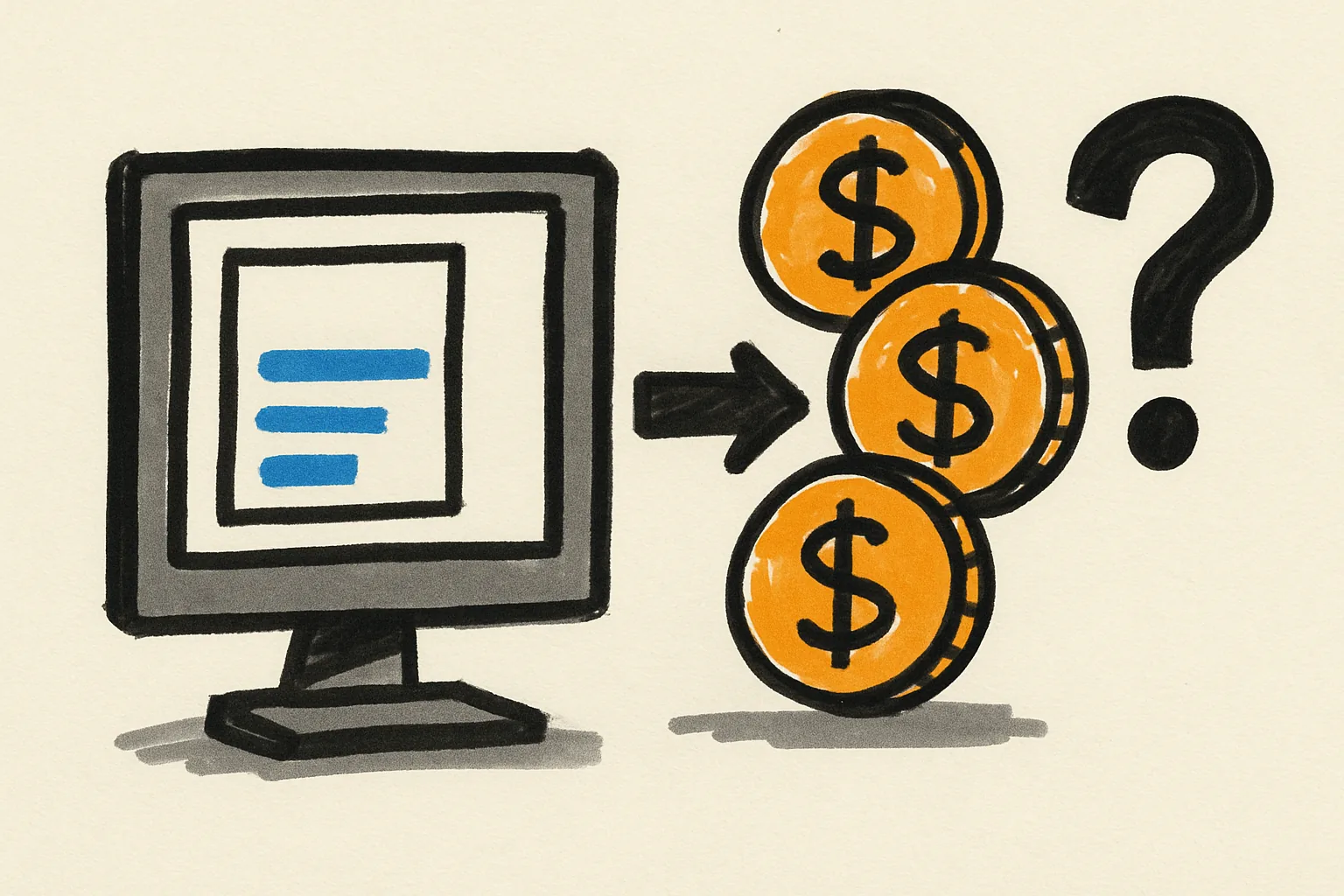
A free classified ad stops being free when it passes the site’s free allowance or posting cap and the system marks the listing as chargeable. That point can come before publication, at renewal, or after a quota is used up. The label does not matter. The trigger does.
In plain terms, the site is saying, “You already used the free slot.” If the category allows 3 free ads, the 4th one may carry a charge. If the rule is based on one free ad per account, the second ad can change the price path. Small rule, real consequence.
This is where readers often ask what fees apply to free classified ads after the free limit ends. The answer depends on the platform’s rule set, but the basic idea is simple: once the free cap is gone, the listing is no longer covered by the free offer.
Some sites apply the fee only after you press publish. Others show the charge earlier, at the posting screen or checkout step. If you want the broader process behind that screen flow, see how admister works.
What kind of fee usually appears next
The next charge is often a posting fee, a continuation fee, or an account-based listing charge. Those names sound different, but they all point to the same outcome: the site wants payment because the free limit has ended.
A posting fee is the most direct version. You pay to create the listing. A continuation fee is different; it appears when the ad remains active past the free period or past a free number of days. An account-based listing charge is tied to the user account, not just the single ad.
These fees can be shown as a fixed amount, a category charge, or a required fee before the listing goes live. No surprises are ideal, but some platforms are clearer than others. Read the wording line by line.
One practical detail matters: if the system says “free until limit reached,” then the charge is usually mandatory, not optional. That is not promotion. That is the base price for keeping the ad in the marketplace.
Who gets charged and when
In most cases, the original poster is charged. If the account belongs to a business or agency, the account holder may carry the fee instead. The site may tie the charge to the person who created the ad, the person who owns the account, or the person who exceeded the quota.
Timing can vary. Some platforms charge at publish. Others wait until renewal. Some only charge if the ad is reactivated after expiration. That means the same ad may be free on day 1 and chargeable on day 30, if the rule changes at renewal.
There is a simple risk here. A user posts one ad, sees no charge, then later renews it and gets billed. That bill is not a new promotion. It is the fee that appears because the free limit no longer covers the listing.
If account access is shared, the charge can land in the wrong place fast. One team member posts the ad; another receives the invoice. That is why checking keeping your account secure matters before any paid listing is approved.
How this differs from optional upgrades
Mandatory fees after the free limit are not the same as optional extras. A required listing charge is the price of entry once the free allowance ends. A boost, bump, highlight, or featured placement is an extra service layered on top.
That difference matters because the checkout page may show both. One line may be required to publish the ad. Another may be a choice you can switch off. If you confuse the two, you can end up paying for visibility when you only needed the listing itself.
A useful test is simple: would the ad still exist without the extra service? If the answer is yes, the extra is optional. If the answer is no, the fee is tied to the free limit ending.
Optional upgrades can make sense for a busy category, but they are not the same as the basic charge. The basic charge is triggered by the rule. The upgrade is triggered by your choice. Two lines. Two different reasons.
Examples of free-limit fee scenarios
Example 1: a one-off ad stays free. A seller posts a sofa, the category allows 1 free listing, and the ad publishes without a fee. That is the cleanest case and the least confusing.
Example 2: a seller posts too many ads in one category. A person lists 5 bikes in a category that allows 2 free ads, and the 3rd, 4th, and 5th postings may each trigger a fee. The site may count per day, per month, or per account. The number matters.
Example 3: a listing becomes chargeable only after renewal. The ad starts free, runs for 14 days, and then renewal requires payment. The first run is free; the continuation is not. That pattern catches people who assume “free” means forever.
There are also edge cases. A user may delete and repost the same ad, and the system may still count it against the quota. Another user may move a listing into a different category and find a different free limit there. Small category change, different bill.
If you are buying or selling and want to see how posting rules sit alongside buyer-side steps, the buying on admister guide is useful background.
How to check the fee rule before posting
The safest place to look is the pricing page, the category-specific posting screen, the help center, or the checkout summary. Do not assume a category works like another category. A jobs listing can follow different rules from a furniture listing, and a services listing can have its own cap.
Start with the category page. Look for any line about free ads, posting limits, or charges after the free allowance. If the screen shows a fee before you confirm, that is the clearest signal you can get.
Then check the help center. A platform usually explains whether the limit is daily, monthly, per account, or per category. If the language is vague, the category page often has the sharper rule.
Finally, stop at checkout. If the fee appears there, do not click through in a rush. Read the charge name, the count, and the timing. If a detail looks unclear, contact support through admister.
Related terms you may see in account screens
Free allowance means the number of ads you can post before paying. Listing cap means the upper limit. Quota means your remaining count. Overage means you went beyond the free amount. These words can all point to the same rule, but the account screen may use only one of them.
Renewal fee means the charge to keep the ad active after a term ends. Paid listing means the ad is no longer covered by the free offer. Continuation fee is similar, though some sites use that phrase only for time-based extensions. The wording shifts, but the billing event stays the same.
Overage is the one term people miss. It usually means you crossed the limit and now owe for the extra listing or extra period. If the screen shows “2 of 2 used,” the next post is not free. That is the whole clue.
Some platforms also show “free slot remaining” or “free posts left.” Those are friendlier labels for the same accounting idea. One slot left means one more chance to avoid the fee.
Quick takeaway for users who want to avoid surprise charges
Check the category’s free limit before posting. Then review the fee notice before you publish. If the ad is free now but may renew later, watch for a renewal fee or repost fee.
The clean habit is simple: look for the limit, look for the charge, then look again at the renewal date. That three-step check prevents the most common billing surprise. It also keeps a “free” ad from turning into a paid one without warning.
One last practical point: free-limit rules change more often than users expect. A category can have 1 free post today and a different cap next month. So the right answer is never guesswork.
If you want to compare the rule with broader site guidance, the frequently asked questions page is the best place to confirm the current wording before you publish the ad.